Classroom Spin Wheels – Student Pickers & Teaching Activities
The Classroom category on Spin The Wheel Random Picker is built specifically for teachers, tutors, and educators who want to make their lessons more interactive and fair. Whether you need to randomly pick a student to answer a question, assign a writing prompt, generate a debate topic, or choose a presentation subject without bias, these wheels handle the decision in seconds. Spinning a wheel in front of the class adds a visual element of excitement that keeps students engaged — the suspense of the wheel slowing down before landing on a name or topic naturally draws attention in a way that simply calling on someone doesn't. Every wheel in this gallery works instantly in any browser with no app download or account required, making it easy to pull up on a classroom projector or smartboard.
Browse Classroom Wheels
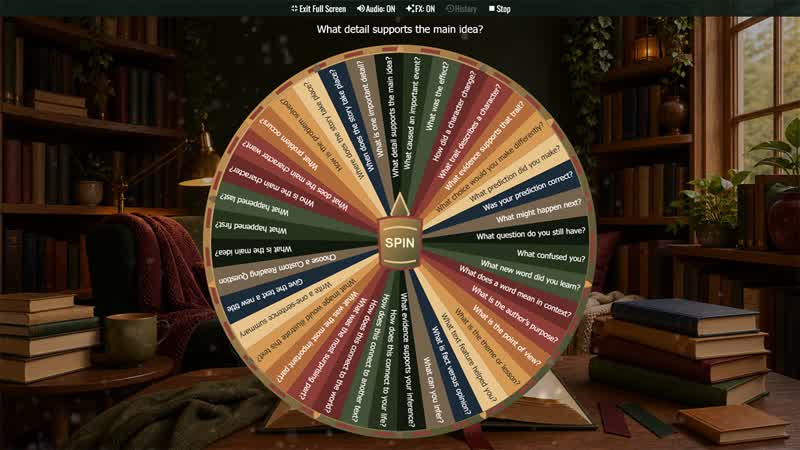
Reading Response Question Wheel
Choose a random reading response prompt for fiction, nonfiction, read-alouds, book clubs, independent reading, and classroom discussion.
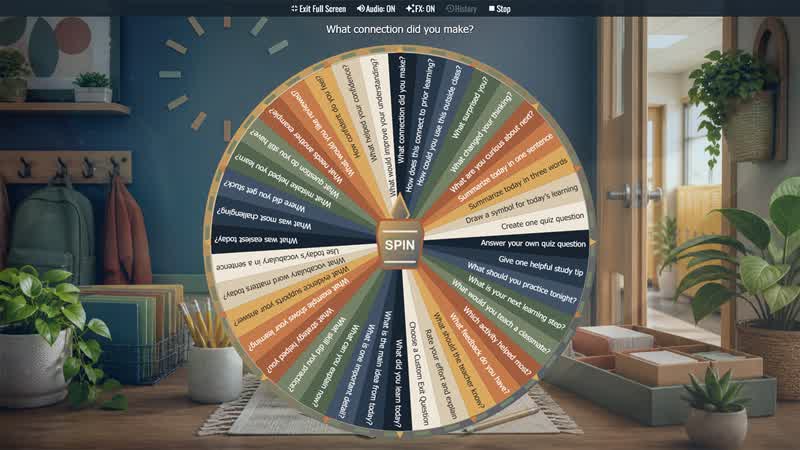
Exit Ticket Question Wheel
Choose a quick end-of-lesson reflection for classrooms, tutoring, workshops, review sessions, and formative assessment.
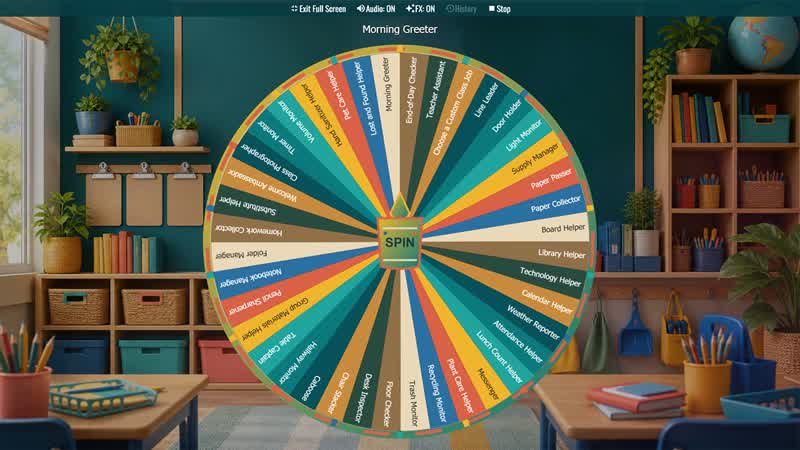
Classroom Jobs Wheel
Randomly assign classroom responsibilities for elementary classes, homeroom routines, weekly job rotations, and student leadership practice.
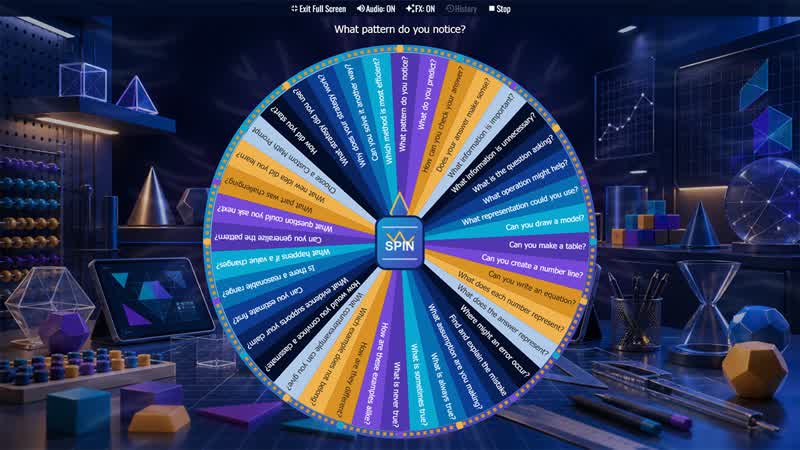
Math Talk Prompt Wheel
Choose a random discussion prompt to help students explain mathematical thinking during number talks, problem solving, partner work, and review.
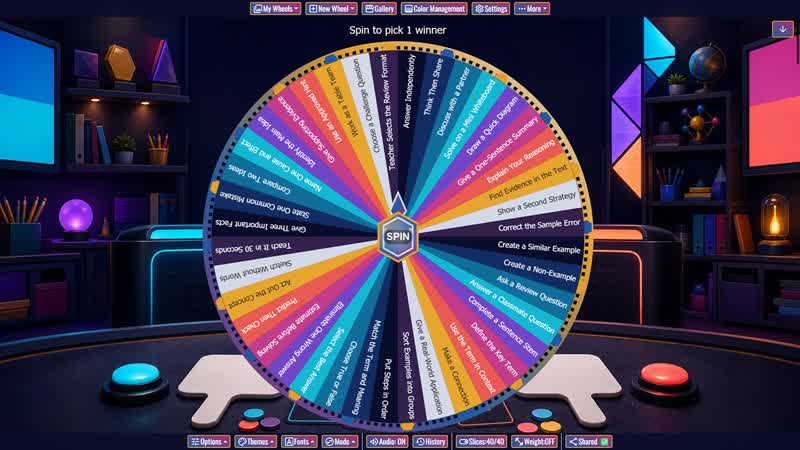
Classroom Review Game Wheel
Choose a random response format for test review, unit recap, quiz preparation, warmups, stations, tutoring, and whole-class learning games.
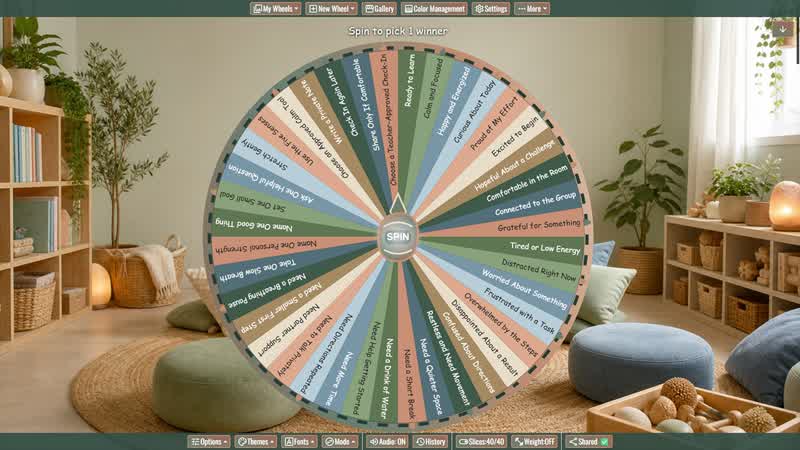
Social Emotional Check-In Wheel
Offer students a low-pressure way to reflect on readiness, request common classroom supports, or choose a brief teacher-approved regulation strategy.
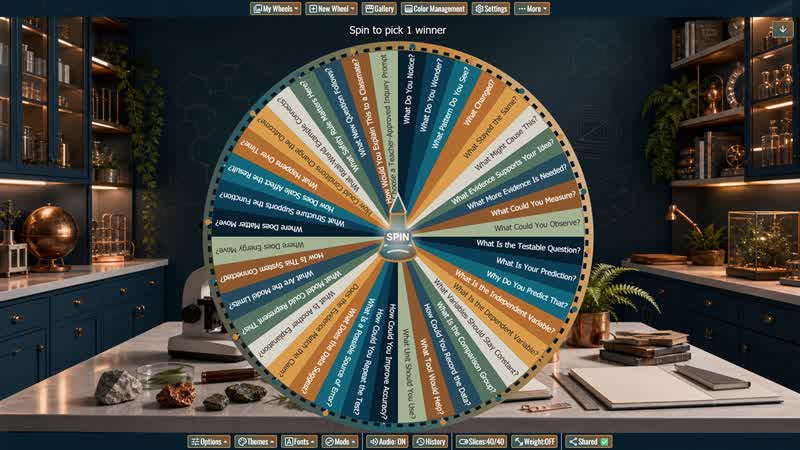
Science Inquiry Question Wheel
Choose a scientific-thinking question for demonstrations, investigations, labs, data analysis, phenomena, partner discussion, and formative assessment.
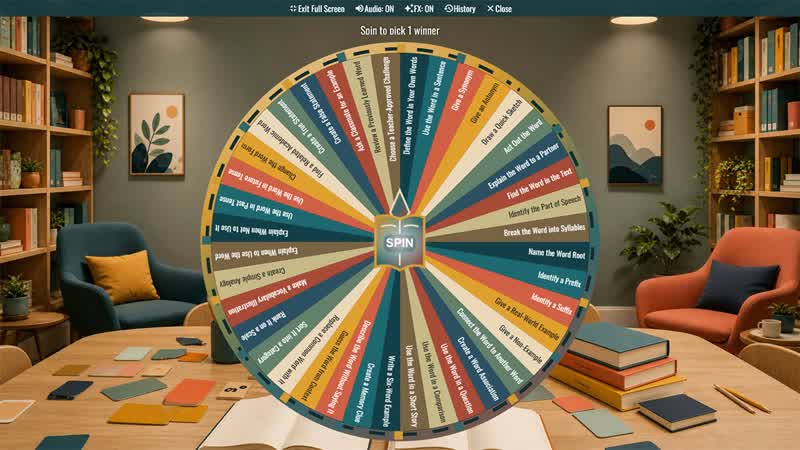
Vocabulary Practice Activity Wheel
Choose a random vocabulary task for language arts, science, social studies, math, ESL, tutoring, review, and word-study routines.
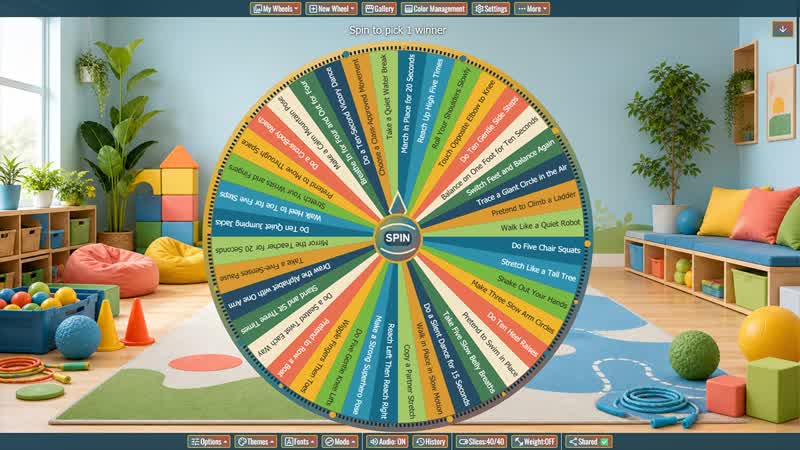
Brain Break Activity Wheel
Choose a quick, teacher-approved movement or calming reset between lessons, during transitions, or whenever students need renewed focus.
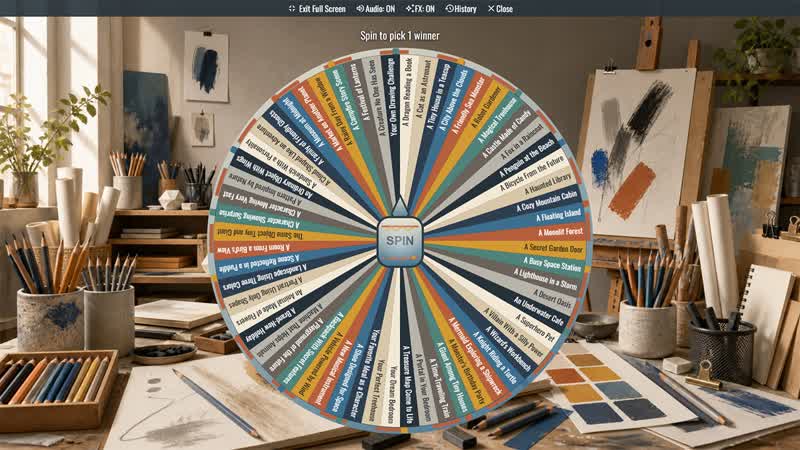
What Should I Draw Wheel
Choose a random drawing idea for sketchbooks, art class, creative warmups, family activities, drawing games, and overcoming artist's block.
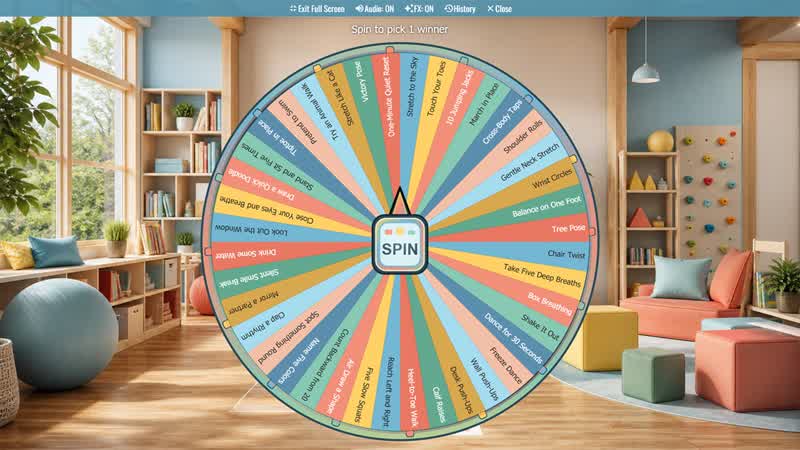
Brain Break Wheel
Use the Brain Break Wheel to choose a quick movement, breathing, focus, or classroom reset activity.
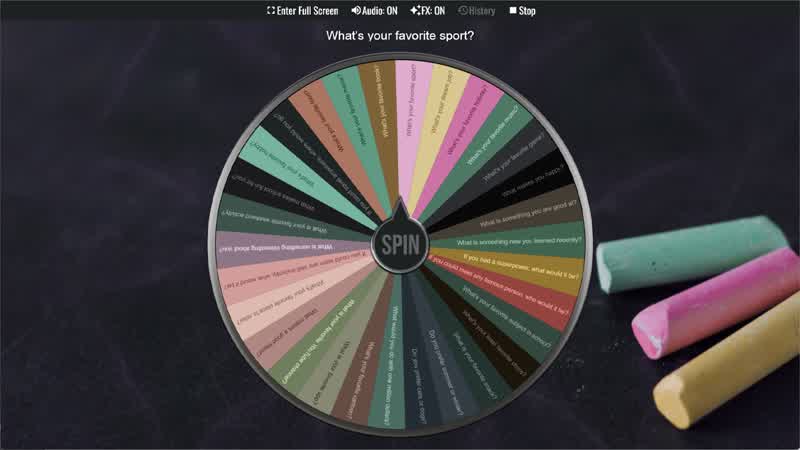
Classroom Icebreaker Wheel
Use the Classroom Icebreaker Wheel to randomly choose fun questions and activities to help students get to know each other.
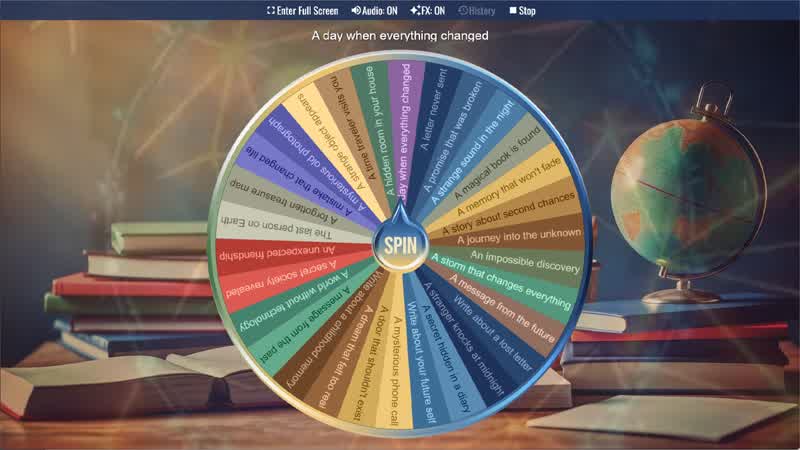
Writing Prompt Generator
Spin the Writing Prompt Generator Wheel to instantly get a creative writing idea or story prompt.
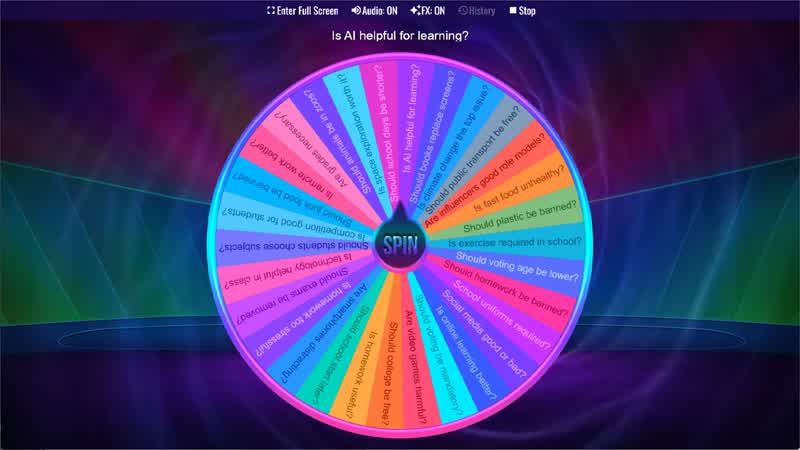
Debate Topic Generator
Use the Debate Topic Generator Wheel to randomly select a debate topic for classroom discussions or speaking activities.
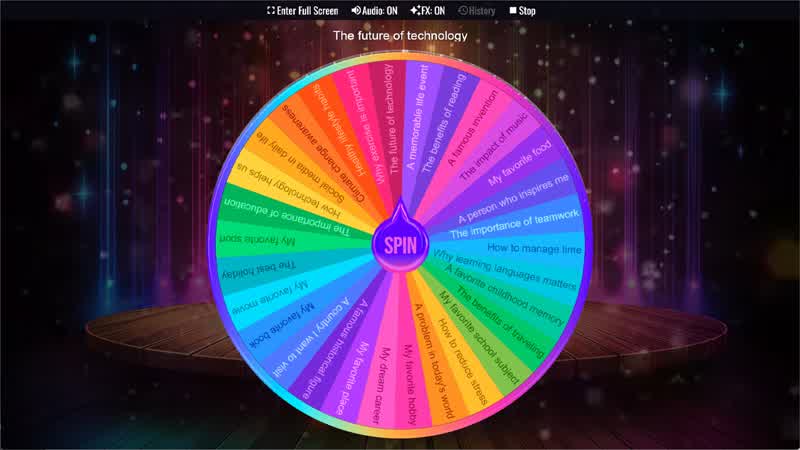
Presentation Topic Wheel
Use the Presentation Topic Wheel to randomly choose a topic for presentations, speeches, or classroom activities.
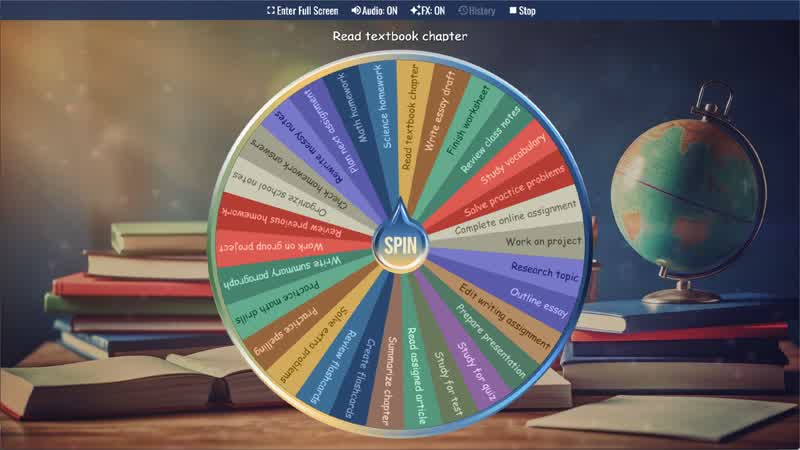
Homework Task Picker
Spin the Homework Task Picker Wheel to randomly select a homework task or study activity.
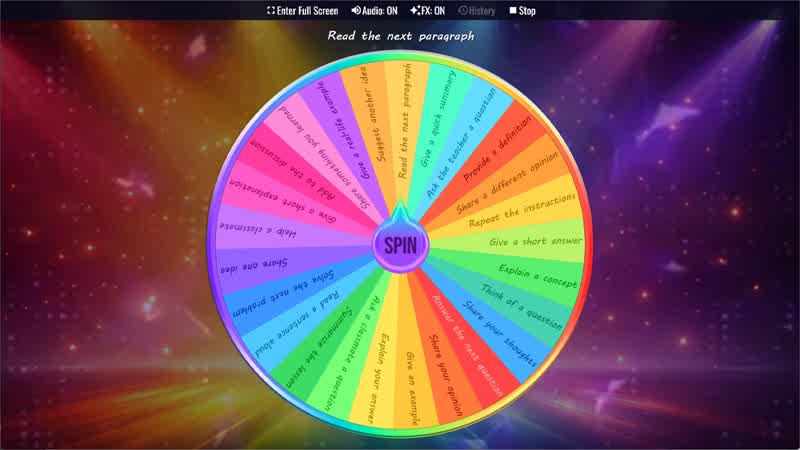
Classroom Participation Wheel
Use the Classroom Participation Wheel to randomly assign participation activities to students during class.
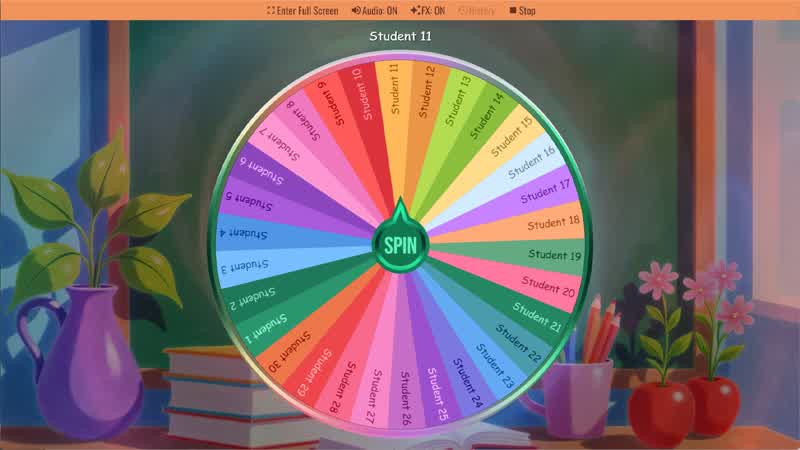
Random Student Picker
Spin the Random Student Picker Wheel to randomly choose a student for classroom participation or activities.
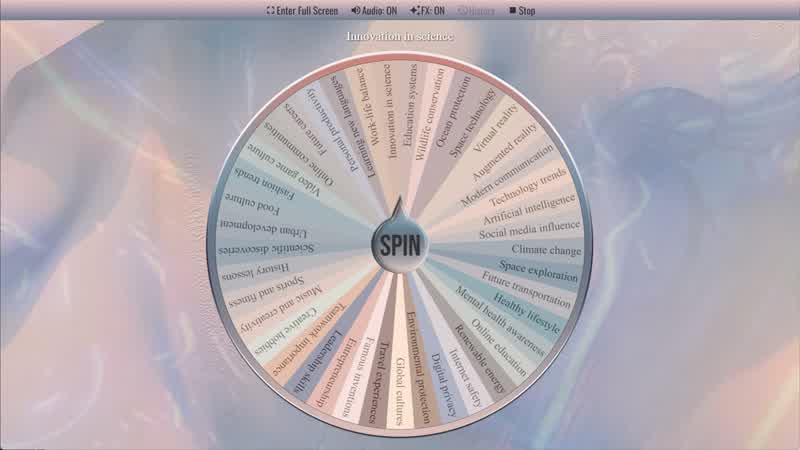
Random Topic Generator
Use the Random Topic Generator Wheel to randomly generate topics for writing, speaking, or discussion.
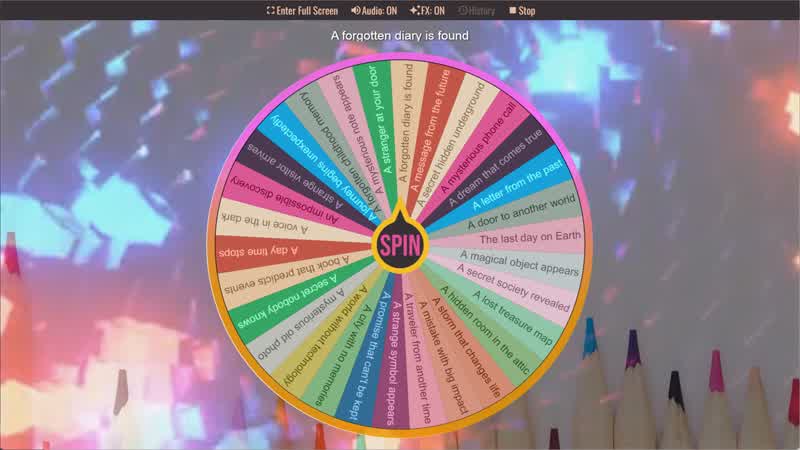
Story Prompt Generator
Spin the Story Prompt Generator Wheel to instantly get a random story idea or writing prompt.
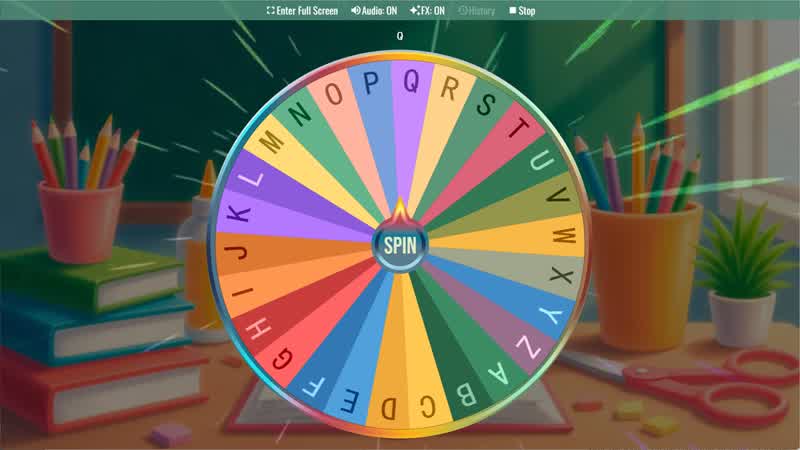
Random Letter Generator
Use the Random Letter Generator Wheel to randomly select a letter from the alphabet for games or learning activities.
About Classroom Spin Wheels
Each classroom wheel in this gallery is fully customizable. Duplicate any wheel into your personal collection and replace the default slices with your own students' names, your own writing topics, or your own task list. This makes it practical across every grade level and subject — a kindergarten teacher can load the Random Letter Generator with letters their class is currently practicing, while a high school English teacher can populate the Writing Prompt Generator with genre-specific prompts for a creative writing unit. The wheels save to your account automatically, so your customized classroom setup is ready every day without rebuilding it from scratch.
For more teaching and learning ideas, explore our random name picker wheels for choosing students or groups, spelling bee wheels for word practice, icebreaker wheels for classroom discussions, kids activity wheels for younger learners, and number wheels for math games, random groups, and classroom scoring.
Random Student Picker
The Random Student Picker is the most straightforward tool for classroom management — add your students' names as slices and spin to call on someone fairly. Because the selection is visibly random, students are less likely to feel singled out, and participation becomes an expected part of the class routine rather than something that feels targeted. Teachers frequently use it alongside the Classroom Participation Wheel, which assigns the type of participation activity — answering a question, reading aloud, summarizing a concept, or demonstrating a problem — rather than just picking who goes next. If you need a more general name-based tool, you can also browse the Names category for additional name picker wheels.
Writing Prompt Generator & Story Prompt Generator
Both the Writing Prompt Generator and the Story Prompt Generator carry 30 slices loaded with creative starting points for written work. They're useful at the start of a writing class as a warm-up, for timed free-write exercises, or any time students complain they don't know what to write about. The Random Topic Generator — the most-viewed wheel in this category with over 500 views — takes a broader approach with 41 topic options spanning writing, speaking, and discussion, making it versatile across English, language arts, and speech classes.
Debate Topic Generator & Presentation Topic Wheel
The Debate Topic Generator removes the awkward negotiation that happens when students get to choose their own debate sides or topics. With 30 pre-loaded positions covering a range of age-appropriate issues, a single spin assigns the topic immediately so the class can move into preparation time without delay. Similarly, the Presentation Topic Wheel is useful for public speaking units, speech class, ESL speaking practice, or any assignment where the topic is part of the challenge. Letting the wheel decide means every student faces a genuinely random subject, leveling the playing field between students who would have chosen easy or familiar topics and those who wouldn't.
Classroom Icebreaker Wheel
The Classroom Icebreaker Wheel packs 30 conversation starters and light activity prompts designed to help students get comfortable with each other at the start of a semester, after a break, or when a new student joins the class. Questions range from lighthearted personal favorites to hypothetical scenarios that spark discussion without requiring any prior knowledge. It's also a popular tool for the first days of school when building classroom community is the priority before academics begin. For more group discussion prompts, visit the Icebreakers category.
Random Letter Generator & Homework Task Picker
The Random Letter Generator covers all 26 letters of the alphabet and is one of the most-favorited wheels in the Classroom category. It's commonly used for alphabet recognition exercises with younger students, "name something that starts with..." vocabulary games, and as a starting constraint for creative writing assignments. The Homework Task Picker offers a different angle — spinning it assigns a study activity from a list of 30 options, turning homework selection into something students find surprisingly motivating when the wheel, rather than the teacher, is the one deciding what gets practiced that night. For spelling and word practice, the Spelling category is another good place to link students into related learning wheels.
Tips for Using Classroom Wheels on a Smartboard or Projector
Classroom wheels work best when the whole class can see the spin in real time. Open the wheel in a browser tab on the device connected to your display, then go full screen for maximum visibility. The spin animation and result display are designed to be readable from across a room. For student name wheels, consider removing a slice after it lands using the "remove winner" feature so the same student isn't picked twice in one session — this ensures everyone gets a turn across the class period or week. You can also share the wheel link directly with students so they can spin from their own devices for independent activities.
Classroom wheels can also work with other activity categories. Use game spinner wheels for review games, kids activity wheels for younger students, number wheels for math practice or random grouping, and decision wheels when students need a quick random choice for assignments, partners, or classroom tasks.