Random Student Selector – Spin the Wheel to Pick a Student
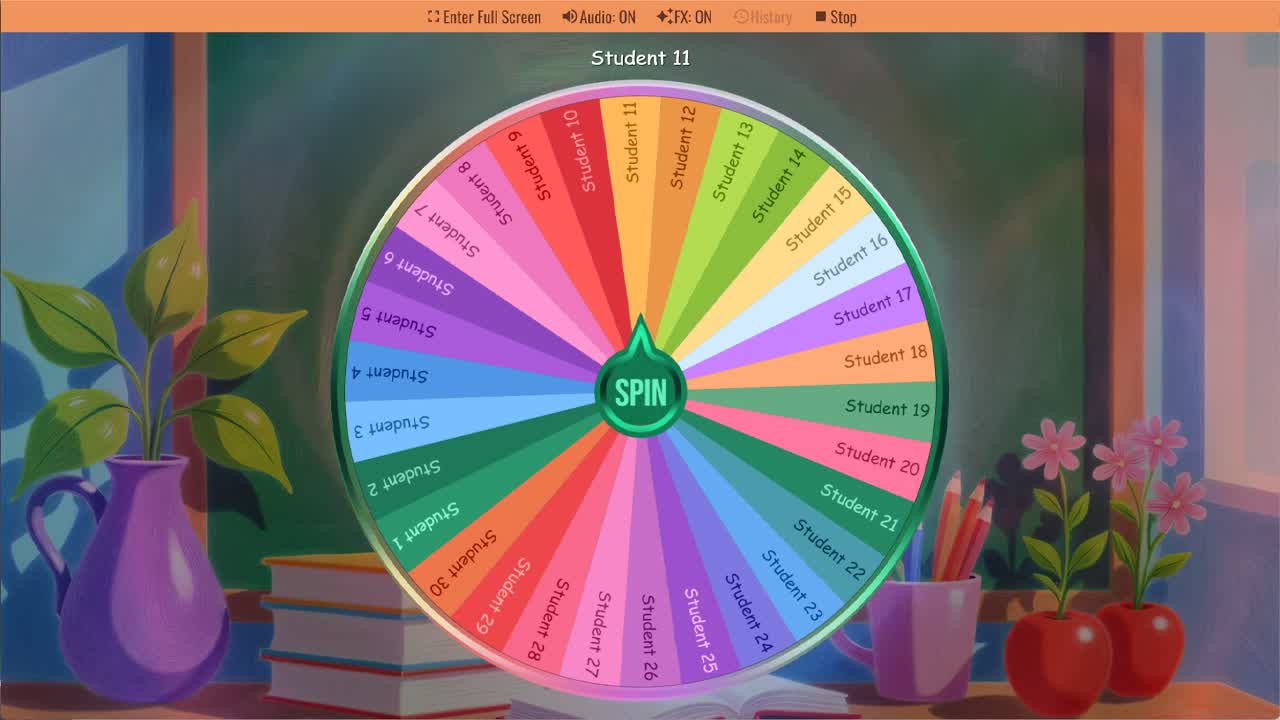
Spin the Random Student Picker Wheel to randomly choose a student for classroom participation or activities.
Deciding which student to call on next is something every teacher does dozens of times per lesson — and the way it's handled affects both fairness and classroom dynamics. When the same students are picked repeatedly, others disengage. When teachers try to track who's been called on manually, it's yet another thing to manage while simultaneously running a lesson. The Random Student Picker Wheel removes that cognitive load entirely. Spin the wheel and let it select a student at random, giving every student in the class an equal and transparent chance to participate.
This classroom student selector comes loaded with 30 placeholder slots labeled Student 1 through Student 30, ready to be customized with your actual class names. Duplicate the wheel into your account, replace the placeholders with your students' names, and you have a fully personalized random student picker you can use every lesson without any preparation. The spinning wheel format also adds a small element of excitement to the selection process — students pay attention when the wheel is spinning because they want to see whose name it lands on.
Why Random Student Selection Works in the Classroom
Random student selection is backed by decades of classroom research on equitable participation. When teachers consistently call on students who volunteer, they inadvertently create a two-tier classroom where engaged, confident students get more speaking time and practice, while quieter or less confident students receive less. Random selection disrupts this pattern by ensuring that everyone is equally likely to be called on, regardless of confidence level, seating position, or hand-raising habits. When students know the wheel determines who answers, there's also less social pressure associated with being picked — the selection isn't personal, it's random.
Uses for the Random Student Picker Wheel
This classroom randomizer tool can be used in nearly any teaching context that involves individual student response. Common uses include selecting which student answers a review question, choosing who presents first during student presentations, assigning roles in group activities, deciding who reads the next passage aloud in a shared reading activity, picking a student to explain their reasoning to the class after a problem-solving task, and selecting a student to lead a warm-up activity or summarize the previous lesson. Teachers running ESL or language classes find it particularly useful for ensuring all students get spoken English practice, not just those who volunteer.
Pair It With the Classroom Participation Wheel
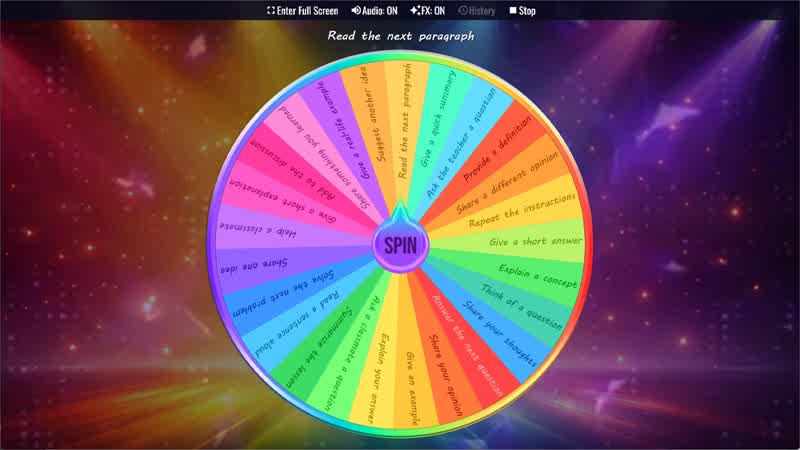
For maximum flexibility, this random student picker works particularly well when used alongside the Classroom Participation Wheel. First spin the Participation Wheel to assign a task — "Explain your answer," "Give a real-life example," "Ask a classmate a question" — then spin the Student Picker to decide who does it. This two-spin approach distributes both the tasks and the participants randomly, creating a completely fair and varied participation structure with no extra planning required from the teacher.
How to Set Up Your Class List
Setting up this student name picker for your class takes only a few minutes. Duplicate the wheel into your account, then edit each slice to replace "Student 1," "Student 2," and so on with your actual student names. If your class has fewer than 30 students, simply delete the extra slices. If you have more than one class, create a separate wheel for each and save them to your account — you can switch between class lists quickly when switching between periods. You can also share the customized wheel with co-teachers or teaching assistants who work with the same class.
Customize Your Random Student Picker
Beyond replacing names, this wheel supports several other customizations. Adjust slice weights if you want certain students to be called on more or less frequently — useful for differentiated instruction. Add color coding to visually group students by table, reading group, or ability level. Enable sound effects to make the spin more engaging. You can also adjust the wheel size, font, and colors to suit classroom display preferences, and save multiple versions for different groupings or activities throughout the school year.
For more classroom selection and participation tools, browse the Classroom category and Names category. This random student picker pairs well with the Student Name Picker, Classroom Participation Wheel, Classroom Icebreaker Wheel, Random Name Picker, and Random Letter Generator for fair student selection, classroom games, group work, reading turns, and participation activities.
Frequently Asked Questions
How do I add my students' names to this wheel?
Can I create separate wheels for different classes?
Is this Random Student Picker Wheel free to use?
Can I make certain students come up more often?
What can I use this wheel for in the classroom?
Can I share my customized student picker wheel with other teachers?
How to Spin and Customize This Wheel
- Click Spin This Wheel Now to spin the wheel and pick a random result.
- Use the Duplicate option to copy this wheel into your account.
- Edit the slices, change colors, add sounds, or adjust slice weights.
- Save your customized wheel and share it with others.
Related Wheels
Classroom Participation Wheel
Use the Classroom Participation Wheel to randomly assign participation activities to students during class.
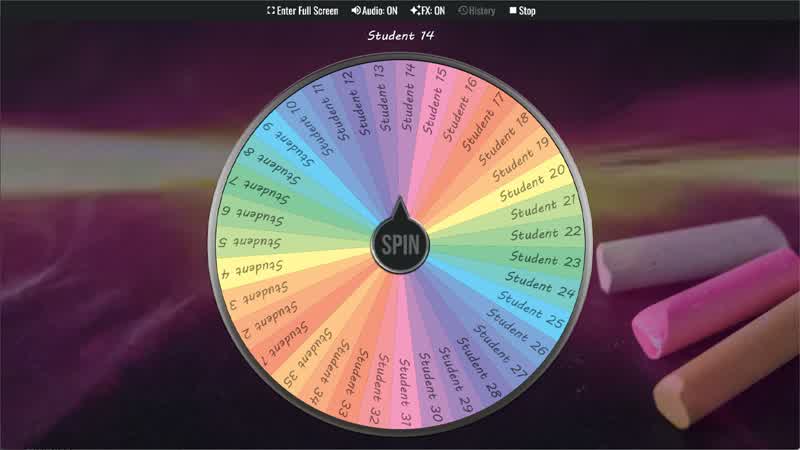
Student Name Picker
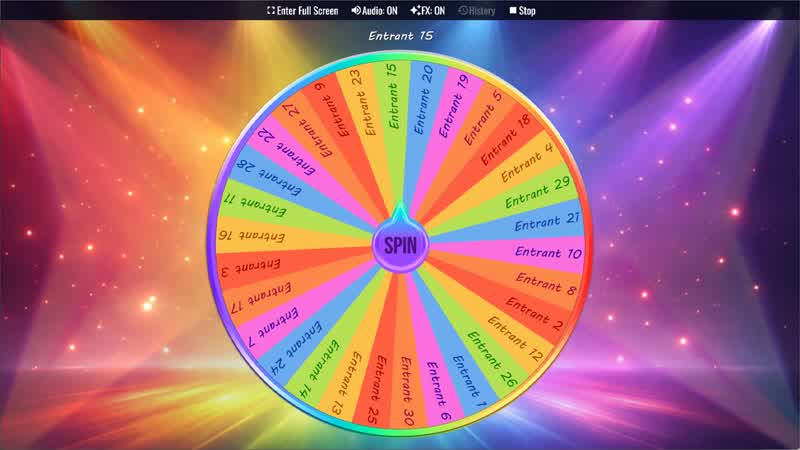
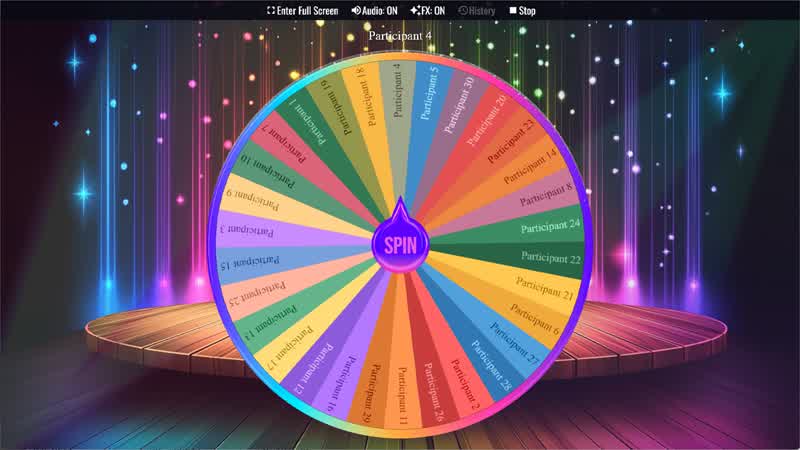
Use the Student Name Picker Wheel to randomly select a student name for activities, discussions, or classroom participation.
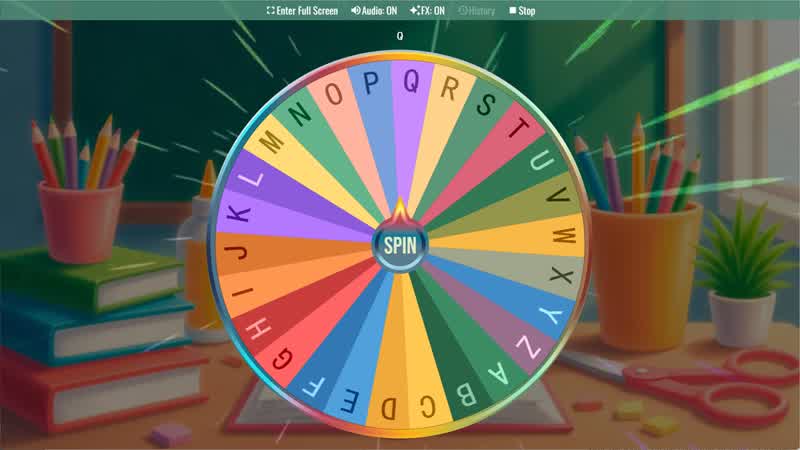
Random Letter Generator
Use the Random Letter Generator Wheel to randomly select a letter from the alphabet for games or learning activities.
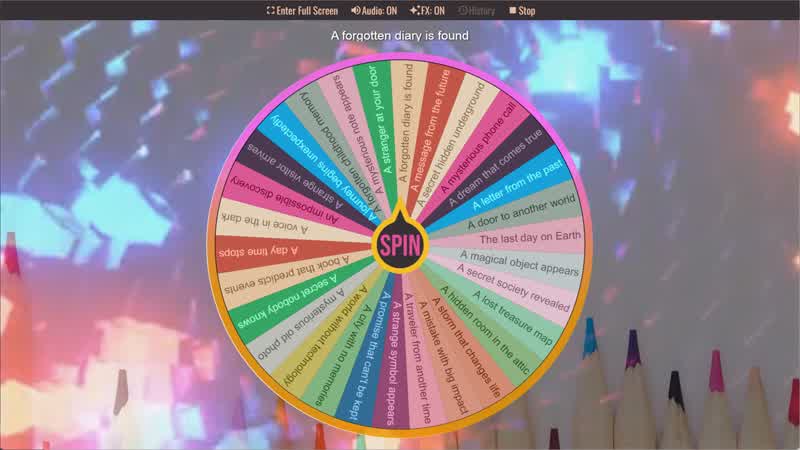
Story Prompt Generator
Spin the Story Prompt Generator Wheel to instantly get a random story idea or writing prompt.
Download the Spin The Wheel App
The app is also available to download for a faster, offline-capable experience on all your devices — available on Windows, Mac, iOS, Android, and Steam.