Classroom Jobs Wheel – Spin to Assign a Random Classroom Job
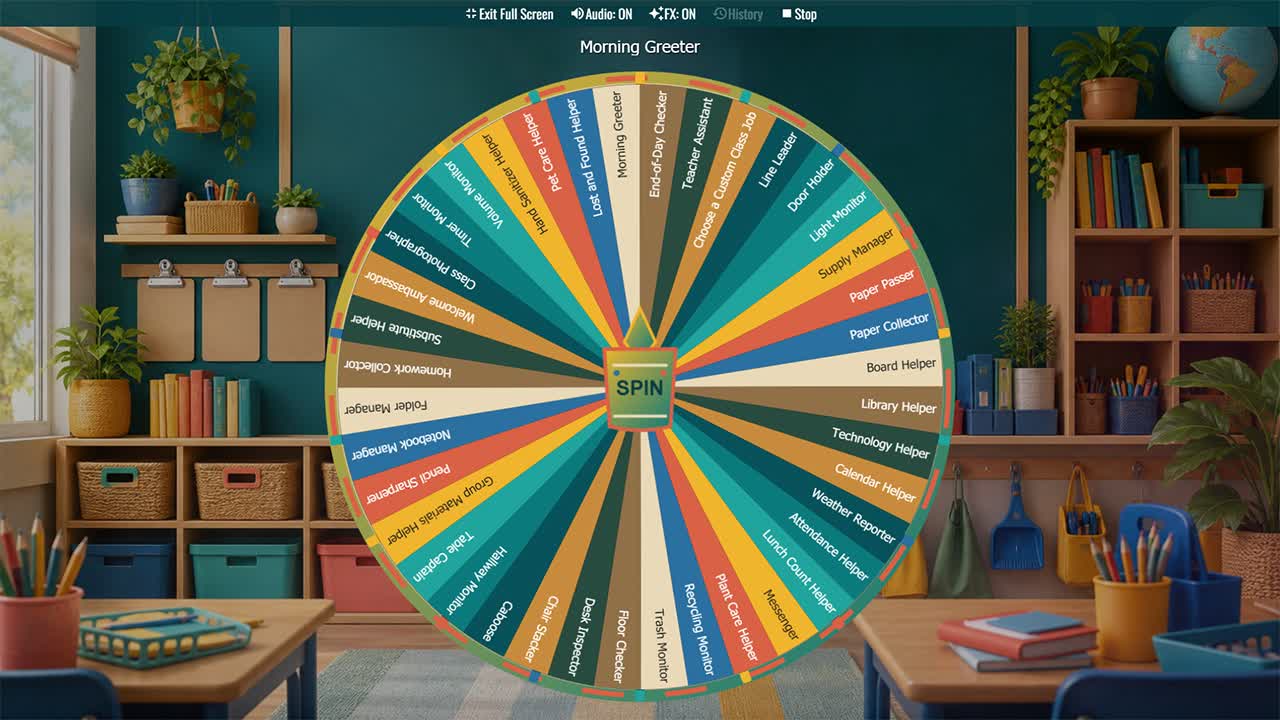
Randomly assign classroom responsibilities for elementary classes, homeroom routines, weekly job rotations, and student leadership practice.
The Classroom Jobs Wheel gives teachers 40 ready-to-use helper roles for sharing everyday responsibilities fairly. One spin can assign a line leader, supply manager, paper collector, technology helper, plant caretaker, morning greeter, recycling monitor, or another practical classroom task. A visible random selection can reduce arguments about popular jobs and make rotation feel more predictable, while the broad list helps students practice responsibility, cooperation, organization, and service. Teachers can spin once per student, assign jobs by table group, or choose only the roles needed for a particular week. The wheel is especially useful during back-to-school routines when procedures and community expectations are still becoming familiar.
Before assigning roles, explain each job clearly, demonstrate safe procedures, and match responsibilities to students' ages, abilities, access needs, and classroom rules. Remove jobs involving equipment, lifting, hallways, food, animals, or cleaning products when supervision or school policy makes them unsuitable. Keep a simple rotation record so every student receives meaningful opportunities, and avoid using classroom jobs as rewards or punishments. The wheel works on smartboards, projectors, tablets, computers, and phones and can be duplicated for any room. Add your own routines, rename jobs using familiar classroom language, or create separate daily and weekly versions. Thoughtful job systems help a classroom run smoothly while showing students that shared spaces depend on shared care.
How to Assign Classroom Jobs Fairly
Review the active jobs, spin for each eligible student, and record the assignment. Rotate on a consistent schedule and provide alternatives when a role is inaccessible or inappropriate.
Teach Responsibilities Before the First Rotation
Model where materials belong, how equipment is handled, and when each task begins and ends. Use visual reminders or partner support until routines become familiar.
Build Student Leadership and Community
Emphasize that every job contributes to the class. Recognize reliability, teamwork, and improvement without ranking one responsibility as more important than another.
Customize Your Classroom Job List
Duplicate the wheel and replace roles with the exact routines in your classroom. Create separate lists for primary grades, older students, laboratories, libraries, or homerooms.
Frequently Asked Questions
What is a Classroom Jobs Wheel?
How often should classroom jobs rotate?
Should every student have a job?
How do I make jobs accessible?
Can I customize the job list?
How to Spin and Customize This Wheel
- Click Spin This Wheel Now to spin the wheel and pick a random result.
- Use the Duplicate option to copy this wheel into your account.
- Edit the slices, change colors, add sounds, or adjust slice weights.
- Save your customized wheel and share it with others.
Related Wheels
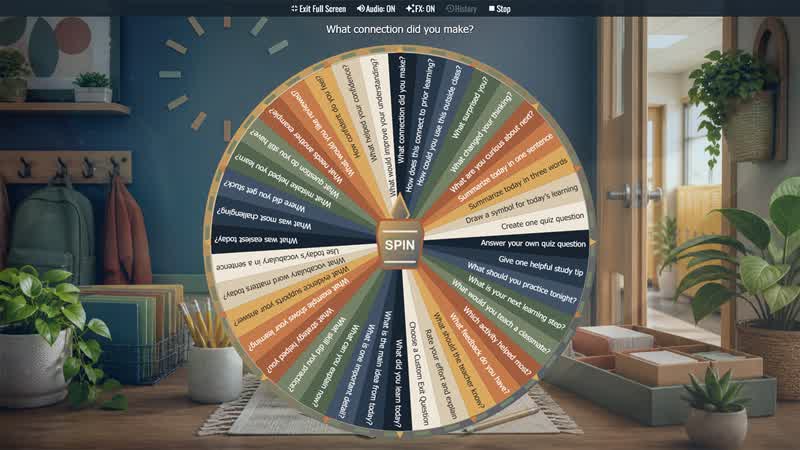
Exit Ticket Question Wheel
Choose a quick end-of-lesson reflection for classrooms, tutoring, workshops, review sessions, and formative assessment.
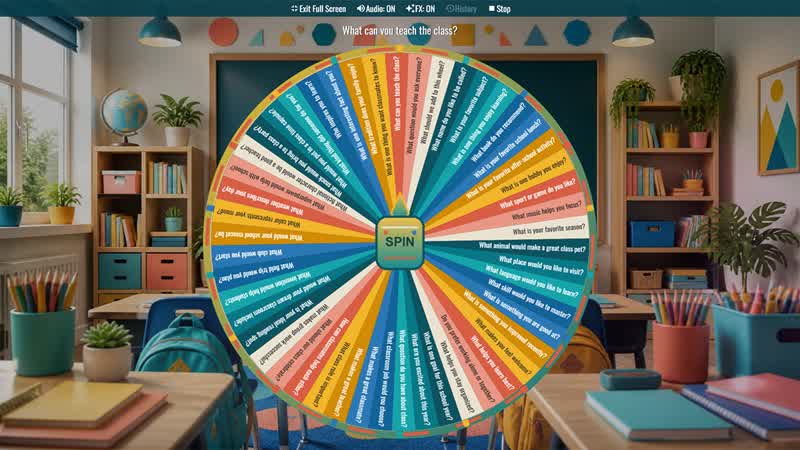
First Day of School Icebreaker Wheel
Choose a student-friendly question for the first day, back-to-school week, advisory, homeroom, morning meeting, or a new class group.
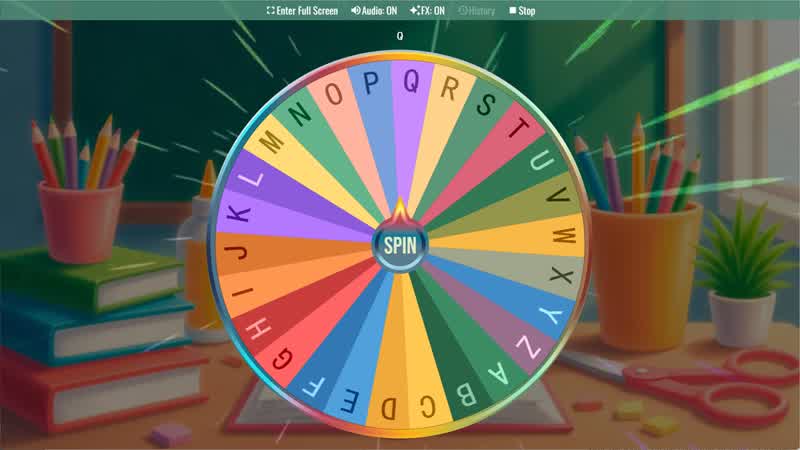
Random Letter Generator
Use the Random Letter Generator Wheel to randomly select a letter from the alphabet for games or learning activities.
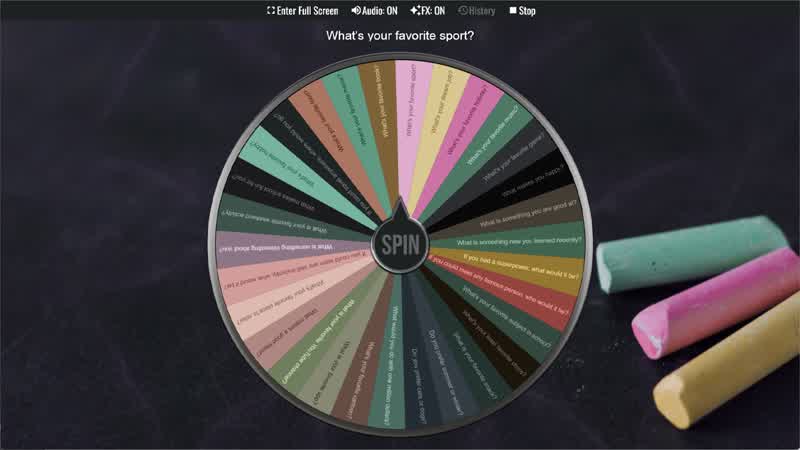
Classroom Icebreaker Wheel
Use the Classroom Icebreaker Wheel to randomly choose fun questions and activities to help students get to know each other.
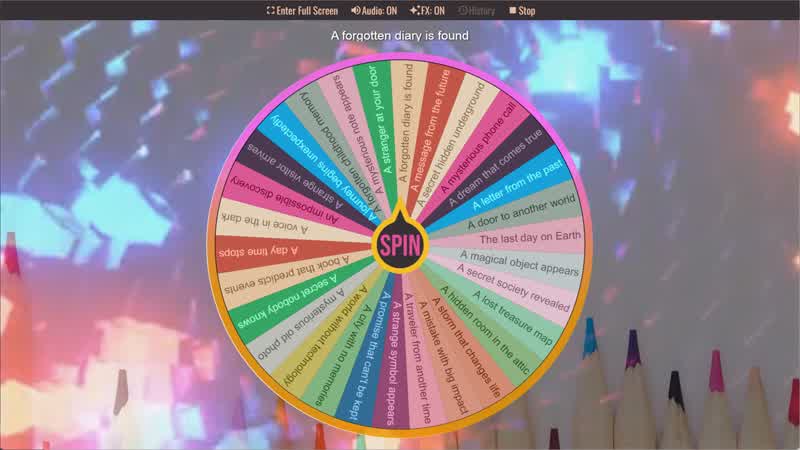
Story Prompt Generator
Spin the Story Prompt Generator Wheel to instantly get a random story idea or writing prompt.
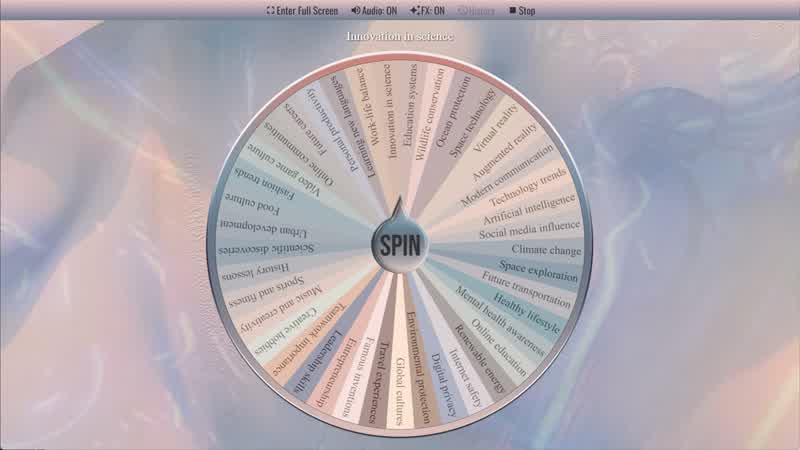
Random Topic Generator
Use the Random Topic Generator Wheel to randomly generate topics for writing, speaking, or discussion.
Download the Spin The Wheel App
The app is also available to download for a faster, offline-capable experience on all your devices — available on Windows, Mac, iOS, Android, and Steam.