Giveaway Winner Picker Wheels – Random Raffle & Prize Spinners
The Giveaways category on Spin The Wheel Random Picker provides three dedicated wheels for randomly selecting winners in contests, raffles, promotions, and live events. Whether you're running a social media giveaway, drawing a raffle winner at a school or charity event, or assigning prizes at a party, these wheels handle the selection visually and transparently — every participant can see the wheel spin and watch the winner emerge in real time. The animated spin makes the result feel earned and exciting rather than arbitrary, which is exactly the right energy for a giveaway reveal. All three wheels are free to use instantly and can be fully customized with your actual participants' names.
Browse Giveaways Wheels
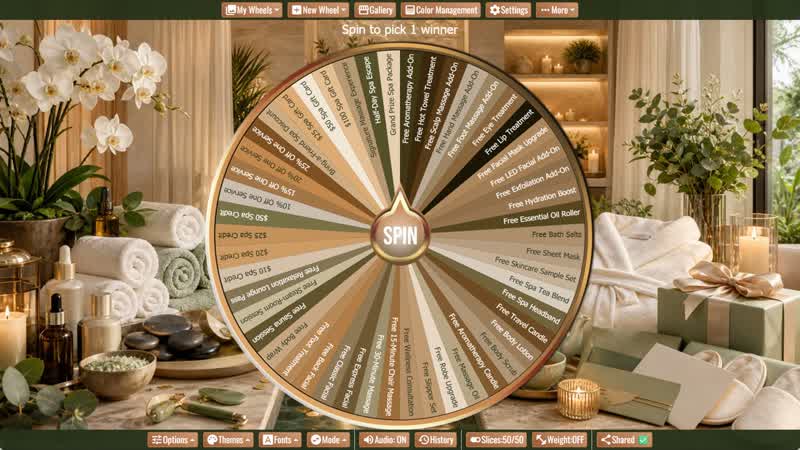
Day Spa Giveaway Wheel
Create a relaxing spa promotion with 50 editable enhancements, products, services, credits, discounts, gift cards, and wellness package ideas.
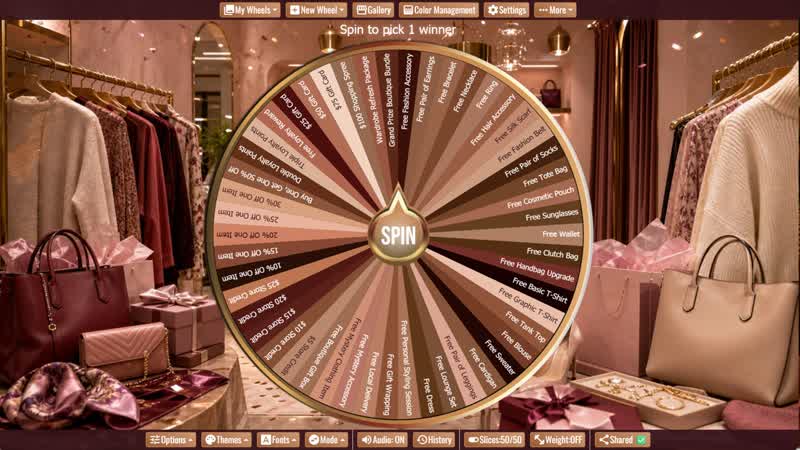
Boutique Giveaway Wheel
Create a stylish boutique promotion with 50 editable clothing, accessory, service, discount, credit, gift card, shopping spree, and grand prize ideas.
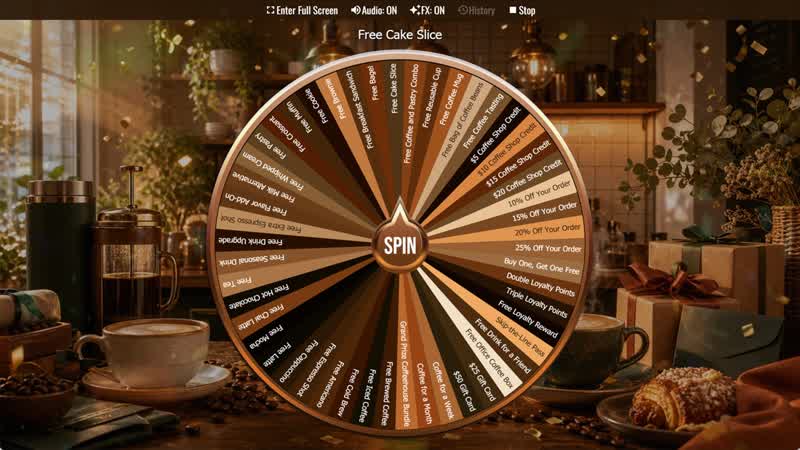
Coffee Shop Giveaway Wheel
Create a coffee shop promotion with 50 editable drinks, treats, discounts, merchandise, loyalty bonuses, credits, gift cards, and café grand prizes.
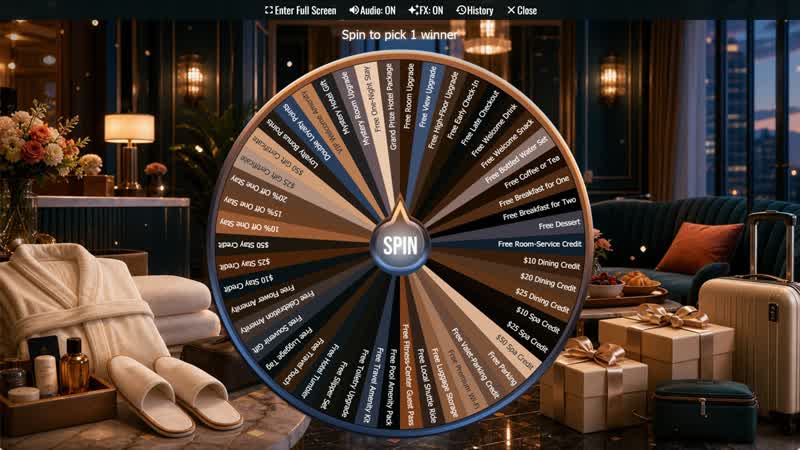
Hotel Giveaway Wheel
Create a polished hotel promotion with 50 editable room benefits, guest amenities, credits, discounts, gift certificates, loyalty rewards, and stay prizes.
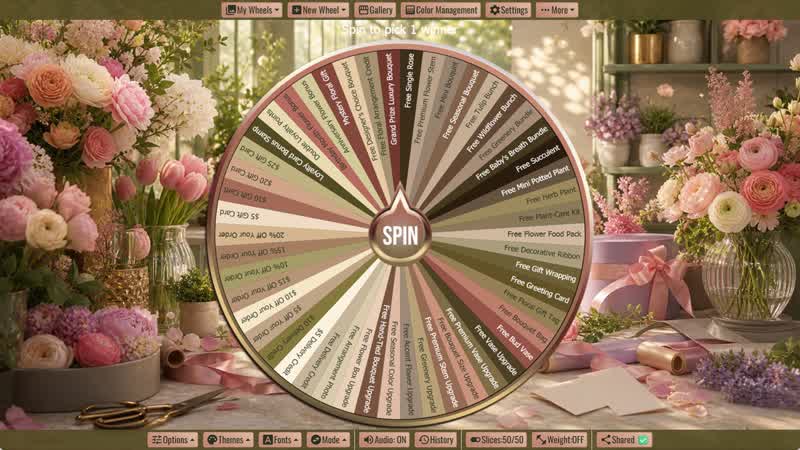
Flower Shop Giveaway Wheel
Create an elegant florist promotion with 50 editable flowers, bouquets, plants, vase upgrades, delivery rewards, discounts, gift cards, and loyalty bonuses.
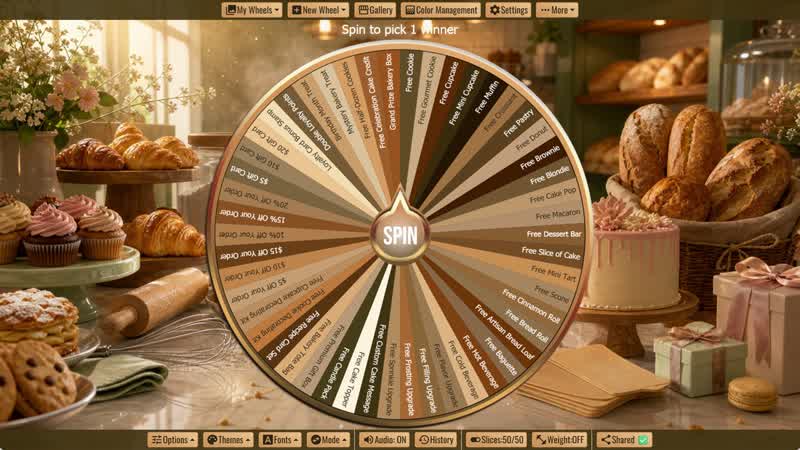
Bakery Giveaway Wheel
Create a warm bakery promotion with 50 editable treats, breads, cake rewards, product upgrades, discounts, gift cards, and loyalty bonuses.
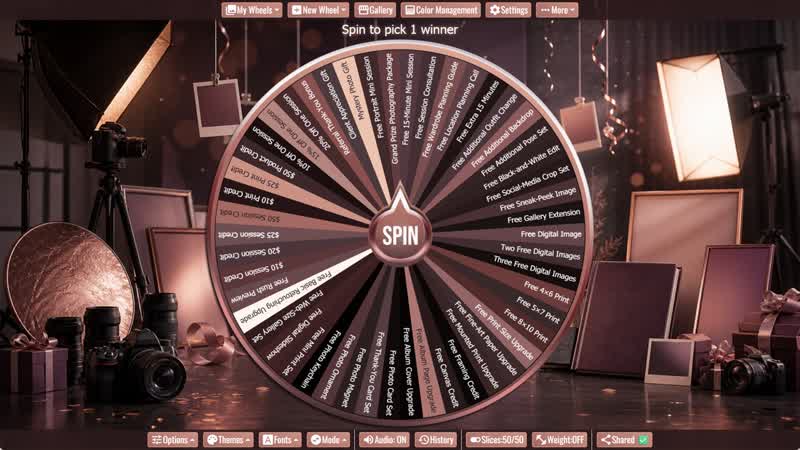
Photography Studio Giveaway Wheel
Create an elegant photography promotion with 50 editable session prizes, digital images, print products, album rewards, credits, discounts, and client gifts.
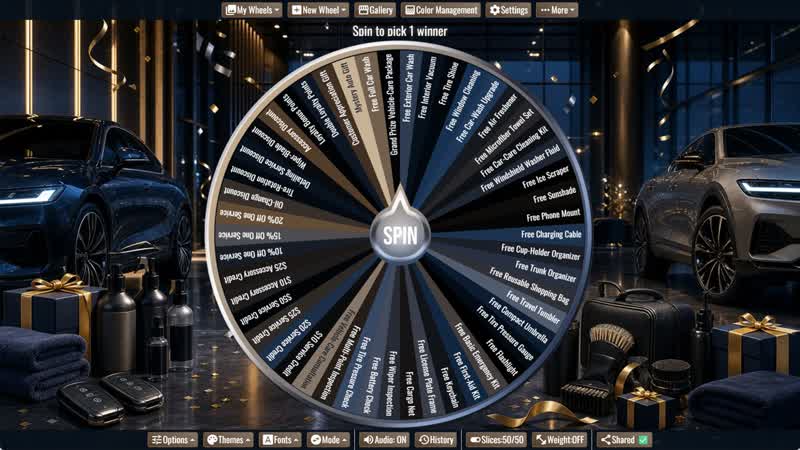
Car Dealership Giveaway Wheel
Create a polished dealership promotion with 50 editable car-care products, automotive accessories, service credits, discounts, gifts, and loyalty rewards.
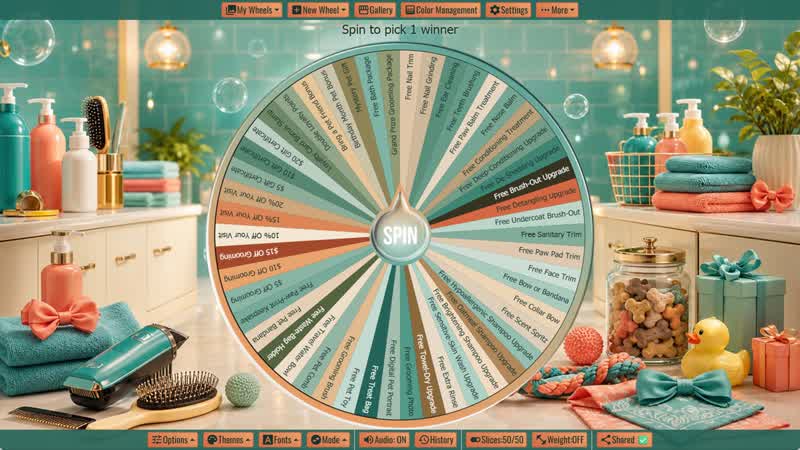
Pet Grooming Giveaway Wheel
Create a cheerful pet grooming promotion with 50 editable service upgrades, bath rewards, pet accessories, discounts, gifts, and loyalty bonuses.
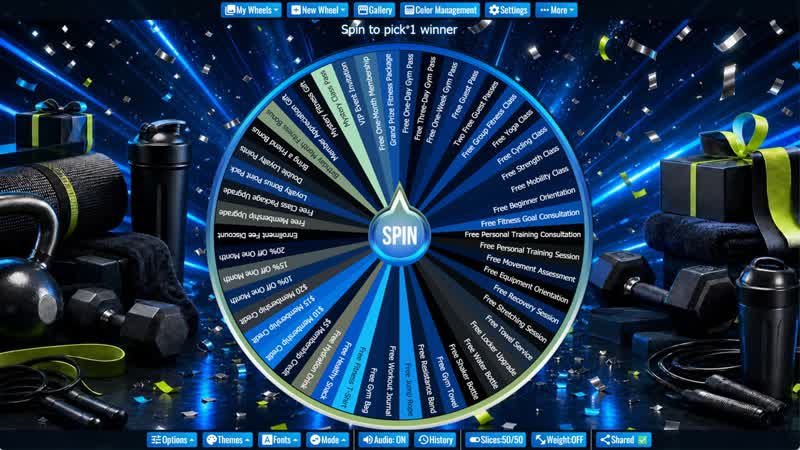
Gym Giveaway Wheel
Create an energetic gym promotion with 50 editable fitness passes, class rewards, membership credits, accessories, discounts, and member bonuses.
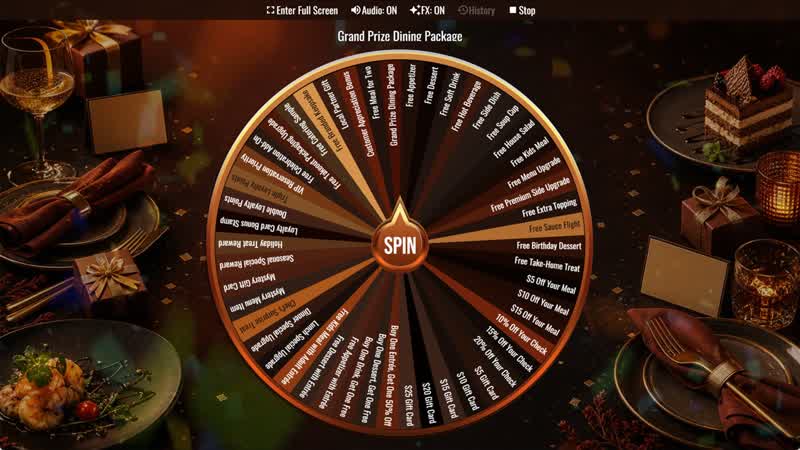
Restaurant Giveaway Wheel
Create an engaging restaurant promotion with 50 editable food prizes, discounts, gift cards, menu upgrades, loyalty rewards, and dining experiences.
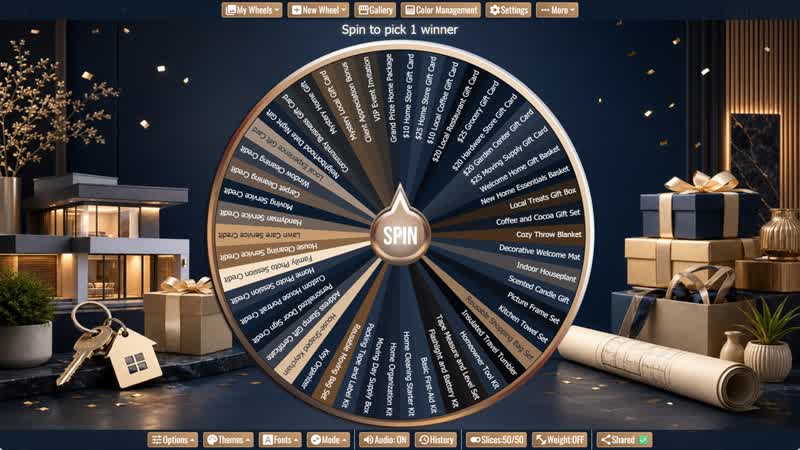
Realtor Giveaway Wheel
Create an engaging real estate promotion with 50 editable new-home gifts, moving supplies, local rewards, service credits, and client prizes.
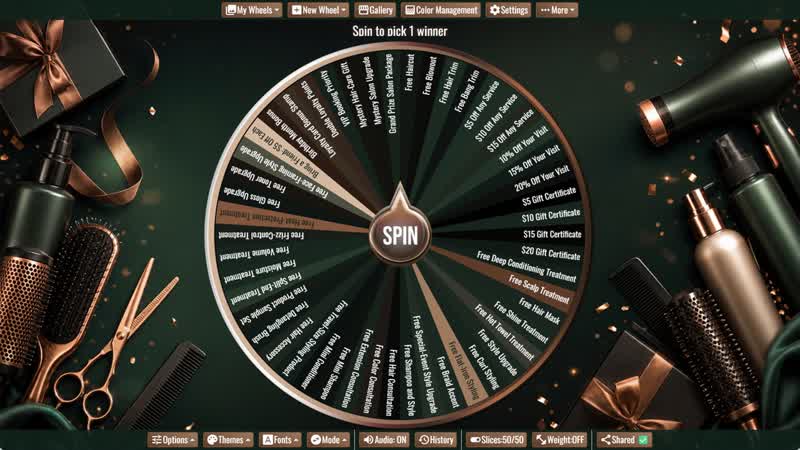
Hair Salon Giveaway Wheel
Run an engaging hair salon promotion with 50 editable service prizes, styling upgrades, treatments, gifts, discounts, and loyalty rewards.
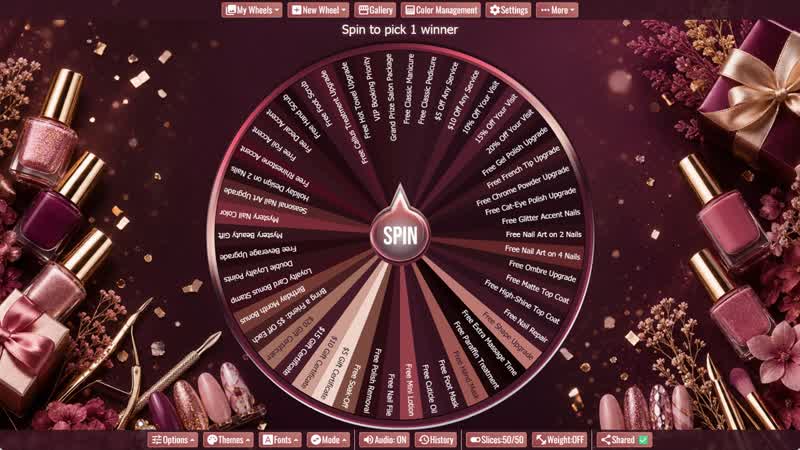
Nail Salon Giveaway Wheel
Create an exciting nail salon promotion with 50 editable service prizes, upgrades, discounts, gifts, and loyalty rewards.
About Giveaway Picker Wheels
The key advantage of a spin wheel giveaway over a simple random number generator or a name-out-of-a-hat draw is the visual transparency it provides. When an audience watches the wheel slow down and land on a name, they can see the randomness happening — there's no black box, no question about fairness. This is especially important for live stream giveaways on platforms like Twitch, YouTube, or Instagram Live, where the audience is watching in real time and needs to feel confident the selection is genuine. The spin wheel has become a standard format for streamer giveaways precisely because it's both visually engaging and credibly random. Duplicate any wheel here, load it with your entrants' names, share your screen, and spin live.
If you are setting up a contest, raffle, classroom prize, or party reward, you may also like our random name picker wheels, number wheels, game spinner wheels, party wheels, decision wheels, and classroom spinner wheels. These related categories work well when you need participant names, ticket numbers, prize choices, game rewards, or classroom incentives.
Giveaway Winner Picker
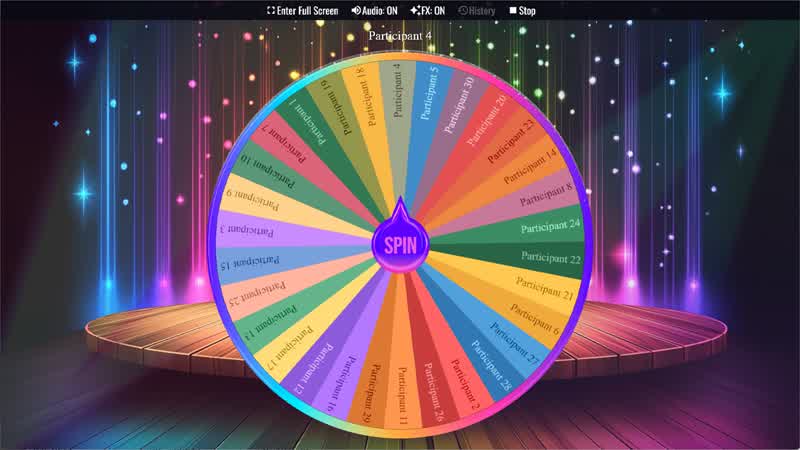
The Giveaway Winner Picker is the most-favorited wheel in this category with 3 favorites and over 100 views. It comes pre-loaded with 30 placeholder name slices — one per participant slot — and is designed to be duplicated and populated with your actual entrants before spinning. The word "Giveaway" in the title makes it the clearest choice for social media and online contest contexts, where participants recognize the term and associate it with the format. Duplicate the wheel, replace the default names with your comment list, comment entries, or contest participants, and spin live or share the link as proof of the draw. If your giveaway uses usernames or participant names, the Names category is a useful related section.
Raffle Winner Picker
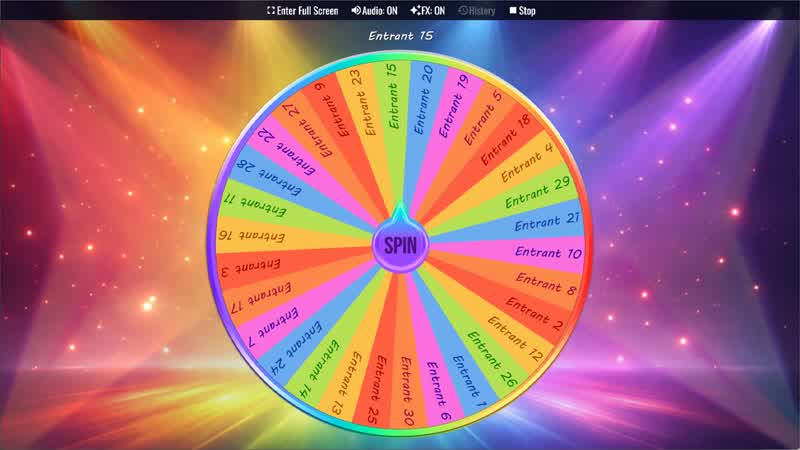
The Raffle Winner Picker mirrors the Giveaway Winner Picker format with 30 participant slices and is the most-viewed wheel in the category with 104 views. The word "Raffle" positions it slightly differently — it's the cleaner fit for in-person events like school fundraisers, church raffles, charity events, holiday parties, and local business prize draws where "raffle" is the term participants and organizers recognize. Duplicate the wheel, add the names or ticket numbers of your entrants, and spin it in front of the crowd or on a shared screen. Use the "remove winner" feature to eliminate each winner's name after the spin if you're running a multi-prize draw across several rounds. For numbered raffle tickets, pair this with the Numbers category.
Prize Wheel Generator
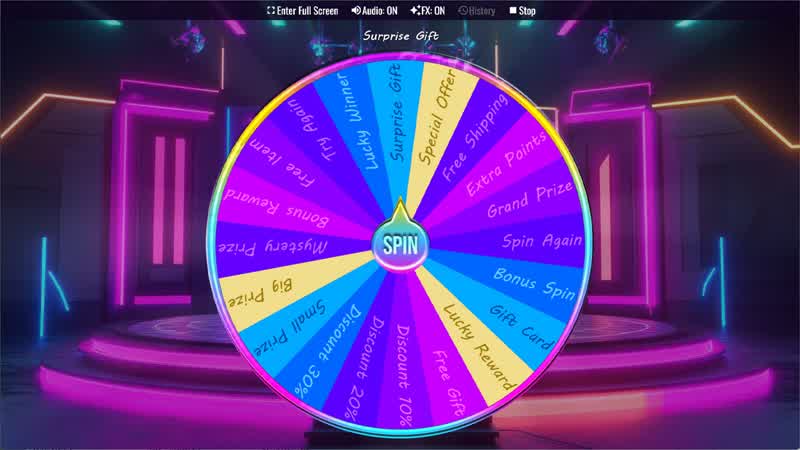
The Prize Wheel Generator approaches giveaways from a different angle — instead of picking a person to win a single prize, it's used to assign which prize a winner receives. Its 20 slices are designed to hold prize names rather than participant names, making it ideal for events where multiple prizes are available and you want the winner to spin to discover what they've won. This adds a secondary layer of excitement after the winner is selected: first the winner is chosen by the Giveaway or Raffle picker, then the winner spins the Prize Wheel to discover their reward. This two-step format is popular at trade show booths, school carnivals, corporate events, birthday parties, and any setting where the prize reveal is part of the entertainment. For more event-friendly activities, browse the Party category and Games category.
Using Giveaway Wheels for Live Streams
Spin wheel giveaways have become one of the most popular formats for streamers running contests on Twitch, YouTube, and TikTok. The process is simple: collect entries from comments, follows, subscribers, or form submissions, export the list, add names as slices in a duplicated wheel, then spin live while the audience watches. The visual drama of the slow-down and landing moment creates a genuine shared experience between creator and audience. Because the wheel link is shareable, you can also let audience members open it on their own devices and follow along rather than just watching the screen share. For regular giveaways, save your custom wheel and update the slices for each new draw rather than rebuilding from scratch each time.
Giveaway wheels also work well with other random tools. Use random name picker wheels when the winner list is made of names or usernames, number wheels when entries are ticket numbers, and decision wheels when you need to choose prize rules, bonus rounds, or which giveaway format to run next.
How to Customize a Giveaway Wheel with Your Entries
Duplicate any wheel in this category into your personal account and open the editor. Replace each default slice with a participant name or ticket number — you can add as many slices as you have entrants, since there's no cap on slice count. For very large entry lists, consider using ticket numbers or short identifiers rather than full names to keep the wheel readable. Once your wheel is ready, save it, then share the link with participants so they can watch the draw from their own devices. After the spin, the winner's name or ticket number displays clearly in the result panel. Use the "remove winner" feature if you need to run multiple prize draws from the same entry pool, ensuring each spin eliminates the previous winner from future rounds.
For school events, the Classroom category can help with reward systems, student participation, and classroom prize activities. For parties and game nights, combine the Prize Wheel Generator with party wheels or game spinner wheels to turn the prize reveal into part of the entertainment.