Classroom Review Game Wheel – Spin to Pick a Random Classroom Review Game
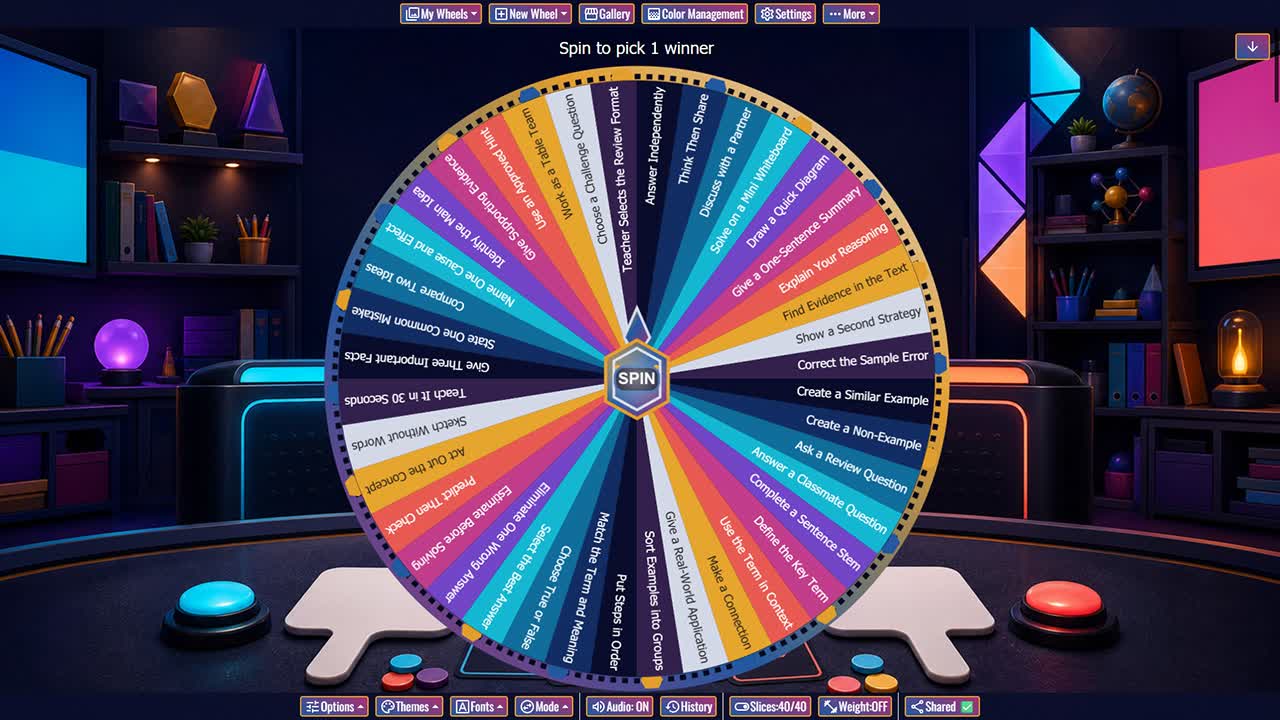
Choose a random response format for test review, unit recap, quiz preparation, warmups, stations, tutoring, and whole-class learning games.
The Classroom Review Game Wheel includes 40 flexible response formats that can turn existing questions into an interactive review session. One spin may ask students to answer independently, compare with a partner, draw a diagram, explain reasoning, correct an error, create an example, define a term, find evidence, sequence steps, make a prediction, teach the idea briefly, or work as a table team. The wheel does not supply subject answers; instead, it helps teachers vary how students retrieve and communicate content from mathematics, language arts, science, social studies, world languages, electives, tutoring, and test preparation. It can be projected for the whole class or duplicated for stations and small groups.
Prepare accurate review questions, success criteria, and answer guidance before using the spinner. Random formats should support the learning objective rather than add unnecessary performance demands, so teachers may skip acting, public speaking, speed, drawing, or group work when those formats do not measure the intended knowledge. Provide think time, notes when appropriate, sentence frames, manipulatives, assistive technology, and private response choices. Do not award points in ways that expose grades or penalize accessibility needs. Duplicate the wheel to match a unit, available materials, group size, and review length. Used with feedback and corrections, varied retrieval can reveal misconceptions, strengthen connections, and keep review active without turning learning into a contest based only on speed.
How to Run a Classroom Review Game
Prepare the content questions, spin for a response format, give adequate think time, and provide feedback or a model answer after students respond.
Use Retrieval, Explanation, and Evidence
Mix recall with reasoning, examples, diagrams, error analysis, comparison, and text evidence so review checks more than recognition.
Keep Review Games Inclusive
Offer private, written, oral, visual, partner, and assistive response modes. Avoid grading public speed or performance confidence.
Customize the Wheel by Unit
Duplicate the wheel and replace formats with options that fit the subject, grade, technology, materials, and assessment goals.
Frequently Asked Questions
Does this wheel include review questions?
Can it be used for any subject?
Should review games be timed?
Can students work in teams?
Can I customize the review formats?
How to Spin and Customize This Wheel
- Click Spin This Wheel Now to spin the wheel and pick a random result.
- Use the Duplicate option to copy this wheel into your account.
- Edit the slices, change colors, add sounds, or adjust slice weights.
- Save your customized wheel and share it with others.
Related Wheels
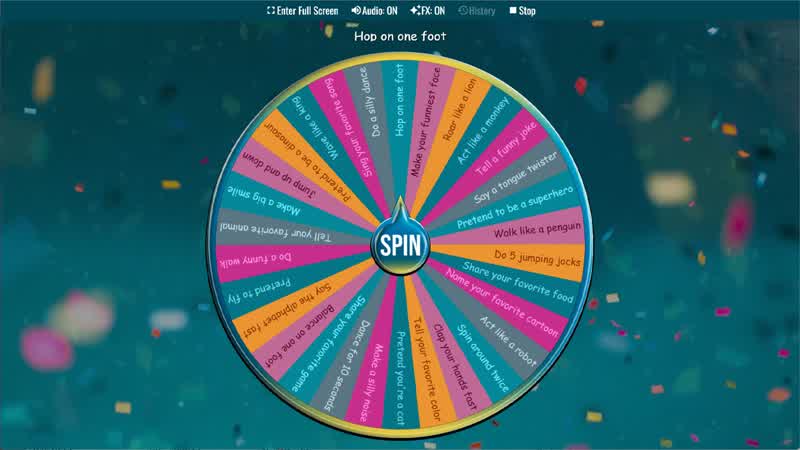
Kids Truth or Dare Wheel
Spin the Kids Truth or Dare Wheel for fun challenges and questions for children.
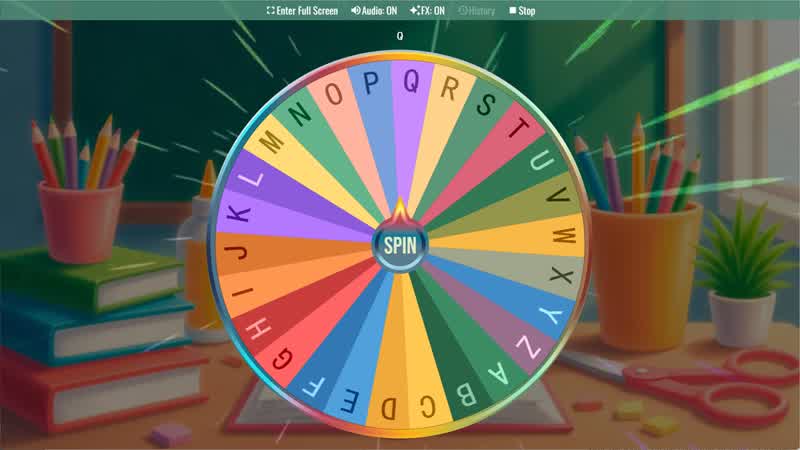
Random Letter Generator
Use the Random Letter Generator Wheel to randomly select a letter from the alphabet for games or learning activities.
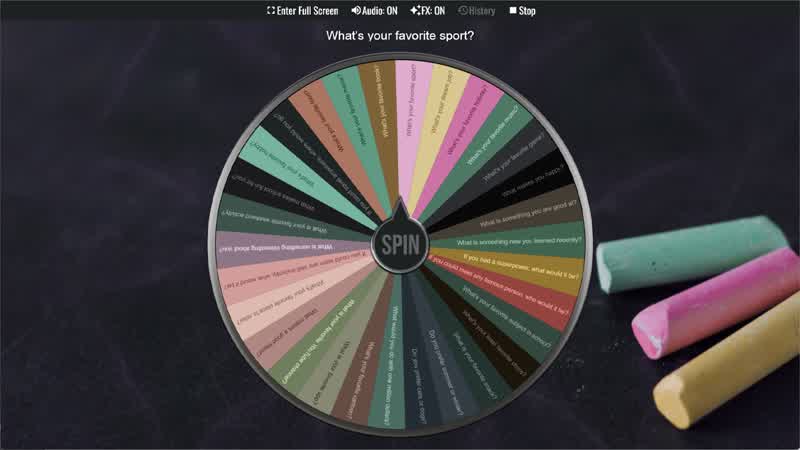
Classroom Icebreaker Wheel
Use the Classroom Icebreaker Wheel to randomly choose fun questions and activities to help students get to know each other.
Story Prompt Generator
Spin the Story Prompt Generator Wheel to instantly get a random story idea or writing prompt.
Random Topic Generator
Use the Random Topic Generator Wheel to randomly generate topics for writing, speaking, or discussion.
Writing Prompt Generator
Spin the Writing Prompt Generator Wheel to instantly get a creative writing idea or story prompt.
Download the Spin The Wheel App
The app is also available to download for a faster, offline-capable experience on all your devices — available on Windows, Mac, iOS, Android, and Steam.