Random Homework Task Generator – Spin the Wheel to Pick a Study Task
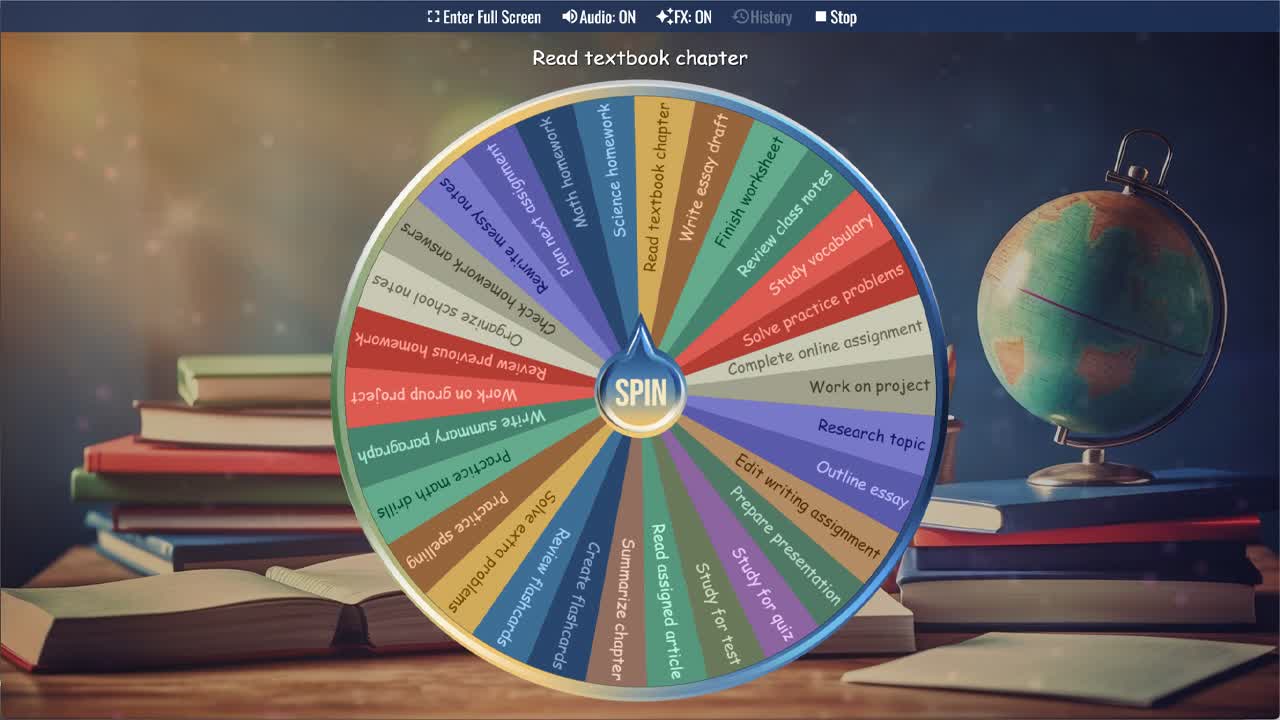
Spin the Homework Task Picker Wheel to randomly select a homework task or study activity.
Sitting down to study is hard enough on its own — but when you have multiple assignments, a long reading list, and several subjects all competing for attention, just deciding where to start can eat up valuable time. The Homework Task Picker Wheel solves that instantly. Spin through 30 common homework tasks and study activities and let the wheel decide where your focus goes next. No overthinking, no procrastination — just spin and get to work.
This random homework task generator is useful for any student who struggles with task-switching paralysis, wants to add a bit of variety and energy to their study routine, or simply needs something external to make the call when everything feels equally urgent. Teachers can also use it during class to randomly assign practice activities, warm-up exercises, or review tasks. Duplicate the wheel and replace the generic tasks with your actual assignments to turn it into a fully personalized study task picker.
Core Subject Tasks
The most common homework tasks in any student's day are accounted for here. Math homework, science homework, solve practice problems, practice math drills, and solve extra problems cover the quantitative side of the study wheel. Write essay draft, outline essay, edit writing assignment, write summary paragraph, and practice spelling cover writing and language arts. This spread ensures that no matter what subjects a student is juggling, spinning the wheel is likely to land on something genuinely useful.
Reading and Research Tasks
For students with reading-heavy workloads, this wheel includes several tasks that keep reading progress moving. Read textbook chapter, read assigned article, and summarize chapter are all common assignments that students tend to push to the back of their list in favor of more active tasks. Having the wheel land on one of these takes the avoidance decision out of the picture. Research topic and complete online assignment round out the independent work options for students who need to gather information or work through a digital platform.
Review and Test Preparation Tasks
This homework task wheel is particularly useful during exam periods, when students have multiple subjects to review and no clear priority order. Tasks like study for quiz, study for test, review class notes, review flashcards, review previous homework, and check homework answers all serve the revision cycle. Study vocabulary is especially relevant for language learners and humanities students, while create flashcards gives students a productive study preparation activity when they're not sure what to review first.
Organization and Planning Tasks
Not every productive study session involves sitting down and working through a problem set. Several tasks on this wheel address the organizational side of studying that students often skip. Organize school notes, rewrite messy notes, and plan next assignment are all tasks that improve future study efficiency and often reveal gaps in understanding. Work on project and work on group project cover longer-term assignments that benefit from consistent incremental effort rather than last-minute cramming.
A Fun Way to Break Study Paralysis
One of the most underrated benefits of this study activity picker is that it removes the mental weight of choosing. Research on decision fatigue shows that making choices depletes mental energy — and for students already tired from a school day, even the small decision of which subject to tackle first can be enough to trigger procrastination. Outsourcing that decision to the wheel means the brain can save its energy for the actual work. It also adds a small element of surprise and novelty to an otherwise routine activity, which helps some students stay engaged.
Customize Your Homework Task Picker
Duplicate this wheel into your account to make it match your actual workload. Replace the generic tasks with your specific assignments — the actual chapter you need to read, the essay topic you're drafting, the test date you're studying toward. You can also adjust slice weights to make tasks you've been procrastinating on come up more frequently, or create separate wheels for different subjects so each spin stays relevant to the homework in front of you.
For more homework, study, and classroom tools, browse the Classroom category, Spelling category, and Numbers category. This homework task picker works well with the Classroom Participation Wheel, Random Student Picker, Random Topic Generator, Writing Prompt Generator, and Grade 5 Spelling Bee Word Picker for study sessions, review tasks, writing practice, spelling work, and classroom activity planning.
Frequently Asked Questions
How does the Homework Task Picker Wheel work?
What kinds of homework tasks are on this wheel?
Is this Homework Task Picker Wheel free to use?
Can teachers use this wheel in the classroom?
Can I add my own homework assignments to the wheel?
Can I use this wheel offline?
How to Spin and Customize This Wheel
- Click Spin This Wheel Now to spin the wheel and pick a random result.
- Use the Duplicate option to copy this wheel into your account.
- Edit the slices, change colors, add sounds, or adjust slice weights.
- Save your customized wheel and share it with others.
Related Wheels
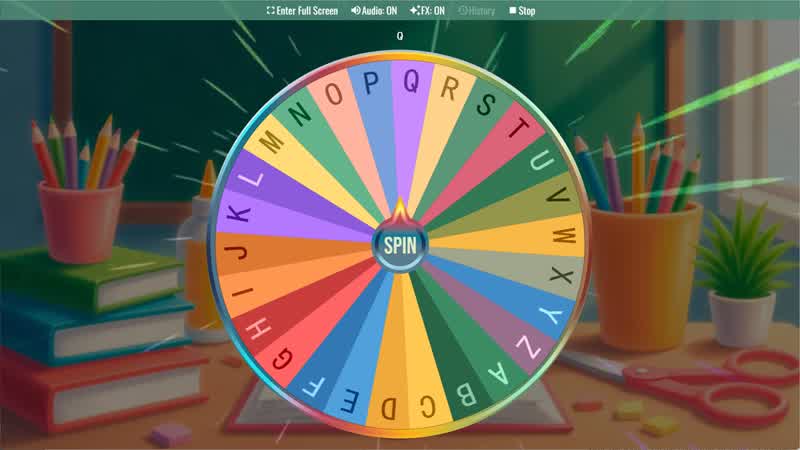
Random Letter Generator
Use the Random Letter Generator Wheel to randomly select a letter from the alphabet for games or learning activities.
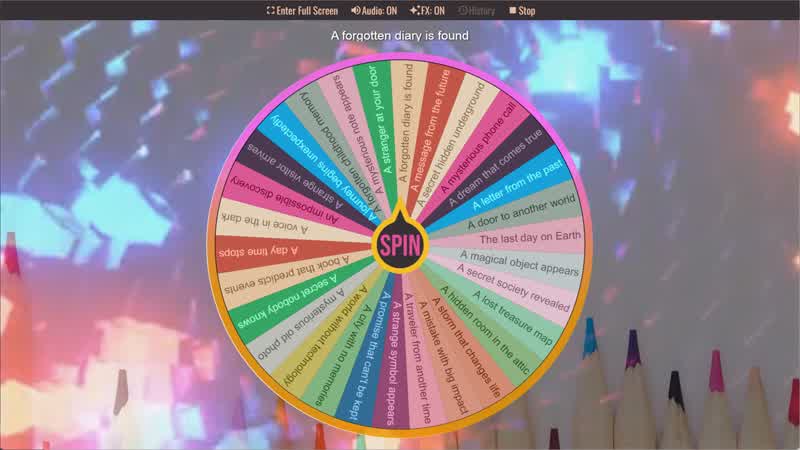
Story Prompt Generator
Spin the Story Prompt Generator Wheel to instantly get a random story idea or writing prompt.
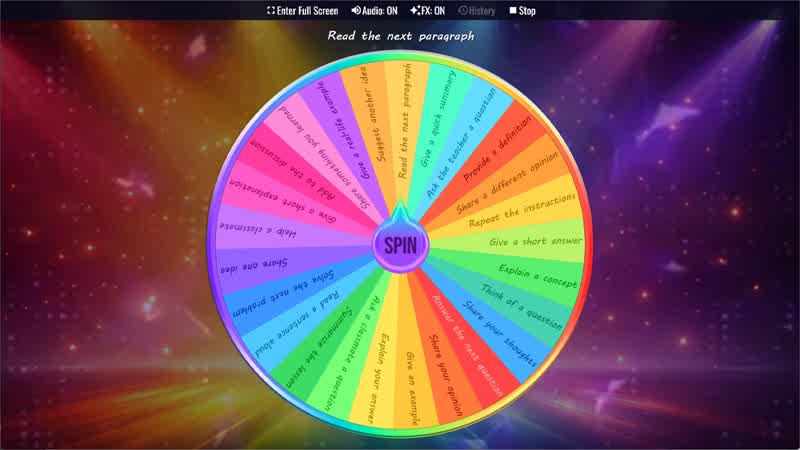
Classroom Participation Wheel
Use the Classroom Participation Wheel to randomly assign participation activities to students during class.
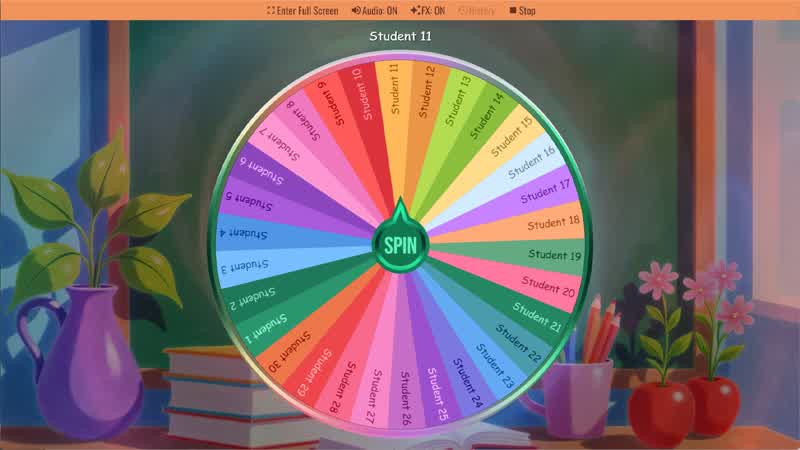
Random Student Picker
Spin the Random Student Picker Wheel to randomly choose a student for classroom participation or activities.
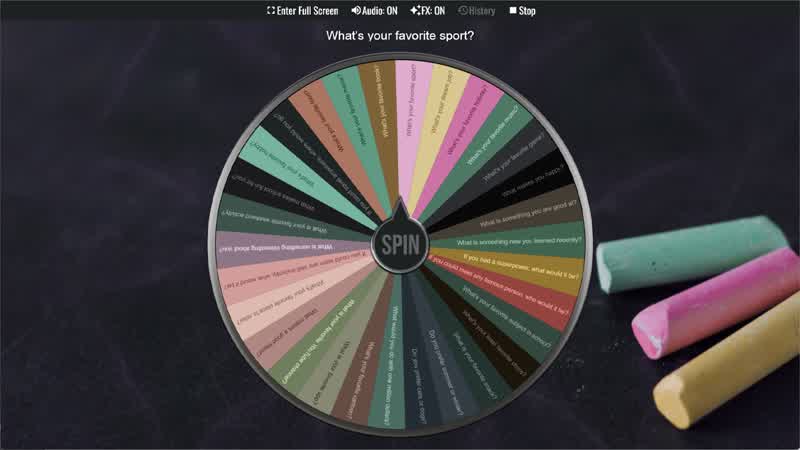
Classroom Icebreaker Wheel
Use the Classroom Icebreaker Wheel to randomly choose fun questions and activities to help students get to know each other.
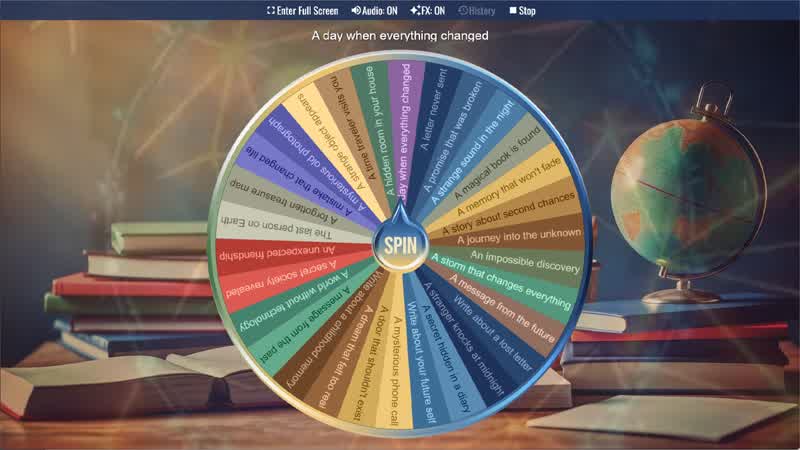
Writing Prompt Generator
Spin the Writing Prompt Generator Wheel to instantly get a creative writing idea or story prompt.
Download the Spin The Wheel App
The app is also available to download for a faster, offline-capable experience on all your devices — available on Windows, Mac, iOS, Android, and Steam.