Exit Ticket Question Wheel – Spin to Pick a Random Exit Ticket Question

Choose a quick end-of-lesson reflection for classrooms, tutoring, workshops, review sessions, and formative assessment.
The Exit Ticket Question Wheel contains 40 concise prompts for checking what students understood before a lesson ends. A spin can ask for the main idea, an example, supporting evidence, an important vocabulary word, a remaining question, a confidence rating, a useful strategy, a challenging point, or the next learning step. Teachers can use one shared prompt, assign different questions by table, or select a response format that fits the final minutes of class. The wheel supports formative assessment in elementary through secondary classrooms, tutoring sessions, workshops, intervention groups, and professional learning when prompts are adapted to the content and audience.
Exit tickets should provide information for the next instructional decision, not become a high-stakes grade based on speed. Give students enough time to think and allow writing, drawing, speaking, digital responses, symbols, or assistive technology. Clarify whether names are required and protect privacy when asking about confidence, effort, or confusion. The wheel works on projectors, smartboards, tablets, computers, and phones and can be duplicated for a unit or routine. Replace general prompts with success criteria, examples, or vocabulary from the day's lesson, and avoid questions that cannot be answered in the available time. Reviewing responses for patterns can help a teacher decide whether to reteach, provide practice, form groups, or move forward, while students gain a regular habit of reflecting on their learning.
How to Use Exit Ticket Questions
Choose one focused prompt, provide several quiet minutes, and collect responses in a consistent format. Review patterns before planning the next lesson.
Use Exit Tickets as Formative Assessment
Look for shared misconceptions, incomplete vocabulary, successful strategies, and unanswered questions. The purpose is instructional feedback rather than a final judgment.
Offer Accessible Response Formats
Allow writing, drawing, oral recording, selection scales, sentence frames, and assistive technology. Adjust length and reading demand to the students.
Customize End-of-Lesson Prompts
Duplicate the wheel for a course, unit, grade, or daily objective. Add success criteria and examples tied directly to what students practiced.
Frequently Asked Questions
What is an exit ticket?
Should exit tickets be graded?
How long should an exit ticket take?
Can students answer anonymously?
Can I customize the questions?
How to Spin and Customize This Wheel
- Click Spin This Wheel Now to spin the wheel and pick a random result.
- Use the Duplicate option to copy this wheel into your account.
- Edit the slices, change colors, add sounds, or adjust slice weights.
- Save your customized wheel and share it with others.
Related Wheels
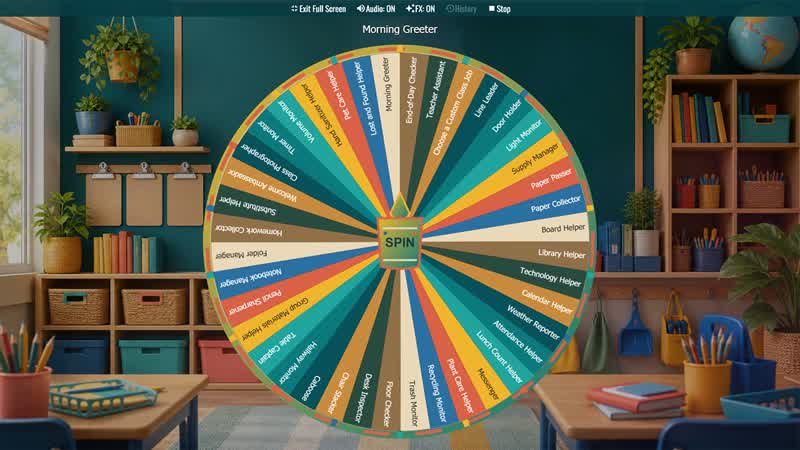
Classroom Jobs Wheel
Randomly assign classroom responsibilities for elementary classes, homeroom routines, weekly job rotations, and student leadership practice.

First Day of School Icebreaker Wheel
Choose a student-friendly question for the first day, back-to-school week, advisory, homeroom, morning meeting, or a new class group.
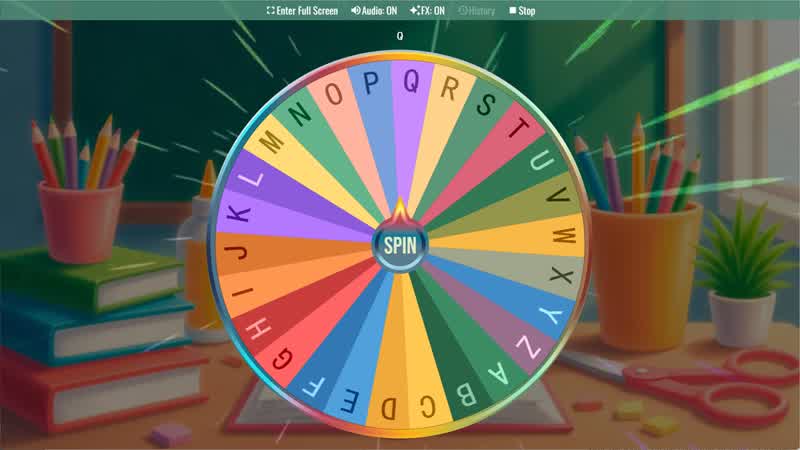
Random Letter Generator
Use the Random Letter Generator Wheel to randomly select a letter from the alphabet for games or learning activities.
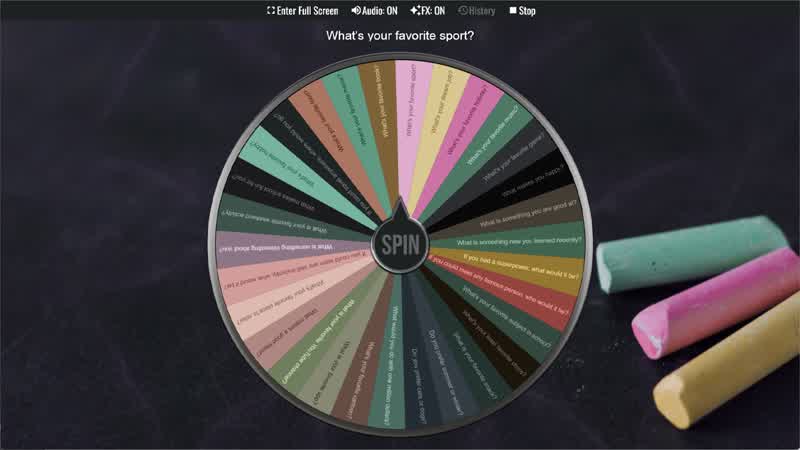
Classroom Icebreaker Wheel
Use the Classroom Icebreaker Wheel to randomly choose fun questions and activities to help students get to know each other.
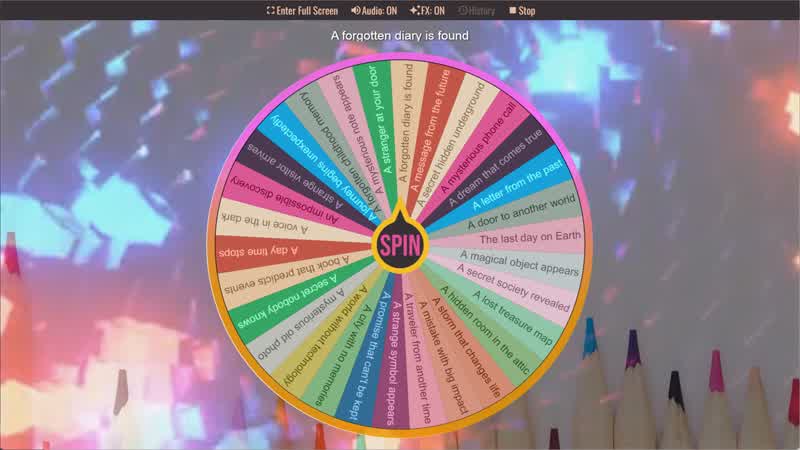
Story Prompt Generator
Spin the Story Prompt Generator Wheel to instantly get a random story idea or writing prompt.

Random Topic Generator
Use the Random Topic Generator Wheel to randomly generate topics for writing, speaking, or discussion.
Download the Spin The Wheel App
The app is also available to download for a faster, offline-capable experience on all your devices — available on Windows, Mac, iOS, Android, and Steam.