Spin to pick 1 winner

copyright 2026 My App Catalog. All rights reserved.
Spin the Wheel – Free Online Wheel Spinner & Random Picker
Spin the Wheel is a free online wheel spinner for making fast, fair, and random decisions. Add names, choices, prizes, games, or any other options, then spin the wheel and let it randomly pick a result. Use it as a random picker, name picker, decision wheel, classroom spinner, or giveaway winner picker — no sign-up required.
Try a Ready-Made Wheel
Jump straight in with one of our most popular pre-built spin wheels. Each one is free to use and fully customizable.
swipe_down
Spin
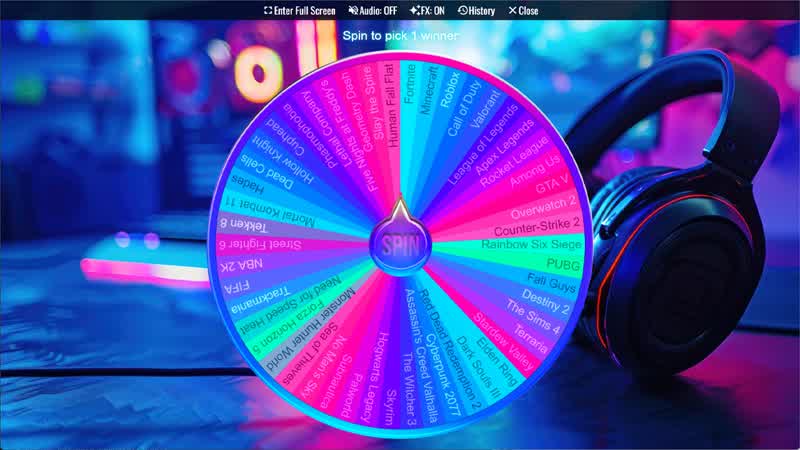
What Game Should I Play Wheel
Spin the wheel to randomly select a video game from popular titles like Fortnite, Minecraft, Valorant, GTA V, and many more.
swipe_down
Spin
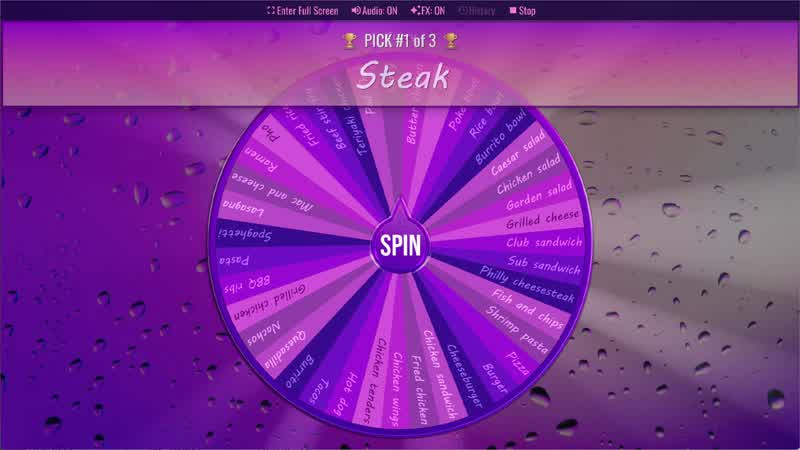
What Should I Eat
Spin the What Should I Eat Wheel to randomly choose a meal or food idea.
swipe_down
Spin
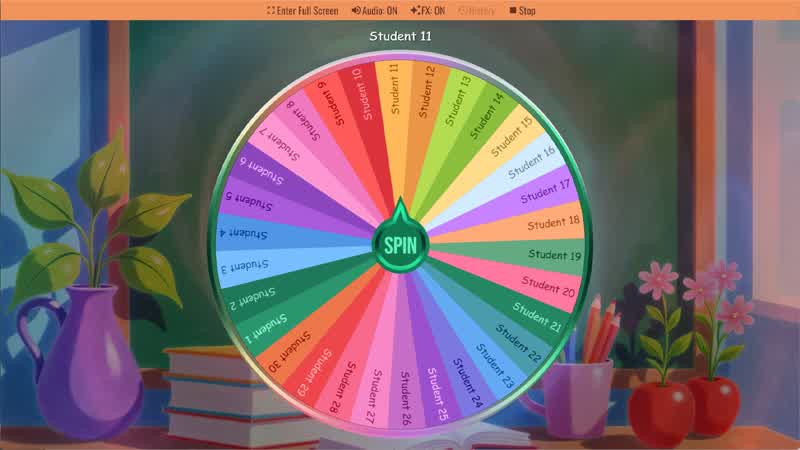
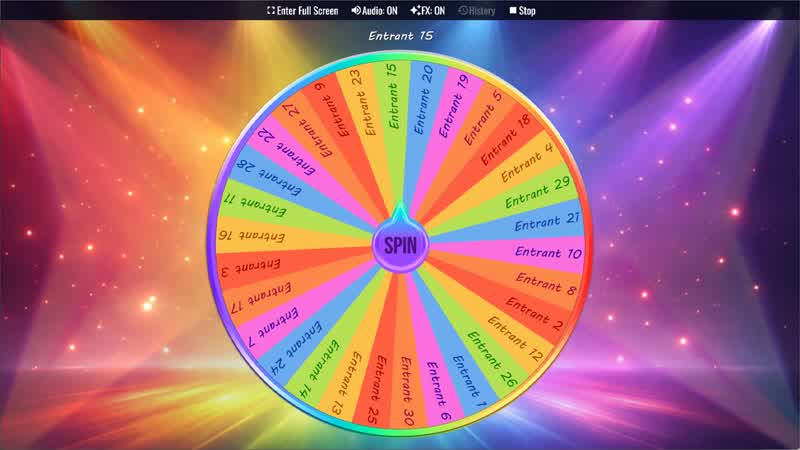
Random Student Picker
Spin the Random Student Picker Wheel to randomly choose a student for classroom participation or activities.
swipe_down
Spin
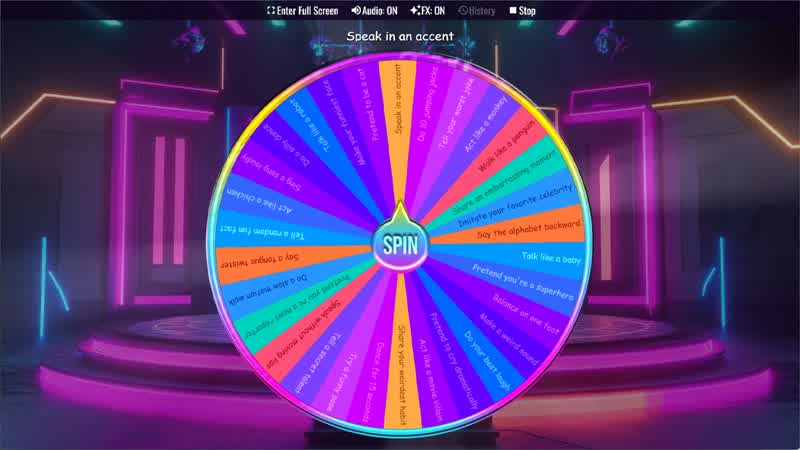
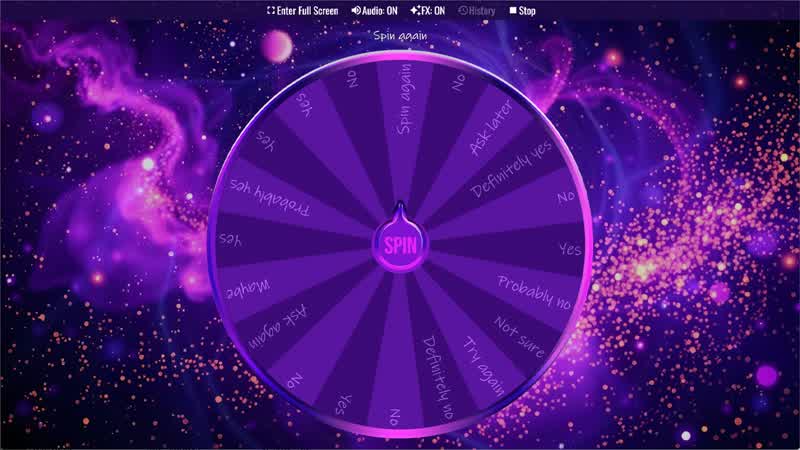
Funny Truth or Dare Wheel
Spin the Funny Truth or Dare Wheel for fun truth or dare challenges.
swipe_down
Spin
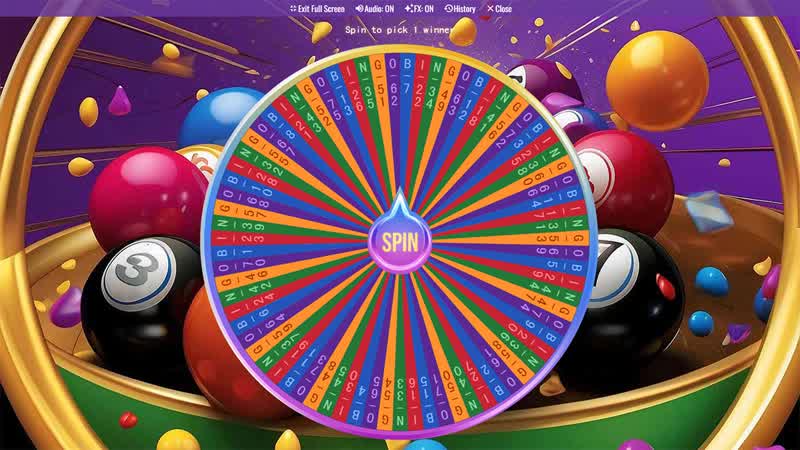
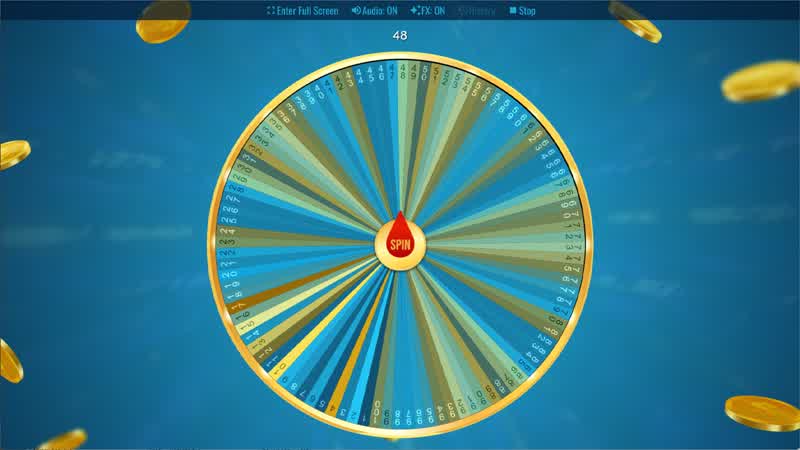
Bingo Wheel
Spin the Bingo Wheel to generate random bingo numbers for your next game.
swipe_down
Spin
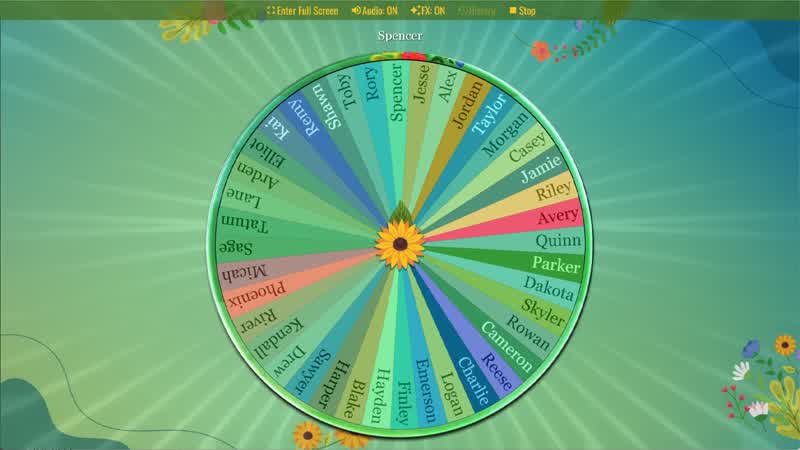
Random Name Picker
Spin the Random Name Picker Wheel to randomly choose a name for games, raffles, or classroom activities.
What Is an Online Wheel Spinner?
An online wheel spinner is a simple random picker that lets you enter your own choices, spin the wheel, and instantly select a random result. Spin The Wheel Random Picker works directly in your browser on desktop, tablet, and mobile with no installation or account required.
Whether you're a teacher picking a random student, a streamer running a live giveaway, a family deciding what to eat for dinner, or a group of friends choosing a dare, Spin The Wheel makes every decision exciting and fair.
How to Use the Online Wheel Spinner
Using the wheel is simple:
- Add your options — Type names, choices, or items directly into the wheel slices. You can add up to 2,000+ entries.
- Customize (optional) — Change colors, fonts, themes, sounds, and backgrounds to make the wheel your own.
- Spin the wheel — Drag wheel, click or tap the Spin button. The wheel will spin and land on a random result.
- Share or save — Save your wheel for next time or create a shareable link so others can spin it too.
It's that easy. No sign-up required. Free to use in your browser right now.
Popular Uses for a Wheel Spinner
A spin wheel is one of the most versatile random picker tools available. Here's how people use it every day:
- Random Name Picker: Teachers, managers, and event hosts use the wheel as a random name picker to fairly select students, employees, or participants without favoritism. Just add the names and spin.
- Giveaway & Prize Winner Picker: Streamers, brands, and content creators use the wheel to randomly pick winners from a list of entries. Every name has an equal chance, making the result transparent and trustworthy.
- Decision Maker Wheel: Can't decide what to eat, what to watch, or what to do? Add your options and let the wheel decide for you. Perfect for everyday choices like "what to eat for dinner" or "what movie to watch tonight."
- Classroom Activities: Teachers use the wheel spinner to randomly call on students, pick discussion topics, assign group roles, or run fun classroom games. It works great as a random student picker or vocabulary review tool.
- Party Games & Truth or Dare: Add dares, questions, or challenges to the wheel for a fun party game spinner. Use it for truth or dare, icebreaker questions, drinking games, or any group activity that needs a random selector.
- Giveaways & Contests: Run fair, live giveaways on stream or social media. Add contestant names and spin the wheel in real time for a dramatic, exciting winner reveal.
- Sports & Tournaments: Use the wheel to randomly assign teams, pick matchups, decide who goes first, or generate bracket placements for any sport or game.
AI Wheel Generator - Create Any Wheel in Seconds
Don't want to type all your options manually? Our AI Wheel Generator creates wheel slices for you instantly. Just enter a prompt like "10 fun party dares", "random workout challenges", or "trivia questions about animals", and the AI builds your wheel automatically.
Pair it with AI Colors to generate a beautiful, matching color palette for your wheel in one tap — no design skills needed.
Learn more about AI Wheel & AI Colors
Customize Your Spin Wheel
Every wheel on Spin The Wheel can be fully personalized:
- Colors & Fonts — Choose custom text colors, slice colors, and load any Google Font or use your own custom font files.
- Backgrounds & Themes — Apply image backgrounds, themes, and visual effects that play when the wheel lands.
- Music & Sound Effects — Add spinning music, a winning sound effect, and a Voice Announcer that reads the result aloud in your chosen language.
- Slice Weights — Give certain options a higher or lower probability using the Weight feature. Perfect for weighted giveaways or practice drills.
- Quick Enable/Disable — Temporarily remove slices from the spin without deleting them, so your original list stays intact. Learn more about Quick Disable / Re-Enable slices
Share Your Wheel with Anyone
Create a shareable wheel link in one click. Your wheel is saved and turned into a unique URL that anyone can open, view, and spin — across any device, with no account needed.
Perfect for teachers sharing classroom activity wheels, streamers sharing giveaway setups, or friends sending a "what should we do tonight?" wheel.
Export & Import Your Wheels
Take your wheels anywhere. Use the Export & Import feature to back up your wheel setups, transfer them between devices, or share your full configuration with someone else using a simple access code.
Learn how to export and import wheels
Last Man Wins - Elimination Spin Mode
In Last Man Wins mode, the wheel automatically spins multiple times and eliminates one option per round until a single winner remains. It's perfect for tournaments, group eliminations, and suspenseful live reveals.
Spin Animation Easing - Control How the Wheel Spins
Spin Animation Easing lets you control how the wheel accelerates and slows down during a spin. Instead of spinning at a constant speed, easing creates more realistic and exciting motion — from smooth, natural slowdowns to dramatic or playful effects.
By choosing different easing options, you can make the wheel feel more suspenseful, energetic, or fun, especially when revealing winners or using modes like Last Man Wins.
Learn how Spin Animation Easing works
True Randomness You Can Trust
Every spin uses a mathematically fair random algorithm. The outcome is genuinely random — not influenced by spin speed, slice color, or position. This makes the wheel a reliable tool for giveaways, classrooms, and contests where fairness matters.
Download the Spin The Wheel App - Use It Offline
Take Spin The Wheel with you everywhere. Download the free app to use it offline with faster performance, better privacy, and exclusive customization options not available in the browser — including your own custom fonts, music backgrounds, decision sounds, and spin effects.





Frequently Asked Questions
View all frequently asked questions
What is a wheel spinner?
A wheel spinner is a free online tool that makes random decisions instantly and fairly. You simply add your options - names, choices, items, or anything else - to the wheel slices, hit the Spin button, and the wheel randomly lands on a result. Spin The Wheel uses a mathematically fair random algorithm, meaning every outcome is genuinely unbiased and not influenced by spin speed, slice position, or any other factor. It works on any device - desktop, tablet, or mobile - with no installation or sign-up required. From picking a random student in class and deciding what to eat for dinner, to running giveaways and playing party games, a wheel spinner turns any decision into a fun and fair experience.
What is Spin The Wheel Random Picker?
Spin The Wheel Random Picker is a free online wheel spinner that helps you make random choices for names, prizes, games, giveaways, classroom activities, and everyday decisions.
Is the wheel spinner free?
Yes. The online wheel spinner is free to use directly in your browser. You can create wheels, add options, customize basic settings, and spin without installing anything. For more advanced features, themes, sounds, and premium tools, you can download the Spin The Wheel Random Picker app and upgrade to Pro.
How do I spin the wheel?
Add your options to the wheel, customize it if needed, then click or tap the spin button. The wheel will randomly choose one result.
Can I use it for a live giveaway?
Yes! Spin The Wheel is a popular choice for running live giveaways on streams and social media. Simply add your contestants' names to the wheel, then spin it in real time for a dramatic and transparent winner reveal. Every entry has an equal chance of winning, making the result trustworthy for both you and your audience. You can also use the Weight feature to adjust the probability of individual slices if needed, and the Last Man Wins elimination mode to narrow down multiple entries round by round.
Can I use it as a random name picker?
Yes. Enter names as wheel slices and spin to randomly pick a student, team member, winner, volunteer, or participant.
Can I create wheels with AI?
Yes. The AI Wheel Generator can create wheel ideas from a prompt, such as party dares, classroom questions, workout challenges, prize options, or random decision choices.
Can I share my wheel?
Yes. You can create a shareable wheel link so others can open, view, or spin your wheel across devices.
Can I customize the wheel?
Yes. You can customize colors, fonts, themes, backgrounds, sounds, music, spin effects, text display, and more.
Can I change the probability of each slice?
Yes. The Weight feature lets you give some slices a higher or lower chance of being selected.