Random Classroom Participation Activities for Students – Spin the Wheel
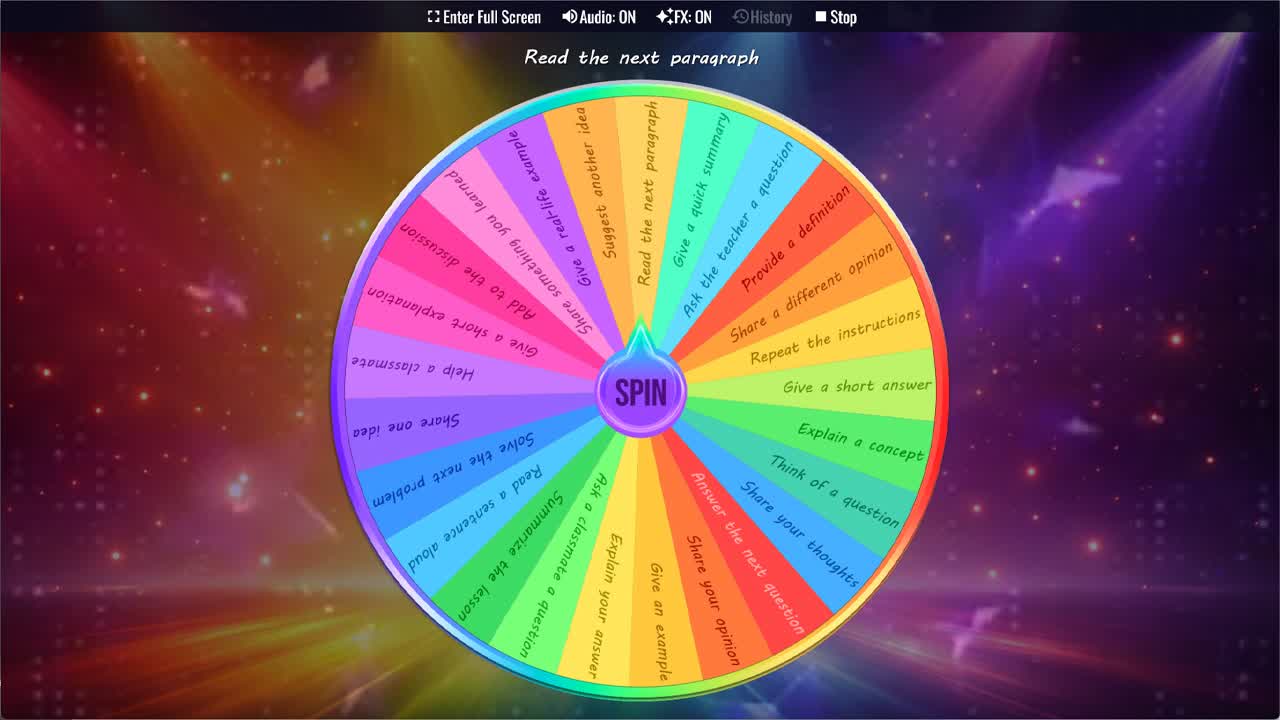
Use the Classroom Participation Wheel to randomly assign participation activities to students during class.
Getting every student to actively participate in a lesson is one of the most persistent challenges in teaching. A handful of confident students tend to dominate discussions, while others stay quiet — not because they don't understand the material, but because they haven't been given a specific, low-pressure prompt to respond to. The Classroom Participation Wheel changes that dynamic instantly. Spin through 25 student participation activities and let the wheel assign a task at random, giving every student a clear, manageable role in the lesson without putting any one person on the spot unfairly.
This random classroom participation tool works across subjects and age groups. Whether you're running a literature discussion, a math review, a science Q&A, or a language lesson, the activities on this wheel are flexible enough to drop into almost any context. Spin it once at the start of a discussion round, use it to break up long explanations, or keep it running throughout a lesson to rotate participation tasks and keep energy levels up. It costs nothing, requires no preparation, and takes three seconds to use.
Speaking and Discussion Activities
The majority of activities on this classroom participation wheel are speaking and discussion oriented, reflecting how most classroom engagement actually happens. Tasks like Share your opinion, Add to the discussion, Share a different opinion, Share your thoughts, and Suggest another idea all push students to contribute original thinking to a group conversation. Give an example and Give a real-life example are particularly effective because they require students to apply what they've learned rather than simply recall it — a higher-order thinking task wrapped in an accessible format.
Explanation and Comprehension Tasks
Several activities target comprehension and articulation directly. Explain your answer, Give a short explanation, Explain a concept, and Provide a definition all ask students to demonstrate understanding in their own words rather than in a multiple choice or fill-in-the-blank format. Summarize the lesson and Give a quick summary are useful at natural transition points during class, while Share something you learned works well as a low-stakes end-of-lesson reflection that even reluctant participants can usually manage.
Active Learning and Peer Interaction Tasks
This student participation generator also includes tasks that involve other students rather than just the teacher. Ask a classmate a question, Help a classmate, and Give a short answer in response to a peer all shift the dynamic away from a one-to-one teacher-student exchange and toward the kind of peer-to-peer learning that deepens understanding for both participants. Think of a question is a particularly powerful task because it requires students to identify what they don't yet understand — a metacognitive skill that improves learning across all subjects.
Reading and Practice Tasks
For reading-based lessons or classes where students are working through problems together, this wheel includes tasks that keep individual students accountable for specific contributions. Read a sentence aloud, Read the next paragraph, and Solve the next problem are all concrete, structured participation tasks that slot easily into reading circles, math reviews, or any lesson that moves through content sequentially. Repeat the instructions is especially useful for checking comprehension without singling out any student — whoever the wheel lands on confirms understanding for the whole class.
Why Random Participation Works
The randomness of the spin is part of what makes this classroom engagement tool effective. When students know that the wheel — not the teacher — decides who participates and in what way, the pressure of being "chosen" feels more playful and less evaluative. Research on cold calling suggests that students are more likely to prepare and stay engaged when participation is unpredictable. The wheel creates that unpredictability in a lighthearted format that most students respond to positively, especially when combined with tasks that feel manageable rather than intimidating.
Customize Your Classroom Participation Wheel
Duplicate this wheel into your account to tailor it for your classroom. Remove tasks that don't fit your current lesson type, add subject-specific activities tied to your curriculum, adjust slice weights to make certain task types come up more often, or build separate versions for different phases of a lesson — one for warm-ups, one for the main activity, one for review. You can share a customized version with colleagues to use consistently across classes.
For more classroom participation and student selection tools, browse the Classroom category, Names category, and Icebreakers category. This classroom participation wheel pairs well with the Random Student Picker, Student Name Picker, Classroom Icebreaker Wheel, Homework Task Picker, and Random Topic Generator for student turns, class discussions, lesson warm-ups, review activities, and fair classroom participation.
Frequently Asked Questions
How does the Classroom Participation Wheel work?
What types of participation activities are on this wheel?
Is this Classroom Participation Wheel free to use?
What age group is this wheel for?
Can I use this wheel for ESL classes?
Can I customize this Classroom Participation Wheel?
How to Spin and Customize This Wheel
- Click Spin This Wheel Now to spin the wheel and pick a random result.
- Use the Duplicate option to copy this wheel into your account.
- Edit the slices, change colors, add sounds, or adjust slice weights.
- Save your customized wheel and share it with others.
Related Wheels
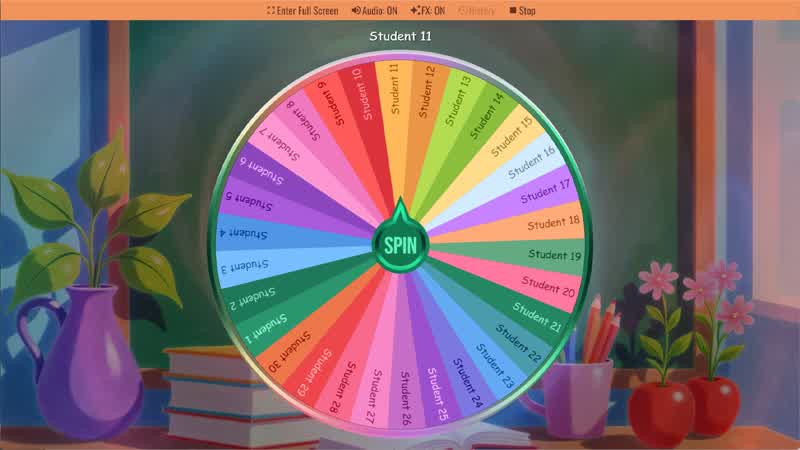
Random Student Picker
Spin the Random Student Picker Wheel to randomly choose a student for classroom participation or activities.
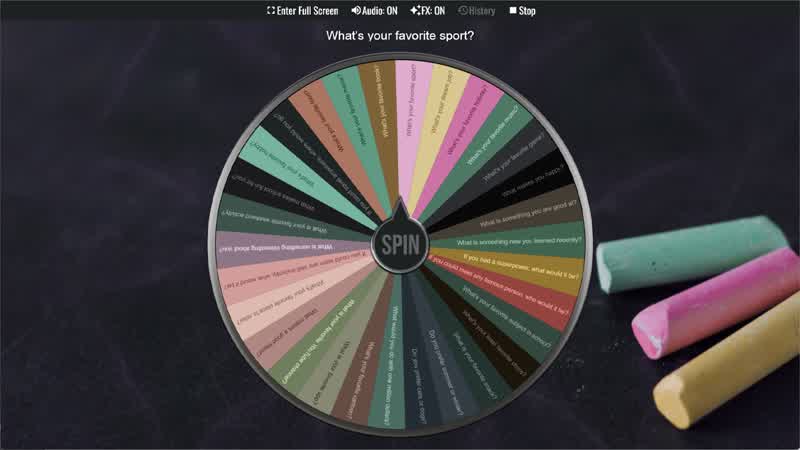
Classroom Icebreaker Wheel
Use the Classroom Icebreaker Wheel to randomly choose fun questions and activities to help students get to know each other.
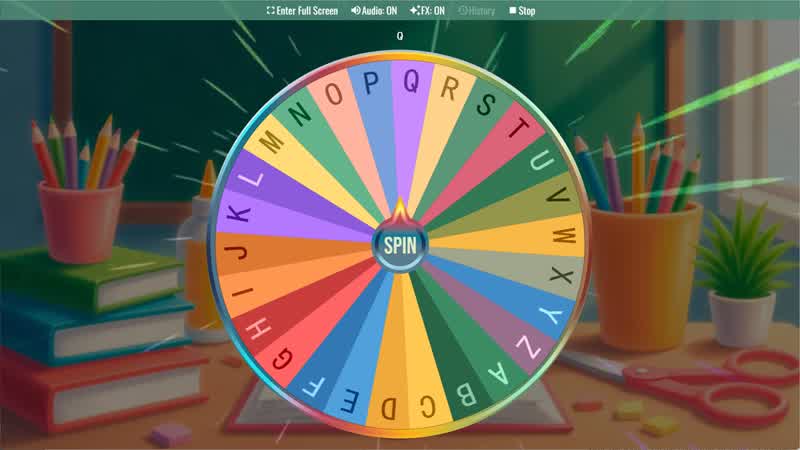
Random Letter Generator
Use the Random Letter Generator Wheel to randomly select a letter from the alphabet for games or learning activities.
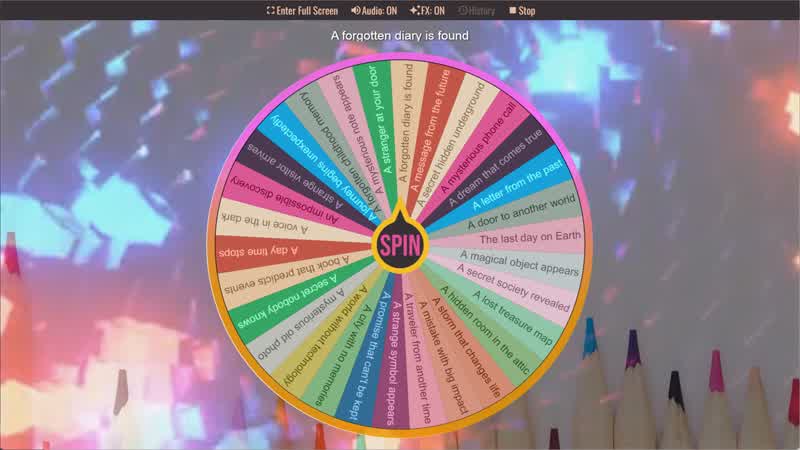
Story Prompt Generator
Spin the Story Prompt Generator Wheel to instantly get a random story idea or writing prompt.
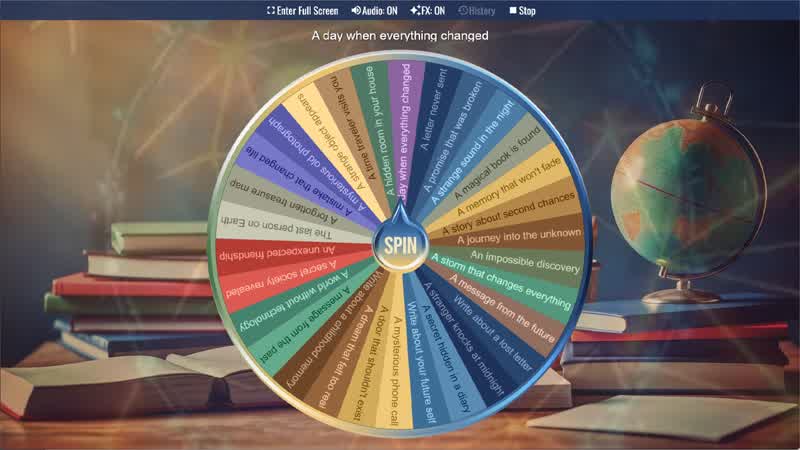
Writing Prompt Generator
Spin the Writing Prompt Generator Wheel to instantly get a creative writing idea or story prompt.
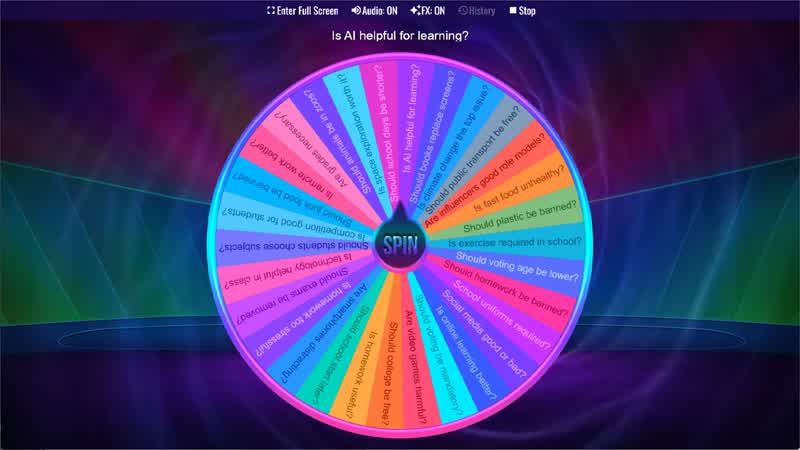
Debate Topic Generator
Use the Debate Topic Generator Wheel to randomly select a debate topic for classroom discussions or speaking activities.
Download the Spin The Wheel App
The app is also available to download for a faster, offline-capable experience on all your devices — available on Windows, Mac, iOS, Android, and Steam.