Random Student Name Selector – Spin the Wheel to Pick a Student
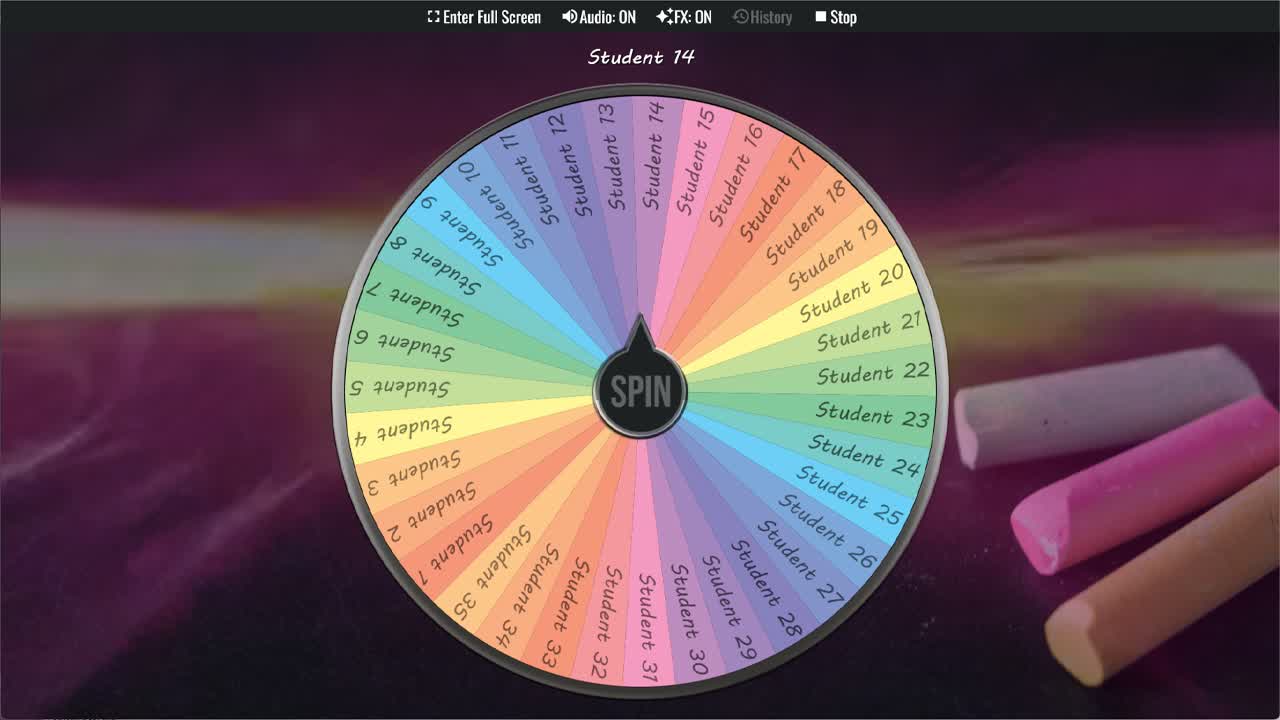
Use the Student Name Picker Wheel to randomly select a student name for activities, discussions, or classroom participation.
Choosing which student to call on next is something every teacher does constantly, and how it's handled matters more than it might seem. When the same hands go up and the same students get picked, it quietly signals to everyone else that their participation isn't expected. The Student Name Picker Wheel changes that with a single spin. Add your class list, project the wheel on screen, and let the randomness do what manual selection often can't — create a genuinely fair, transparent, and low-pressure way to bring every student into the lesson.
This student name picker comes loaded with 35 placeholder slots ready to be replaced with your actual students' names. Duplicate the wheel, edit the slices with your class roster, and you have a fully personalized random student selector that takes seconds to set up and works for the rest of the term. The spin itself adds a small theatrical element that students tend to enjoy — when the wheel is spinning, they're watching, and that moment of anticipation keeps the room more engaged than a teacher simply pointing at someone.
Why Use a Student Name Picker Wheel
Teachers who rely on hand-raising for participation often end up with a small subset of confident students doing most of the speaking, while others learn to go unnoticed. A classroom random picker addresses this by removing the teacher's choice from the equation entirely — the wheel selects, not the teacher, which means no student can feel singled out and no student can feel overlooked by pattern. When students know the wheel applies equally to everyone, they tend to stay more alert throughout a lesson because the wheel might land on them at any time, not just when they raise their hand.
Classroom Uses for the Student Name Picker
This student picker wheel is flexible enough to fit into almost any classroom moment. Common uses include selecting who answers the next question during a review, determining the order for student presentations, assigning roles in group work when students can't agree, picking who reads the next passage in a shared reading activity, selecting who leads a warm-up exercise, and deciding who shares their work with the class. For teachers who run structured discussion formats — like Socratic seminars or partner shares — the wheel provides a neutral and efficient way to determine speaking order without spending lesson time on logistics.
Works Across All Age Groups and Subject Areas
The student name picker wheel works just as well in a kindergarten class as it does in a high school or adult ESL setting. The spin is immediately understandable regardless of language level or age, and the visual format is accessible to all students. Subject doesn't matter either — it's equally at home in a math class (who solves the next problem on the board?), an English lesson (who reads the next paragraph?), a science class (who shares their hypothesis?), or a physical education period (who goes first in the rotation?).
How This Differs from the Random Student Picker
Both this wheel and the Random Student Picker available elsewhere in the gallery serve the same core purpose — fairly selecting a student — but they differ in their starting point. The Random Student Picker comes pre-loaded with numbered placeholders (Student 1 through 30), while this Student Name Picker has 35 slots, giving a bit more room for larger classes. Both require the same customization process to make them class-specific: duplicate, replace placeholder names with your roster, and save. Teachers with multiple classes may find it useful to save a separate version for each class period.
Customize Your Student Name Picker Wheel
After duplicating this wheel into your account, replacing the placeholder names is quick — just click each slice and type in a student name. Delete any unused slots if your class has fewer than 35 students, or leave them blank if you want the option to add students later. You can adjust slice weights if you want certain students to be called on more or less frequently, color-code slices to indicate groups or reading levels, add a sound effect to make each spin more memorable, and share the finished wheel with teaching assistants or co-teachers who work with the same group.
For more classroom selection tools, browse the Classroom category and Names category. This student picker pairs well with the Random Student Picker, Classroom Participation Wheel, Random Name Picker, and Random Letter Generator for classroom participation, group work, student turns, and fair activity selection.
Frequently Asked Questions
How do I add my students' names to this wheel?
How many student slots are on this wheel?
Is this Student Name Picker Wheel free to use?
Can I create separate wheels for different class periods?
Can I adjust how often certain students are picked?
Can I share this wheel with co-teachers?
How to Spin and Customize This Wheel
- Click Spin This Wheel Now to spin the wheel and pick a random result.
- Use the Duplicate option to copy this wheel into your account.
- Edit the slices, change colors, add sounds, or adjust slice weights.
- Save your customized wheel and share it with others.
Related Wheels

Bingo Wheel
Spin the Bingo Wheel to generate random bingo numbers for your next game.
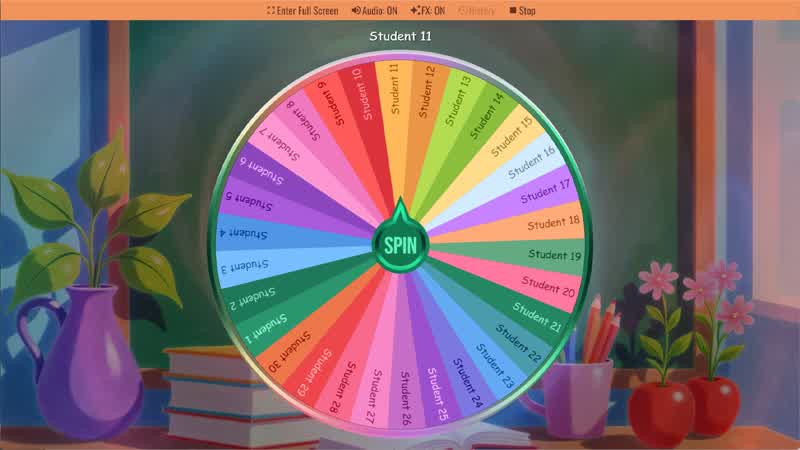
Random Student Picker
Spin the Random Student Picker Wheel to randomly choose a student for classroom participation or activities.
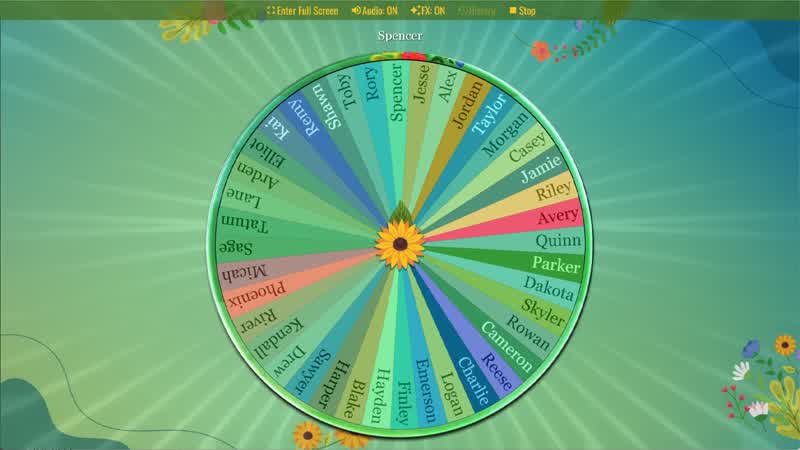
Random Name Picker
Spin the Random Name Picker Wheel to randomly choose a name for games, raffles, or classroom activities.
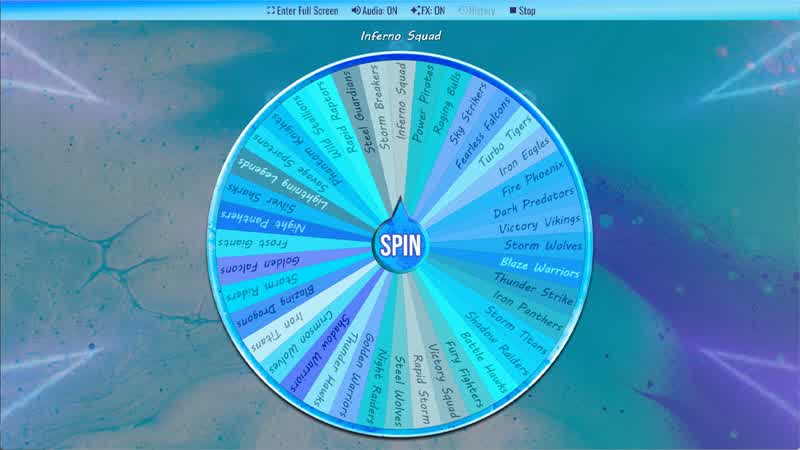
Random Team Name Generator
Use the Random Team Name Generator Wheel to randomly generate creative team name ideas.
Download the Spin The Wheel App
The app is also available to download for a faster, offline-capable experience on all your devices — available on Windows, Mac, iOS, Android, and Steam.