Should I Watch One More Episode? Wheel – Spin to Decide If You Should Keep Watching
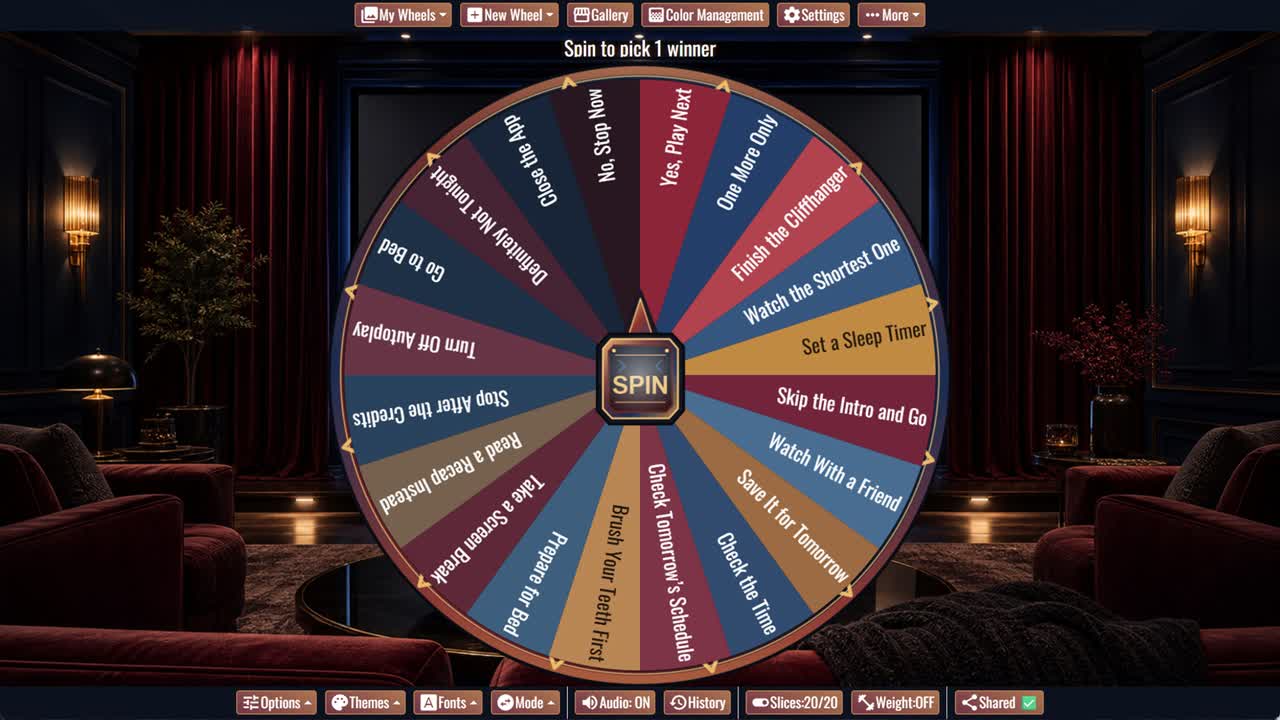
When autoplay starts, spin for one of twenty playful answers about watching another episode or stopping for the night.
Should I Watch One More Episode? Wheel is a playful decision spinner for the moment when the credits roll and autoplay starts counting down. Its twenty outcomes range from enthusiastic answers such as Yes, Play Next and Finish the Cliffhanger to practical limits including One More Only, Set a Sleep Timer, Check the Time, and Turn Off Autoplay.
This one more episode wheel is designed for casual entertainment decisions during streaming nights, weekend marathons, and group viewing. Some slices give permission for another episode, while others suggest preparing for bed, taking a screen break, reading a recap, or saving the show for tomorrow.
How to Use the One More Episode Wheel
Spin when an episode ends and consider the result alongside the current time and tomorrow’s schedule. The wheel adds a fun interruption between episodes so the next one becomes an intentional choice rather than an automatic action.
Set a Clear Viewing Limit
If the result allows another episode, decide whether that means exactly one more, the shortest available episode, or watching until a specific time. Turning off autoplay can make the stopping point easier to keep.
When the Cliffhanger Is Too Good
A cliffhanger is designed to encourage immediate continuation. If staying up is not practical, save the episode, read a short recap later, or make tomorrow’s viewing session something to look forward to.
Protect Tomorrow’s Plans
Check work, school, travel, caregiving, and other morning commitments before continuing. When sleep or responsibilities matter more, Go to Bed and No, Stop Now are useful answers.
Customize Your Streaming Wheel
Duplicate the wheel to add show-specific options, household rules, episode lengths, snack breaks, or a firm bedtime. Remove prompts that do not fit your routine.
Frequently Asked Questions
What is the Should I Watch One More Episode? Wheel?
When is this wheel useful?
Why does the wheel include bedtime prompts?
What does One More Only mean?
Can I customize the answers?
Should the wheel override sleep or responsibilities?
How to Spin and Customize This Wheel
- Click Spin This Wheel Now to spin the wheel and pick a random result.
- Use the Duplicate option to copy this wheel into your account.
- Edit the slices, change colors, add sounds, or adjust slice weights.
- Save your customized wheel and share it with others.
Related Wheels
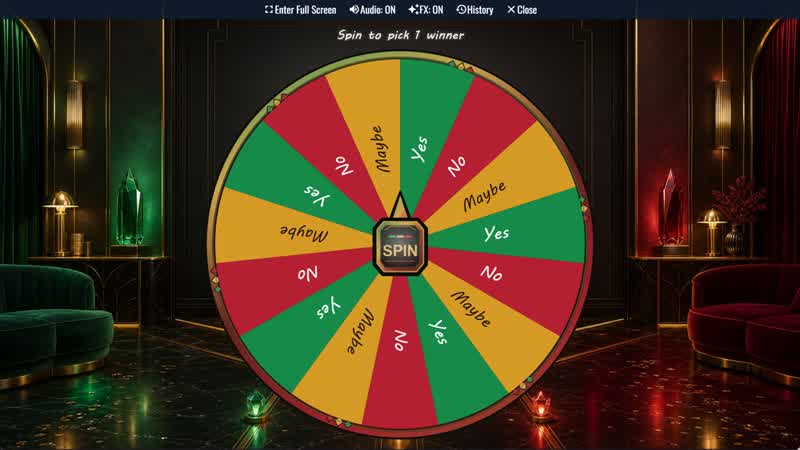
Yes, No, Maybe Classic Wheel
Ask a casual question and spin for one of three balanced outcomes: Yes, No, or Maybe. Repeat mode displays nine full-looking slices.
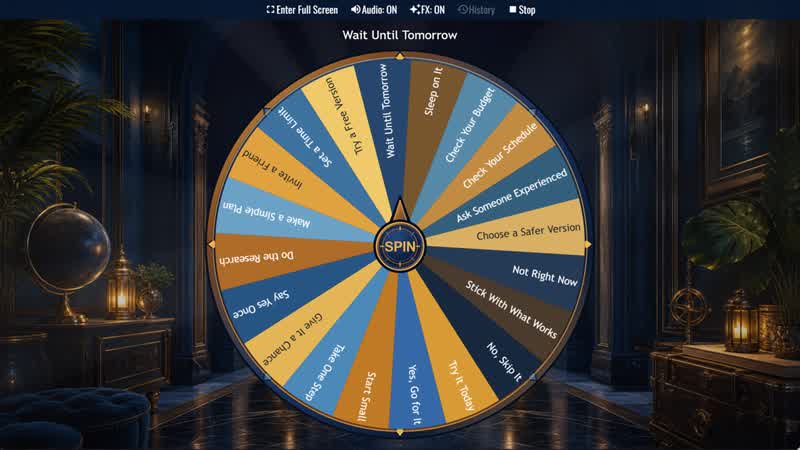
Should I Try Something New? Wheel
Considering a new experience? Spin for one of twenty responses ranging from Go for It and Start Small to Sleep on It or Skip It.
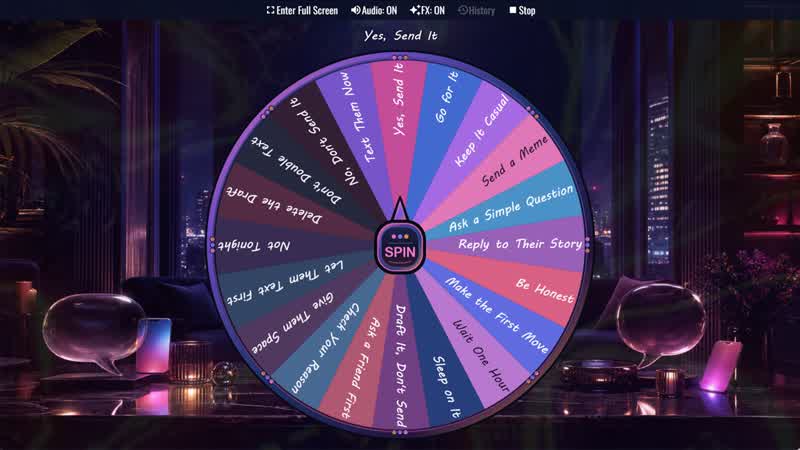
Should I Text Them? Wheel
Not sure whether to send that message? Spin for one of twenty prompts about texting now, waiting, revising your draft, or giving them space.
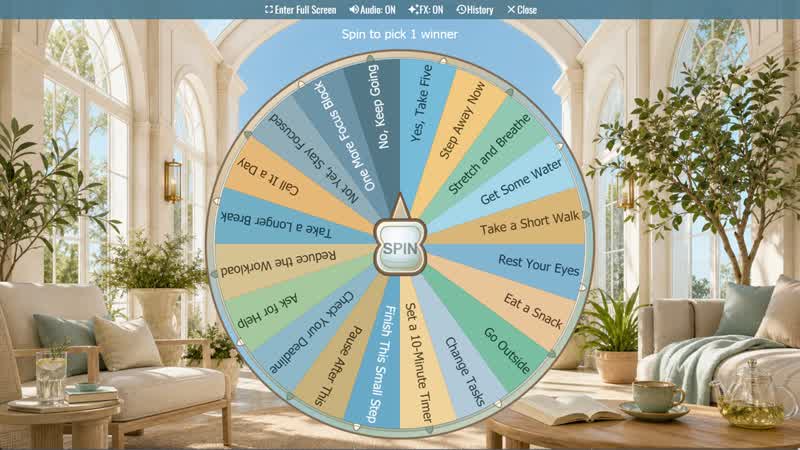
Should I Take a Break? Wheel
Not sure whether to pause or keep working? Spin for one of twenty practical break, reset, and focus suggestions.
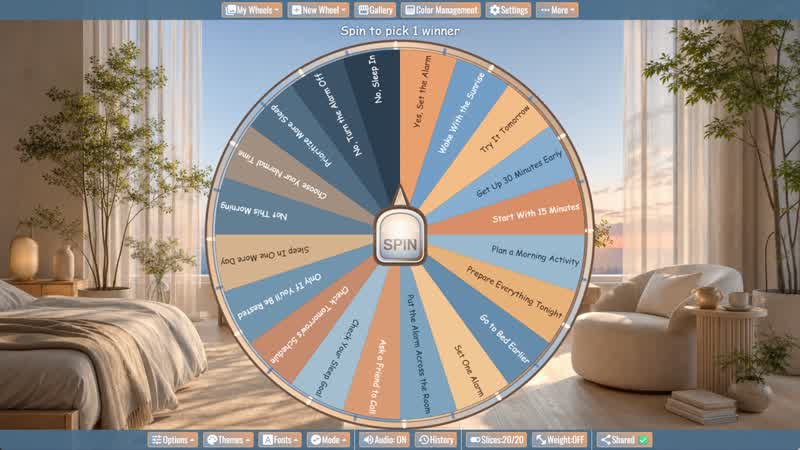
Should I Wake Up Early? Wheel
Considering an early start? Spin for one of twenty alarm, preparation, morning routine, and sleep-priority prompts.
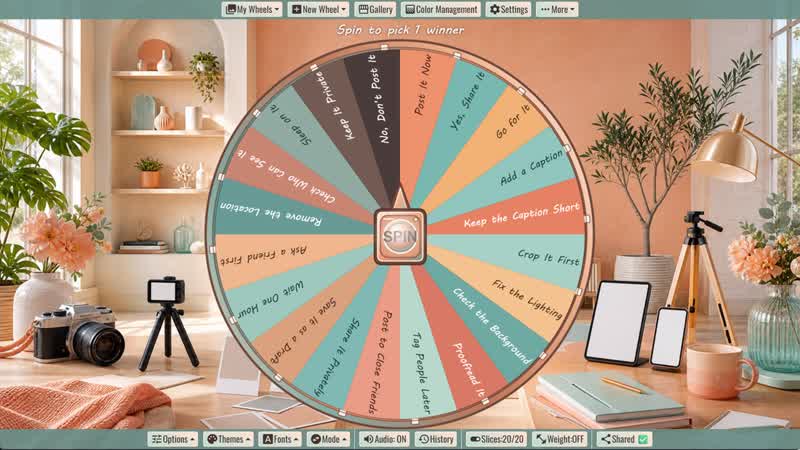
Should I Post It? Wheel
Before sharing a photo, video, or update, spin for one of twenty posting, editing, timing, and privacy prompts.
Download the Spin The Wheel App
The app is also available to download for a faster, offline-capable experience on all your devices — available on Windows, Mac, iOS, Android, and Steam.