Should I Post It? Wheel – Spin to Decide If You Should Hit Post
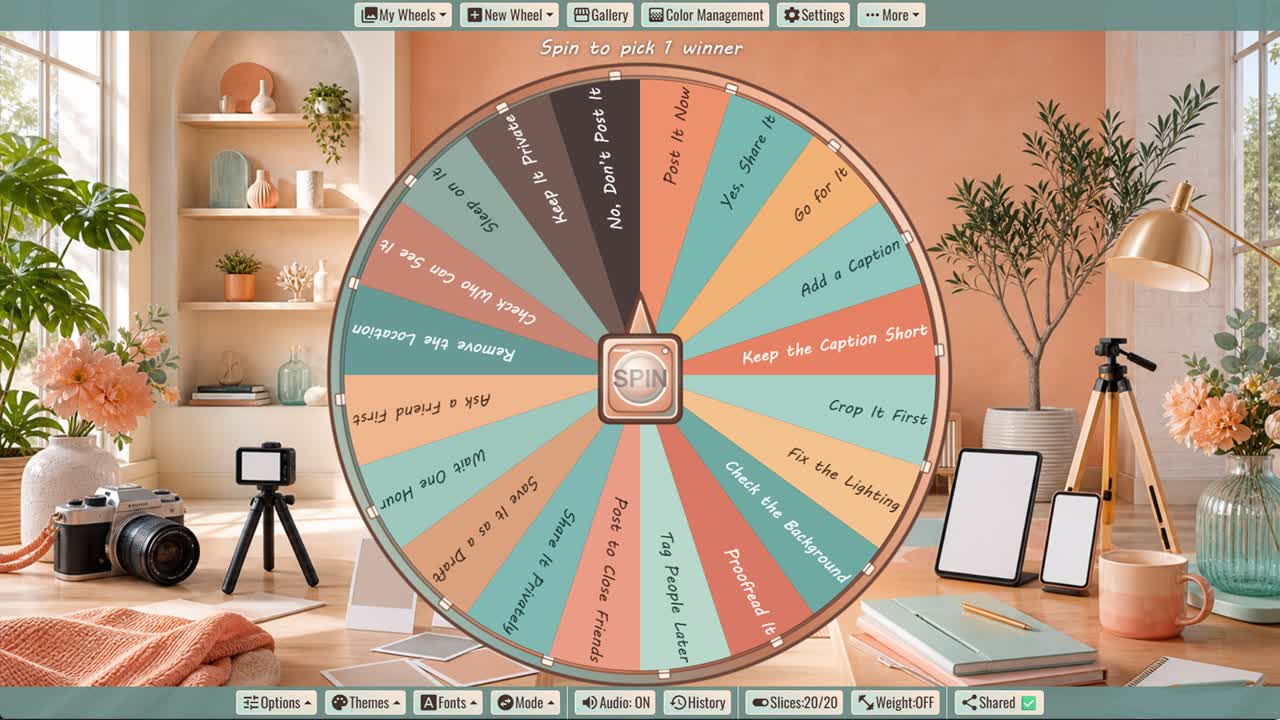
Before sharing a photo, video, or update, spin for one of twenty posting, editing, timing, and privacy prompts.
Should I Post It? Wheel is a random decision spinner for the final moment before sharing a photo, video, caption, update, or creative post. Its twenty outcomes include confident answers such as Post It Now and Yes, Share It, practical editing prompts like Crop It First and Proofread It, and privacy checks such as Remove the Location and Check Who Can See It.
This should I post it wheel works for casual personal content, creative projects, social updates, and low-stakes sharing decisions. Several slices recommend saving a draft, waiting, asking a friend, posting to a smaller audience, or keeping the content private when an immediate public post may not be the best choice.
How to Use the Should I Post It Wheel
Review the content and intended audience, then spin once. Treat the result as a checklist prompt rather than automatic permission to publish. Your immediate reaction may help clarify whether the post feels ready.
Review the Photo, Video, and Caption
Check lighting, cropping, spelling, names, links, tags, and anything visible in the background. Small details such as an address, badge, document, reflection, or screen can reveal more than intended.
Check Privacy and Permission
Confirm who can see the post and remove unnecessary live-location information. Ask permission before sharing recognizable images, recordings, messages, or personal details involving other people.
Use Drafts and Smaller Audiences
Saving a draft creates time to reconsider. Sharing privately or with a limited audience can also be appropriate when the content is personal but still worth showing to trusted people.
Customize Your Posting Wheel
Duplicate the wheel to add your preferred caption checks, brand guidelines, approval steps, audience settings, or posting schedule. Remove options that do not fit the way you share content.
Frequently Asked Questions
What is the Should I Post It? Wheel?
What should I check before posting?
What does Save It as a Draft mean?
Why should I remove location information?
Can I customize the wheel?
Should the wheel decide whether private content is safe to share?
How to Spin and Customize This Wheel
- Click Spin This Wheel Now to spin the wheel and pick a random result.
- Use the Duplicate option to copy this wheel into your account.
- Edit the slices, change colors, add sounds, or adjust slice weights.
- Save your customized wheel and share it with others.
Related Wheels
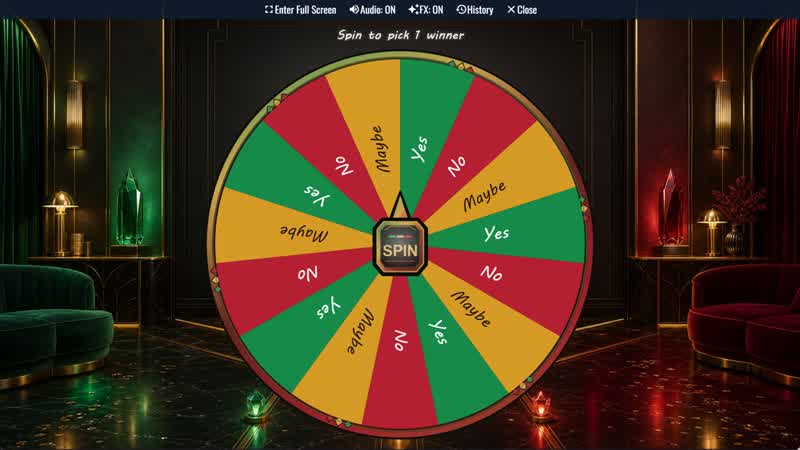
Yes, No, Maybe Classic Wheel
Ask a casual question and spin for one of three balanced outcomes: Yes, No, or Maybe. Repeat mode displays nine full-looking slices.
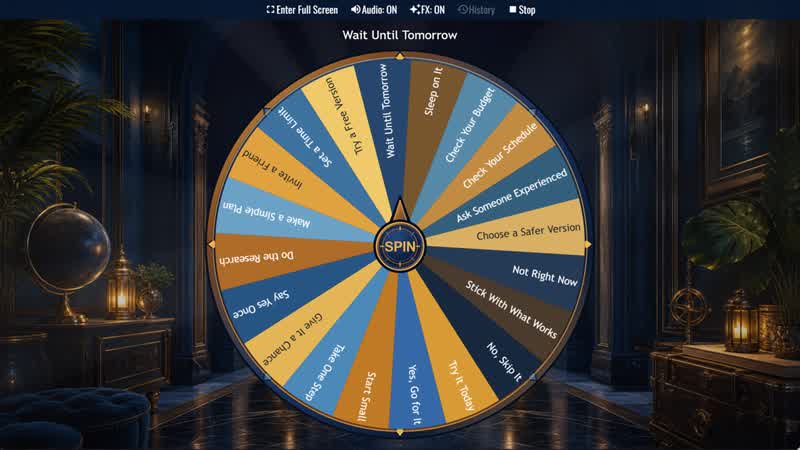
Should I Try Something New? Wheel
Considering a new experience? Spin for one of twenty responses ranging from Go for It and Start Small to Sleep on It or Skip It.
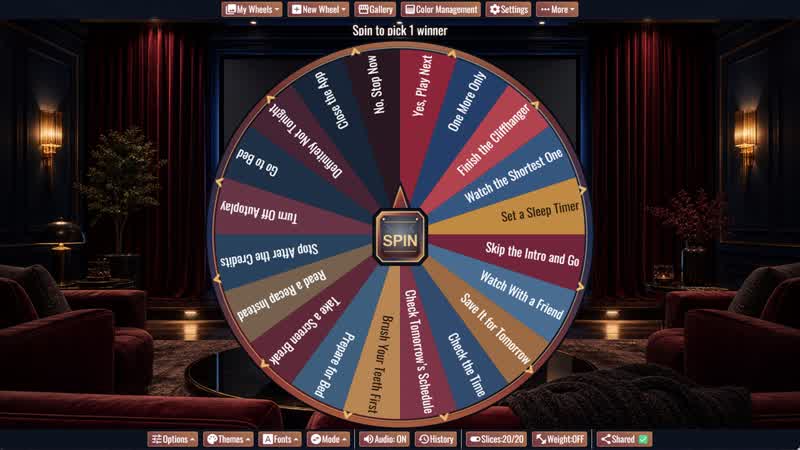
Should I Watch One More Episode? Wheel
When autoplay starts, spin for one of twenty playful answers about watching another episode or stopping for the night.
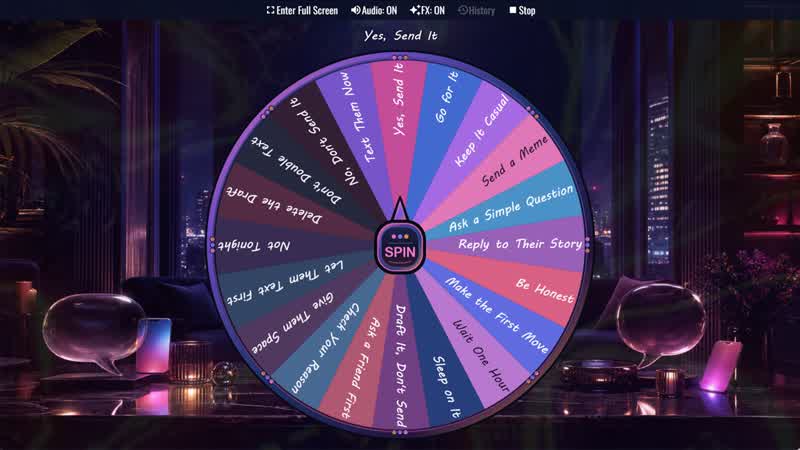
Should I Text Them? Wheel
Not sure whether to send that message? Spin for one of twenty prompts about texting now, waiting, revising your draft, or giving them space.
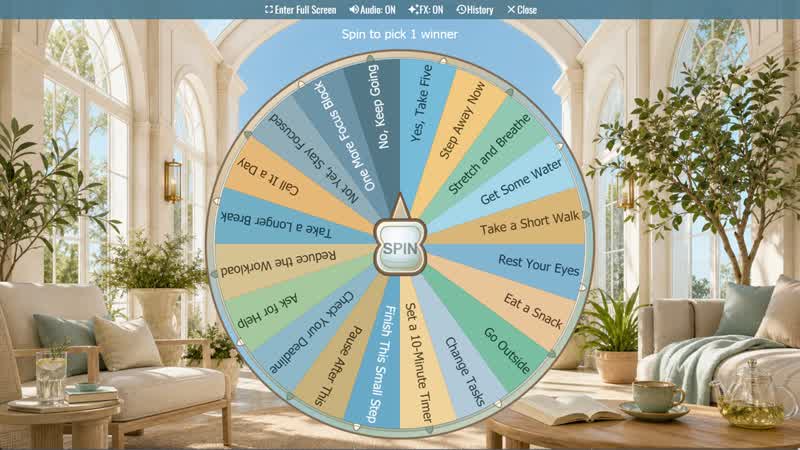
Should I Take a Break? Wheel
Not sure whether to pause or keep working? Spin for one of twenty practical break, reset, and focus suggestions.
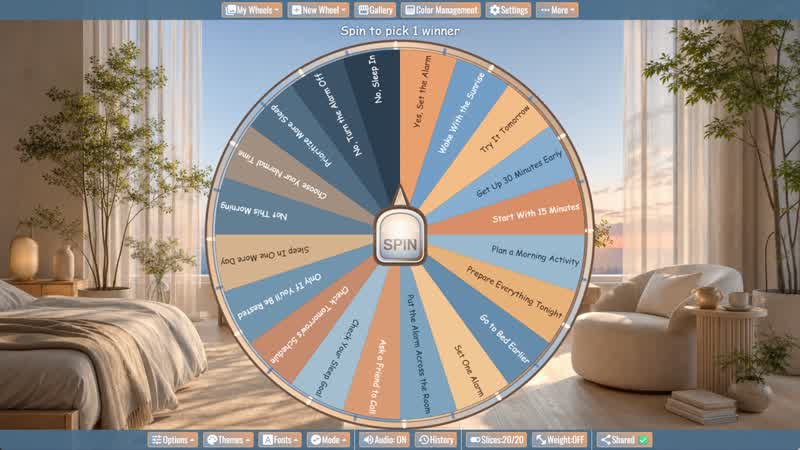
Should I Wake Up Early? Wheel
Considering an early start? Spin for one of twenty alarm, preparation, morning routine, and sleep-priority prompts.
Download the Spin The Wheel App
The app is also available to download for a faster, offline-capable experience on all your devices — available on Windows, Mac, iOS, Android, and Steam.