Should I Get a Haircut? Wheel – Spin to Decide If You Should Get a Haircut
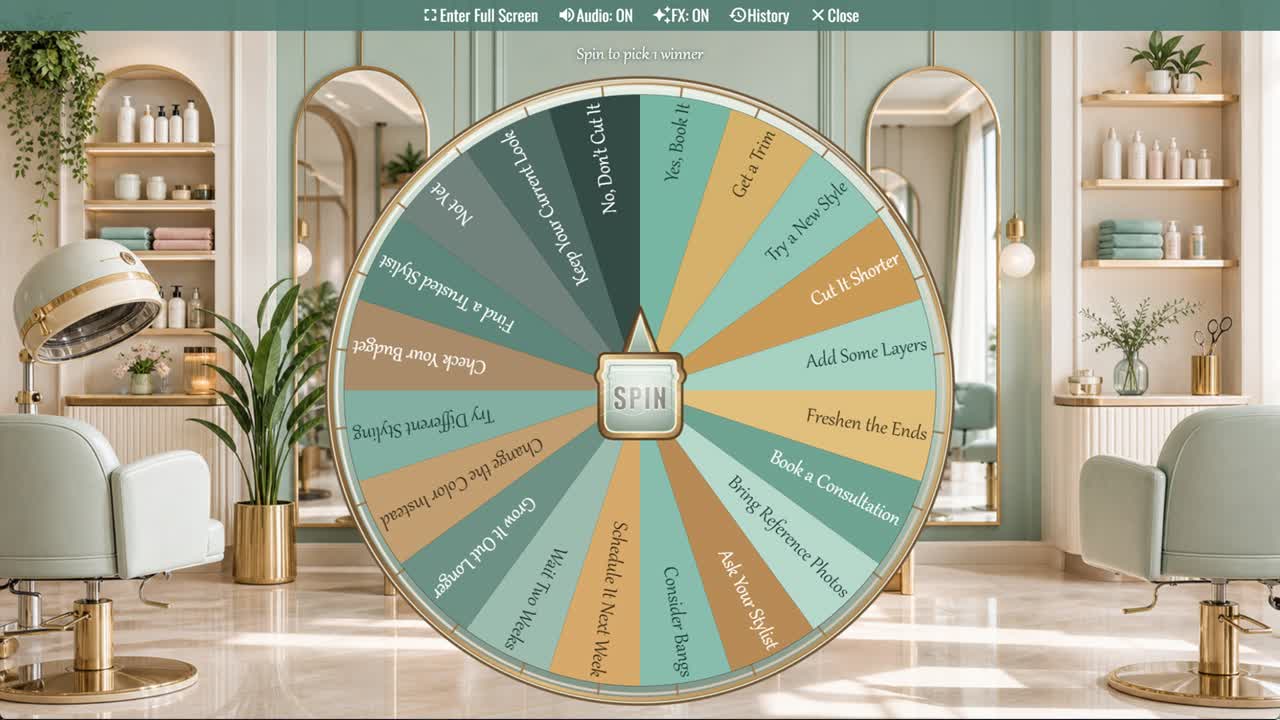
Considering a haircut? Spin for one of twenty prompts about trims, new styles, consultations, maintenance, timing, and keeping your current look.
Should I Get a Haircut? Wheel is a random decision spinner for moments when you want a fresh look but are unsure whether now is the right time. Its twenty outcomes include direct answers such as Yes, Book It and No, Don’t Cut It, along with practical choices like Get a Trim, Add Some Layers, Book a Consultation, and Bring Reference Photos.
This haircut decision wheel works for casual hairstyle planning. Some slices suggest changing the length or style, while others recommend refreshing the ends, trying different styling, checking the budget, finding a trusted stylist, waiting two weeks, or growing the hair longer.
How to Use the Haircut Wheel
Think about the change you are considering and spin once. Notice your reaction to the result, then compare it with your desired maintenance, available budget, schedule, and confidence in the stylist.
Start With a Trim or Consultation
A trim or professional consultation can be a lower-commitment first step when you want change but are not ready for a dramatic cut. Ask what will suit your texture and routine.
Bring Useful Reference Photos
Choose several photos showing the length, shape, layers, and finish you like. Also explain what you do not want and how much time you normally spend styling.
Consider Maintenance and Growing Out
Short cuts, bangs, layers, and precise shapes may need more frequent appointments or daily styling. Think about how the cut will look between visits and while growing out.
Customize Your Haircut Wheel
Duplicate the wheel to add particular lengths, styles, salons, appointment times, hair-care goals, or rules such as waiting before a major change.
Frequently Asked Questions
What is the Should I Get a Haircut? Wheel?
When is this wheel useful?
Why should I bring reference photos?
What should I ask during a consultation?
Can I customize the wheel?
Should the wheel replace professional advice?
How to Spin and Customize This Wheel
- Click Spin This Wheel Now to spin the wheel and pick a random result.
- Use the Duplicate option to copy this wheel into your account.
- Edit the slices, change colors, add sounds, or adjust slice weights.
- Save your customized wheel and share it with others.
Related Wheels
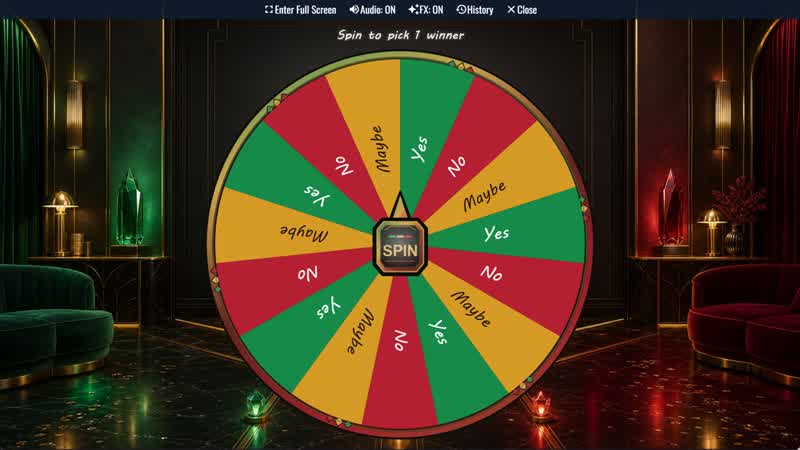
Yes, No, Maybe Classic Wheel
Ask a casual question and spin for one of three balanced outcomes: Yes, No, or Maybe. Repeat mode displays nine full-looking slices.
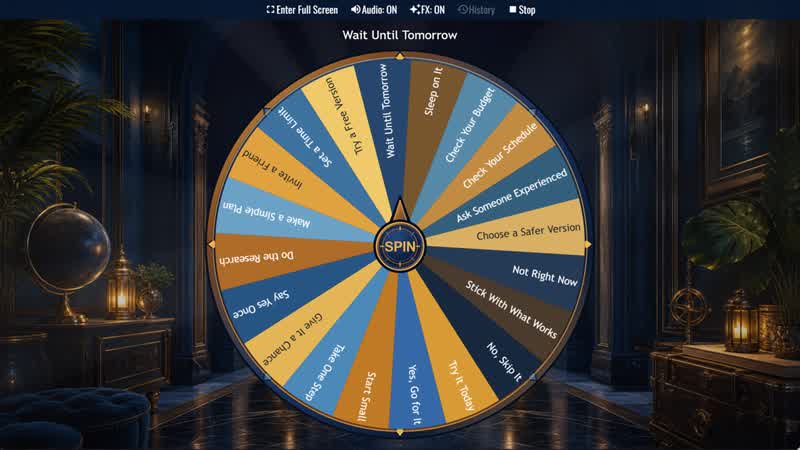
Should I Try Something New? Wheel
Considering a new experience? Spin for one of twenty responses ranging from Go for It and Start Small to Sleep on It or Skip It.
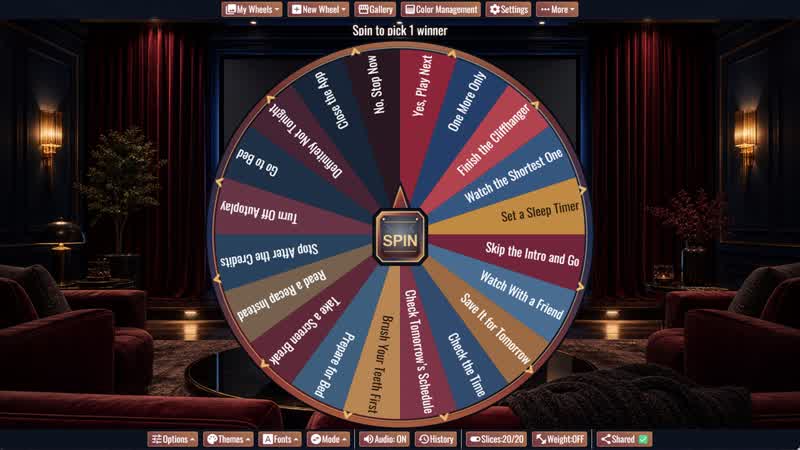
Should I Watch One More Episode? Wheel
When autoplay starts, spin for one of twenty playful answers about watching another episode or stopping for the night.
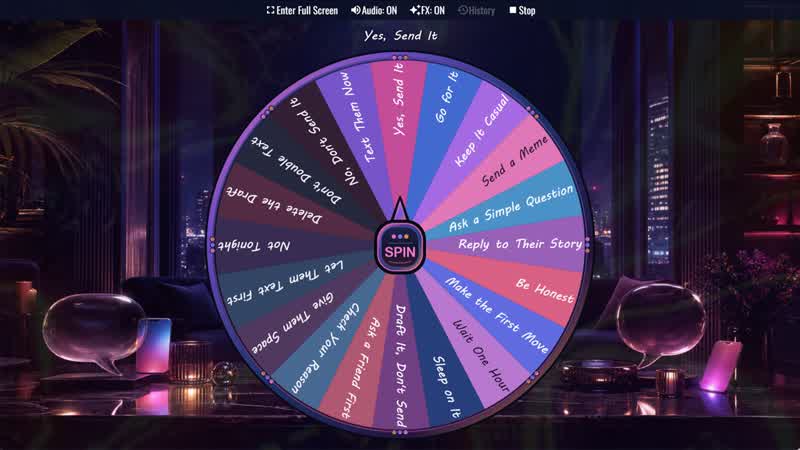
Should I Text Them? Wheel
Not sure whether to send that message? Spin for one of twenty prompts about texting now, waiting, revising your draft, or giving them space.
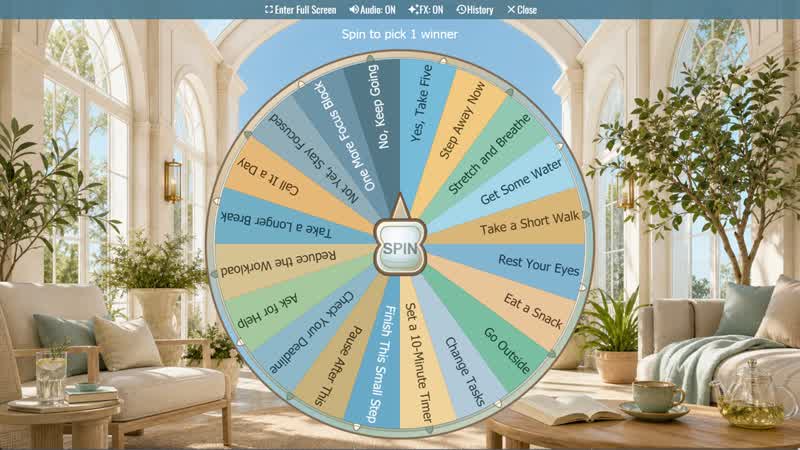
Should I Take a Break? Wheel
Not sure whether to pause or keep working? Spin for one of twenty practical break, reset, and focus suggestions.
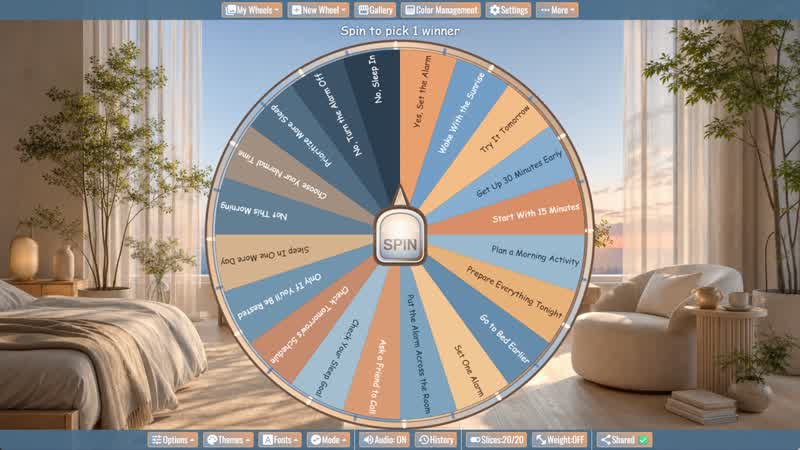
Should I Wake Up Early? Wheel
Considering an early start? Spin for one of twenty alarm, preparation, morning routine, and sleep-priority prompts.
Download the Spin The Wheel App
The app is also available to download for a faster, offline-capable experience on all your devices — available on Windows, Mac, iOS, Android, and Steam.