Should I Do It Wheel – Spin the Decision Maker Wheel
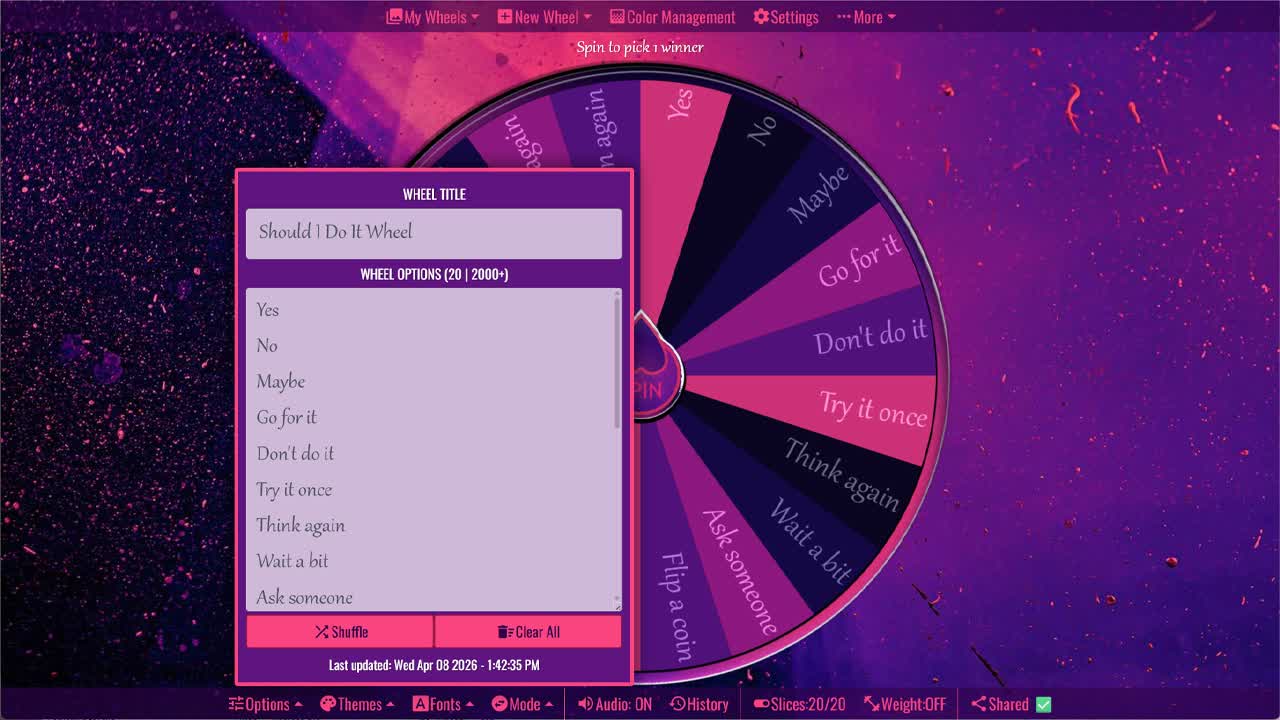
Spin the Should I Do It Wheel to help decide what to do.
The Should I Do It Wheel is a fun random decision generator for moments when you are unsure whether to take action, wait, ask someone, or choose a safer option. Instead of overthinking a small choice, you can spin the wheel and get a quick answer such as Yes, No, Maybe, Go for it, Don’t do it, Try it once, Think again, Wait a bit, Ask someone, or Flip a coin.
This wheel is best for casual, low-pressure decisions where a random nudge can help you move forward. Some results encourage action, such as Take the risk, Give it a chance, Why not, and Go for it. Other results suggest caution, such as Better not, Play it safe, Think again, Sleep on it, and Wait a bit. The wheel does not replace careful judgment, but it can make everyday choices more playful, especially when you are deciding with friends, playing a game, or trying to break indecision.
What Is the Should I Do It Wheel?
A Should I Do It Wheel is an interactive spinner that randomly gives you an answer or suggestion when you are asking whether you should do something. Each slice contains a possible result. When the wheel stops spinning, the selected result becomes your random decision prompt.
This type of wheel is useful because many everyday choices are not serious enough to require a long pros-and-cons list. Sometimes you just need a quick push, a second thought, or a fun way to decide. The wheel gives you one result at a time, which can help you stop looping through the same question.
Answers Included on This Wheel
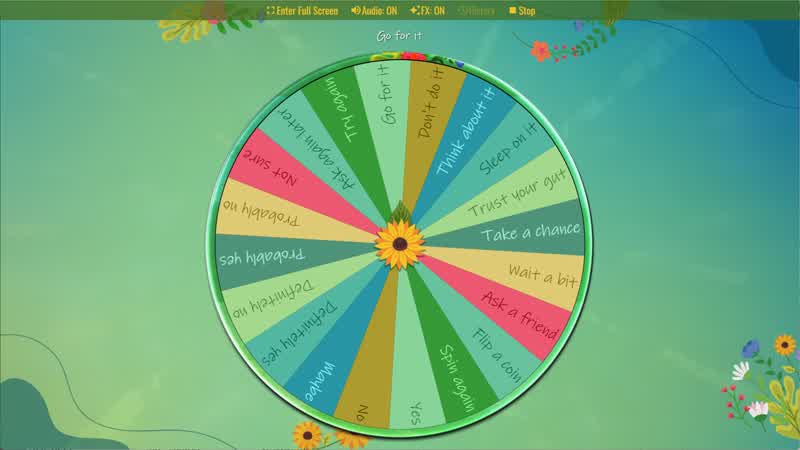
This wheel includes 20 possible answers: Yes, No, Maybe, Go for it, Don’t do it, Try it once, Think again, Wait a bit, Ask someone, Flip a coin, Take the risk, Play it safe, Trust your gut, Sleep on it, Try later, Give it a chance, Better not, Why not, Ask again, and Spin again.
The options are designed to cover different decision styles. “Yes,” “Go for it,” “Try it once,” “Take the risk,” and “Give it a chance” lean toward action. “No,” “Don’t do it,” “Better not,” and “Play it safe” lean toward caution. “Maybe,” “Think again,” “Wait a bit,” “Ask someone,” “Sleep on it,” and “Try later” are useful when the answer is not clear yet.
When to Use This Random Decision Wheel
You can use this random decision wheel when you are deciding whether to try something new, start a task, accept a casual invitation, choose an activity, make a small purchase, take a fun challenge, or change your plan. It can also work well for party games, classroom prompts, icebreakers, social media videos, and friendly debates.
For example, if you are asking “Should I try this?” the wheel might land on Try it once or Give it a chance. If you are unsure about timing, it might land on Wait a bit, Try later, or Sleep on it. If the result is Spin again or Ask again, you can treat that as permission to reconsider the question or get a second random result.
Action Answers vs. Caution Answers
One useful thing about this wheel is that it includes both action-based and caution-based answers. Action answers like Go for it, Take the risk, Why not, and Give it a chance can be helpful when you are hesitating over something harmless or fun. They can encourage you to try something new instead of staying stuck.
Caution answers like Don’t do it, Better not, Think again, and Play it safe can be useful when you may need more information. These results can remind you to slow down, check the details, or avoid rushing into a choice. If a decision involves money, safety, health, legal issues, or relationships, use the wheel only as a fun prompt and rely on careful judgment.
Using the Wheel for Friends, Games, and Challenges
The Should I Do It Wheel can turn decision-making into a quick game. Friends can ask funny questions, spin the wheel, and react to the result. It can be used for party dares, harmless challenges, activity choices, or “should I?” questions during a livestream or short video.
Teachers and group leaders can also use it for light classroom choices or icebreaker questions. Since the answers include direct choices, cautious prompts, and repeat options, each spin can start a short conversation. A result like Trust your gut may lead someone to explain their real preference, while Ask someone can invite group input.
Customize the Should I Do It Wheel
You can customize this wheel by adding your own answers, removing options that do not fit your situation, or changing the wording to match your group. For a more playful version, you might add responses like “Do it for fun,” “Ask the group,” or “Spin one more time.” For a more practical version, you might add “Check your budget,” “Read the rules,” or “Wait until tomorrow.”
You can also make separate wheels for different situations. One wheel could be for weekend plans, another for school or work tasks, another for food choices, and another for fun challenges. Customizing the options makes the wheel more personal and more useful for the exact decision you want to make.
For more “should I?” and quick answer tools, browse the Decisions category and Yes or No category. This wheel works well with the Decision Maker Wheel, Maybe Wheel, Yes or No Wheel, Should I Buy It Wheel, and Should I Go Out Wheel for low-pressure choices, fun prompts, and everyday decisions.
Frequently Asked Questions
What answers are included in this Should I Do It Wheel?
What can I use the Should I Do It Wheel for?
Is this wheel different from a yes or no wheel?
Can I customize the Should I Do It Wheel?
Should I use this wheel for serious decisions?
How to Spin and Customize This Wheel
- Click Spin This Wheel Now to spin the wheel and pick a random result.
- Use the Duplicate option to copy this wheel into your account.
- Edit the slices, change colors, add sounds, or adjust slice weights.
- Save your customized wheel and share it with others.
Related Wheels
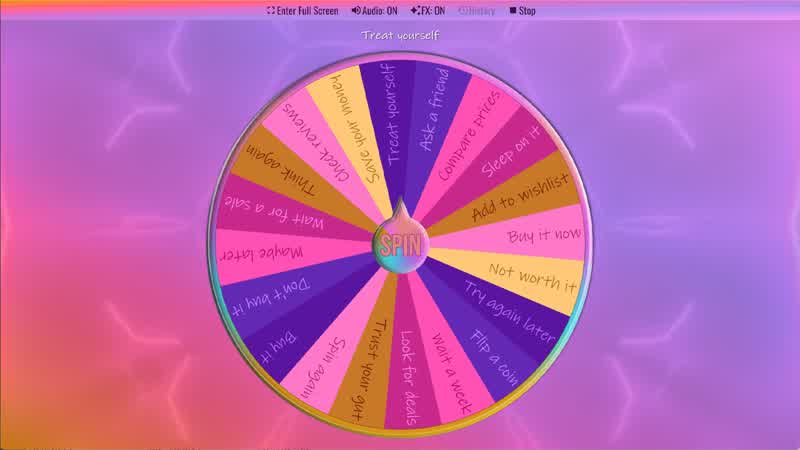
Should I Buy It Wheel
Spin the Should I Buy It Wheel to decide whether to buy something.
Yes No Maybe Wheel
Spin the Yes No Maybe Wheel to randomly choose yes, no, or maybe.
Random Choice Generator
Spin the Random Choice Generator wheel to randomly choose one option.
Download the Spin The Wheel App
The app is also available to download for a faster, offline-capable experience on all your devices — available on Windows, Mac, iOS, Android, and Steam.