Should I Buy It Wheel – Spin to Decide Buy or Not
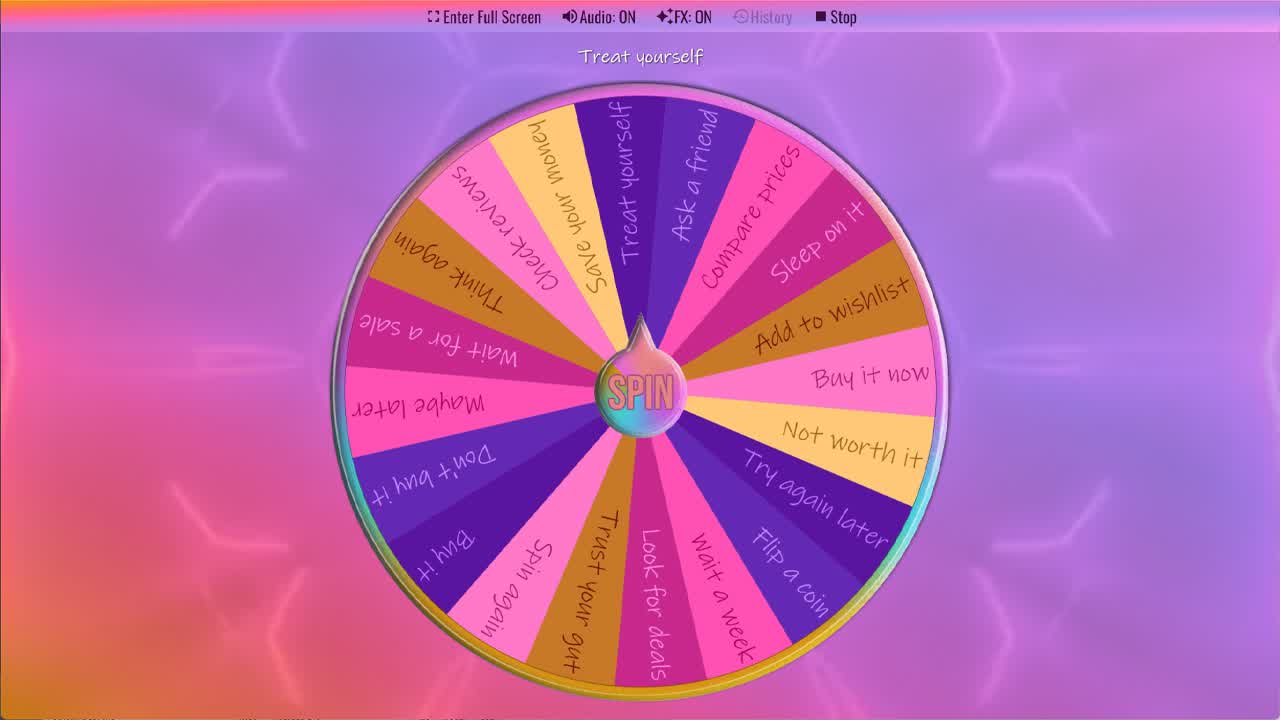
Spin the Should I Buy It Wheel to decide whether to buy something.
We've all been there — hovering over the "Add to Cart" button or standing in a store aisle completely unable to make up our minds. Should you buy it? Is it worth the price? Will you regret it tomorrow? The Should I Buy It Wheel takes the pressure off instantly. Just hit spin and let the wheel give you a random nudge in the right direction.
This free online shopping decision wheel features 20 realistic outcomes — from Buy It Now and Treat Yourself to Save Your Money and Sleep On It. Whether you're shopping online, browsing a sale rack, or eyeing a big-ticket gadget, this buy or not decision wheel is the fastest way to break through decision fatigue and move on with your day. No sign-up required. Works on any device.
You can also customize the wheel with your own options — add the item name, remove outcomes you don't need, or weight the slices differently to match your mindset. Duplicate the wheel into your account and make it your own.
What's on the Should I Buy It Wheel?
The default wheel has 20 options covering the full range of purchase decisions — from instant approval to firm restraint. Here's what each outcome means:
- Buy It — Go ahead and make the purchase. You've thought about it enough — this is your green light.
- Don't Buy It — Step back and skip this one. Your wallet will thank you.
- Maybe Later — Not the right moment, but don't rule it out. Revisit in a few days.
- Wait for a Sale — Patience pays off. Hold off and check back when a discount or promo appears.
- Think Again — Pump the brakes. Take a moment to genuinely reconsider before committing.
- Check Reviews — Do a quick search for user reviews or YouTube videos before spending.
- Save Your Money — This purchase isn't worth it right now. Put those funds elsewhere.
- Treat Yourself — You've earned it. Stop second-guessing and enjoy the purchase.
- Ask a Friend — Get a second opinion from someone who knows you well before buying.
- Compare Prices — Don't buy yet — shop around on a few other sites or stores first.
- Sleep On It — Give yourself at least one night. If you still want it in the morning, it's probably worth it.
- Add to Wishlist — Save it for later without committing money now. See if you still want it next week.
- Buy It Now — Stop overthinking. Add to cart and check out immediately.
- Not Worth It — The value doesn't justify the price. Move on.
- Try Again Later — Come back to this decision when you're in a clearer headspace.
- Flip a Coin — Still can't decide? Leave it to pure 50/50 chance.
- Wait a Week — Classic impulse-buy test. If you still want it in 7 days, it's a genuine purchase, not just a craving.
- Look for Deals — Search for coupons, promo codes, or cashback offers before paying full price.
- Trust Your Gut — Your instinct already knows the answer. Stop overthinking and go with it.
- Spin Again — Not happy with that result? Take another spin and see what comes up next.
When Should You Use the Should I Buy It Wheel?
The Should I Buy It Wheel works for any moment when you're stuck between buying and holding back. Here are the most common situations where it comes in handy:
- Online shopping cart hesitation: Your cart has been sitting there for three days. You keep opening it, closing it, and going back. Spin the wheel and commit to whatever it says.
- In-store impulse buys: You picked something up off the shelf and now you're standing in the aisle debating. A quick spin on your phone settles it in seconds.
- Big-ticket purchases: Electronics, furniture, appliances — high-cost items trigger over-analysis. The wheel can give you the permission or the restraint you need.
- Flash sales and time-limited deals: Countdown timers create artificial urgency. Spin the wheel to cut through the pressure and make a calm decision.
- Gift shopping: Not sure if someone would love the item you've found? The wheel's outcomes like "Ask a Friend" or "Check Reviews" can point you in the right direction.
- Budget check moments: If your budget is tight, load the wheel with more "Save Your Money" and "Wait for a Sale" outcomes to nudge yourself toward smarter spending.
How to Use and Customize the Should I Buy It Wheel
Using the wheel takes only a few seconds. Click Spin This Wheel Now to launch the interactive wheel, then press the SPIN button in the center. The wheel will spin randomly and land on one of the 20 outcomes. Accept the result, or spin again if you want a second opinion.
To make the wheel your own, click Duplicate & Edit. This copies the wheel into your free account where you can:
- Rename or remove any slice — for example, replace generic options with the specific item you're deciding on.
- Adjust slice weights to change the probability of each outcome. Want the wheel to lean more toward saving money? Increase the weight on "Don't Buy It," "Save Your Money," and "Wait for a Sale."
- Change colors, fonts, and themes to match your style.
- Add custom spin sounds or decision effects.
- Save your version and share it with friends or embed it on your own site.
The wheel runs entirely in your browser — no downloads, no app required, and no data about your decisions is stored or tracked.
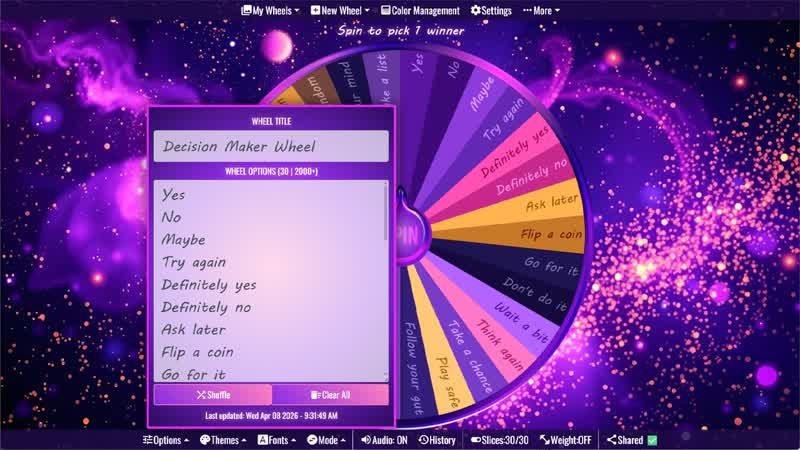
For more shopping and quick decision tools, browse the Decisions category and Yes or No category. This Should I Buy It Wheel works well with the Should I Do It Wheel, Should I Go Out Wheel, Yes No Maybe Wheel, Decision Maker Wheel, and Random Choice Generator for fun purchase decisions, shopping debates, budget-friendly choices, and everyday “should I?” questions.
Frequently Asked Questions
Can I customize the Should I Buy It Wheel with my own options?
Is the Should I Buy It Wheel truly random?
Why use a wheel to make a purchase decision?
Does the wheel work on mobile?
How many options does the wheel have?
Is the Should I Buy It Wheel free to use?
Can I use this wheel to help stop impulse buying?
How to Spin and Customize This Wheel
- Click Spin This Wheel Now to spin the wheel and pick a random result.
- Use the Duplicate option to copy this wheel into your account.
- Edit the slices, change colors, add sounds, or adjust slice weights.
- Save your customized wheel and share it with others.
Related Wheels
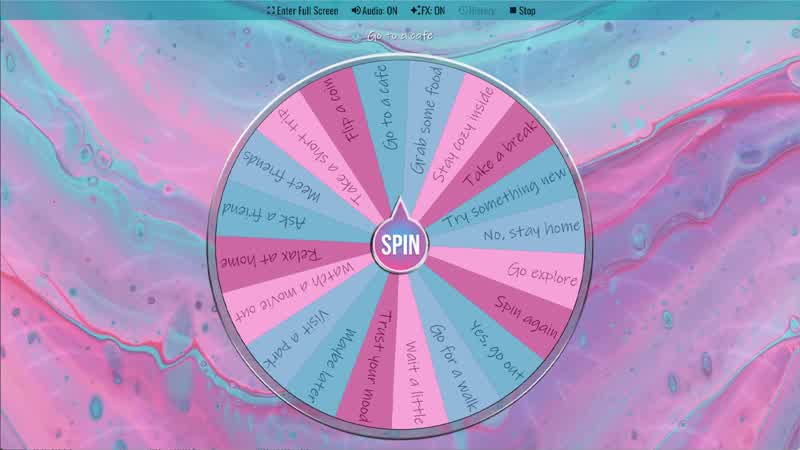
Should I Go Out Wheel
Spin the Should I Go Out Wheel to decide whether to go out or stay home.
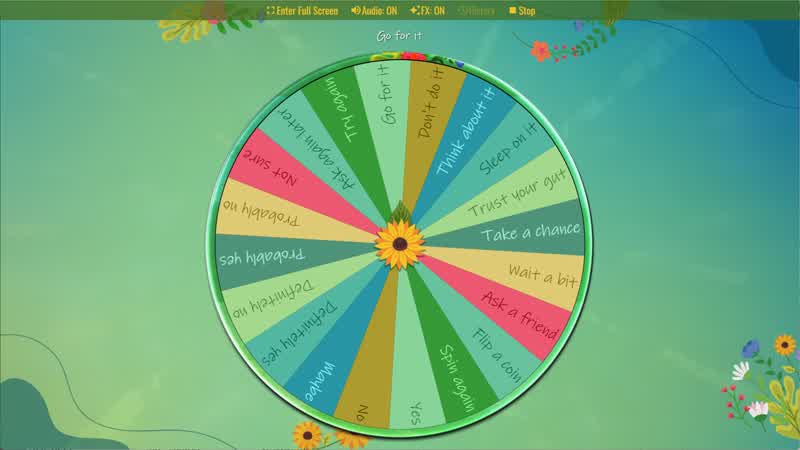
Yes No Maybe Wheel
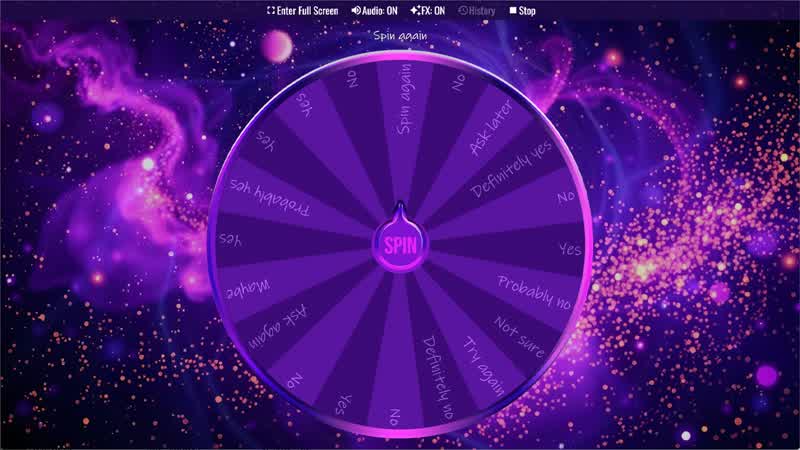
Spin the Yes No Maybe Wheel to randomly choose yes, no, or maybe.
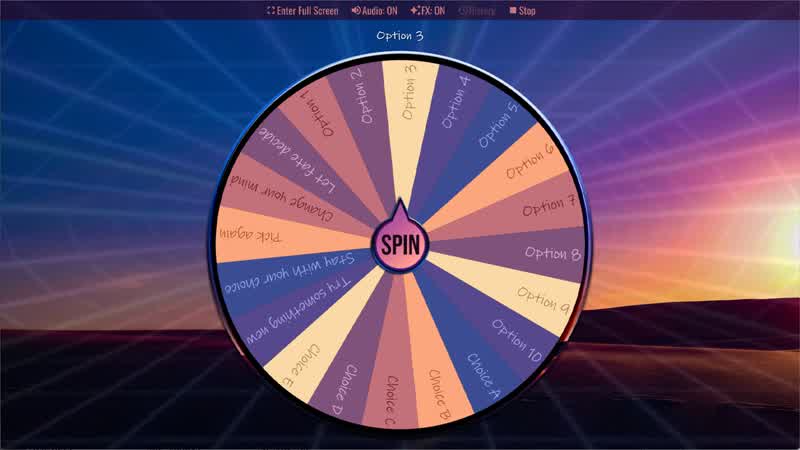
Random Choice Generator
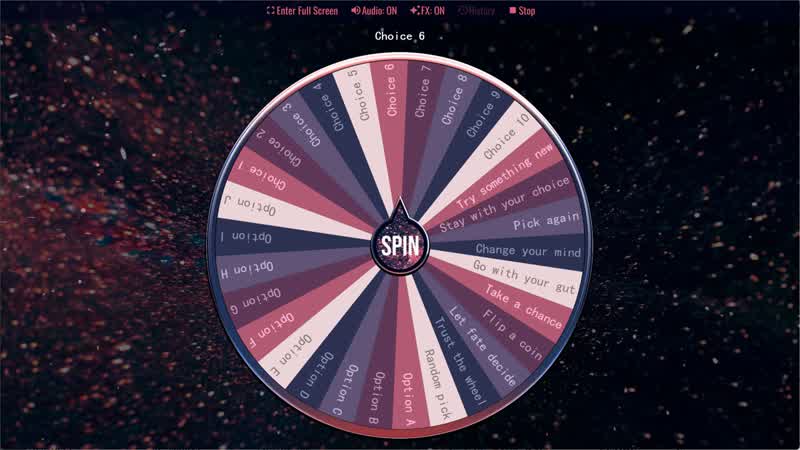
Spin the Random Choice Generator wheel to randomly choose one option.
Download the Spin The Wheel App
The app is also available to download for a faster, offline-capable experience on all your devices — available on Windows, Mac, iOS, Android, and Steam.