YouTube Video Idea Generator – Spin for YouTube Ideas
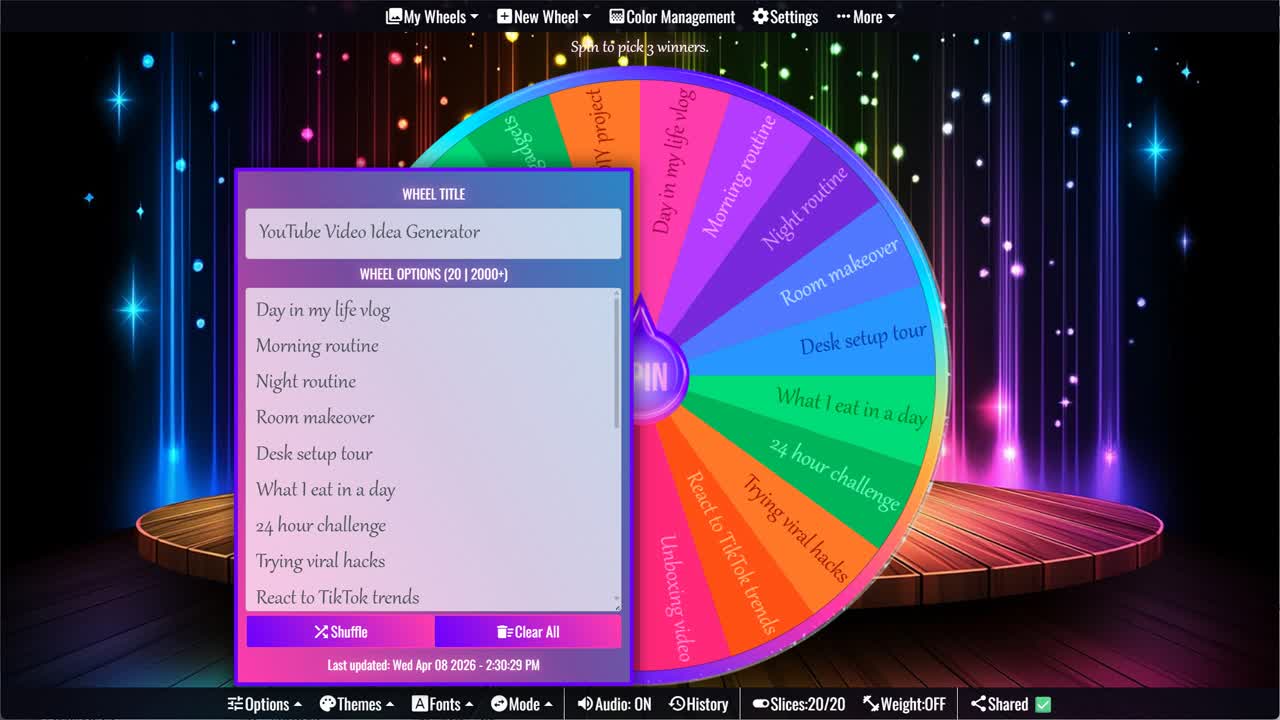
Spin the YouTube Video Idea Generator to get a random video idea.
The YouTube Video Idea Generator is a helpful way to find your next video topic when you feel stuck, bored, or unsure what to upload. Instead of staring at a blank content calendar, you can spin the wheel and get a random YouTube idea instantly. This wheel includes popular creator-friendly ideas such as Day in my life vlog, Morning routine, Night routine, Room makeover, Desk setup tour, What I eat in a day, 24 hour challenge, Trying viral hacks, React to TikTok trends, and Unboxing video.
The ideas on this wheel cover several common YouTube content styles, including vlogs, routines, challenges, reviews, tutorials, reactions, lifestyle videos, and DIY projects. Some ideas are easy to film with a phone, while others work well as longer edited videos. Whether you are a beginner creator, lifestyle vlogger, student YouTuber, tech reviewer, or social media content creator, this wheel can give you a quick starting point for your next upload.
What Is the YouTube Video Idea Generator?
A YouTube Video Idea Generator is an interactive spinner that randomly chooses one video idea from a list of content prompts. Each slice on the wheel contains a different idea. When the wheel stops, the selected result can become your next YouTube video topic, Shorts idea, vlog prompt, tutorial concept, or content planning starter.
This type of wheel is useful because coming up with video ideas can be one of the hardest parts of being consistent on YouTube. A random idea does not have to be perfect right away. It can help you start brainstorming, adjust the topic to match your channel, or create a related version that fits your audience better.
YouTube Video Ideas Included on This Wheel
This wheel includes 20 YouTube video ideas: Day in my life vlog, Morning routine, Night routine, Room makeover, Desk setup tour, What I eat in a day, 24 hour challenge, Trying viral hacks, React to TikTok trends, Unboxing video, Product review, Budget challenge, Truth or dare, Q&A with subscribers, Storytime video, Beginner tutorial, Top 10 list video, Before vs after, Testing gadgets, and DIY project.
The list mixes evergreen ideas with trend-friendly formats. Routine videos and vlogs can help viewers connect with your personality. Challenge videos and viral hack tests can feel more entertaining and shareable. Product reviews, unboxings, tutorials, and gadget tests are useful for viewers who are searching for practical information. This variety makes the wheel flexible for many different channel types.
Vlog and Lifestyle Video Ideas
Vlog-style ideas are great when you want to show your daily life, personality, environment, or routine. Day in my life vlog, Morning routine, Night routine, Room makeover, Desk setup tour, and What I eat in a day all work well for lifestyle channels, student channels, creator channels, productivity videos, and personal branding content.
These ideas can also be adapted to your niche. A gaming creator might make a desk setup tour focused on monitors, lights, controllers, and microphones. A student creator might film a realistic morning routine before school. A small business owner might film a day in the life showing packing orders, planning content, or working on a project. The same idea can feel fresh when you personalize it.
Challenge, Trend, and Entertainment Ideas
If you want a more energetic video, the wheel includes ideas like 24 hour challenge, Trying viral hacks, React to TikTok trends, Budget challenge, Truth or dare, and Before vs after. These formats are popular because they create curiosity. Viewers want to know what happens, whether the hack works, how the challenge ends, or how dramatic the transformation will be.
Entertainment ideas often work best when the title is specific. Instead of only filming “Trying viral hacks,” you might try “Trying Viral Cleaning Hacks,” “Trying Viral Food Hacks,” or “Trying Viral TikTok Gadgets.” A Budget challenge could become a thrift challenge, grocery challenge, room makeover challenge, gift challenge, or one-day spending challenge.
Review, Tutorial, and Helpful Content Ideas
Helpful videos can attract viewers who are searching for answers. Unboxing video, Product review, Beginner tutorial, Top 10 list video, Testing gadgets, and DIY project all work well when you want to teach, compare, explain, or demonstrate something. These ideas can also be easier to plan because they usually have a clear structure.
For example, a beginner tutorial might explain how to use an app, start a hobby, edit a video, cook a simple recipe, or set up a workspace. A Top 10 list video could cover favorite apps, tools, gadgets, study tips, games, products, or content ideas. Product reviews and testing gadgets can be useful for tech, beauty, home, gaming, lifestyle, or shopping-focused channels.
How to Turn a Wheel Result Into a Full Video
After spinning the wheel, try turning the result into a more specific title. If the wheel lands on Storytime video, choose a story with a clear hook, lesson, or funny moment. If it lands on Q&A with subscribers, collect questions from comments, Instagram, TikTok, or community posts. If it lands on DIY project, choose a project that can be shown step by step.
You can also create a simple filming outline before recording. Write down the intro, the main sections, any shots you need, and the ending call-to-action. Even a casual vlog is easier to film when you know the beginning, middle, and end. The wheel gives you the idea, but your personal angle makes the video unique.
Customize the Video Idea Wheel
You can customize this wheel by adding your own YouTube ideas, removing topics that do not fit your channel, or creating separate wheels for different content types. For example, you could make one wheel for Shorts ideas, one for long-form videos, one for gaming videos, one for lifestyle content, and one for product review ideas.
If your channel has a specific niche, replace general prompts with niche-specific versions. A food channel could add recipe tests, grocery hauls, kitchen hacks, and meal prep ideas. A gaming channel could add challenge runs, reaction videos, tier lists, setup tours, and gameplay reviews. The more closely the wheel matches your channel, the easier it becomes to use every spin.
For more creator, brainstorming, and content idea tools, browse the Decisions category and Classroom category. This YouTube video idea generator pairs well with the Random Idea Generator, Story Prompt Generator, Writing Prompt Generator, Random Topic Generator, and Business Name Generator Wheel for YouTube ideas, Shorts prompts, content planning, brainstorming, and creative projects.
Frequently Asked Questions
What video ideas are included in this YouTube Video Idea Generator?
What can I use this YouTube idea wheel for?
Is this wheel useful for beginner YouTubers?
Can I use these ideas for YouTube Shorts?
Can I customize the YouTube Video Idea Generator?
How to Spin and Customize This Wheel
- Click Spin This Wheel Now to spin the wheel and pick a random result.
- Use the Duplicate option to copy this wheel into your account.
- Edit the slices, change colors, add sounds, or adjust slice weights.
- Save your customized wheel and share it with others.
Related Wheels
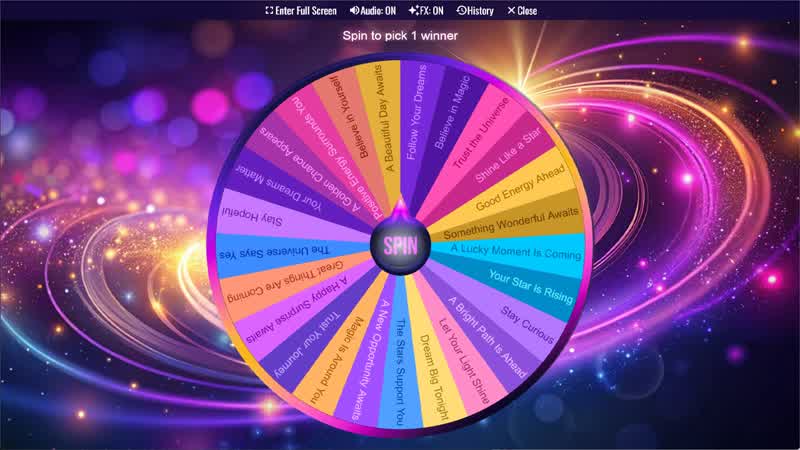
Message From The Stars
Spin the wheel to receive a random message from the stars filled with inspiration and positive energy.
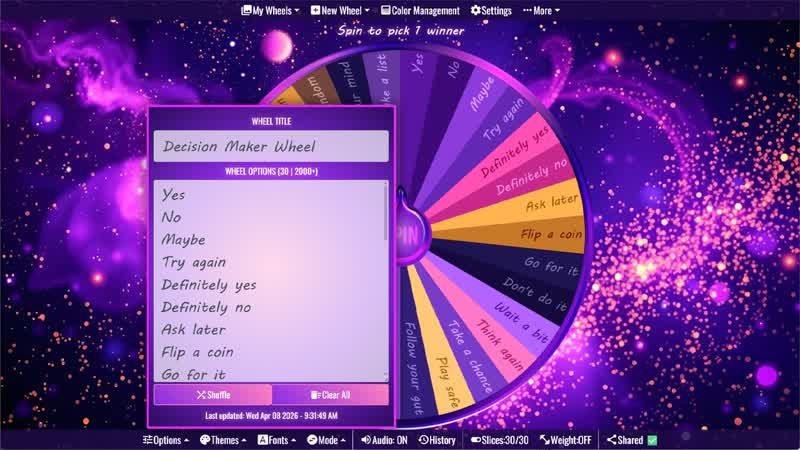
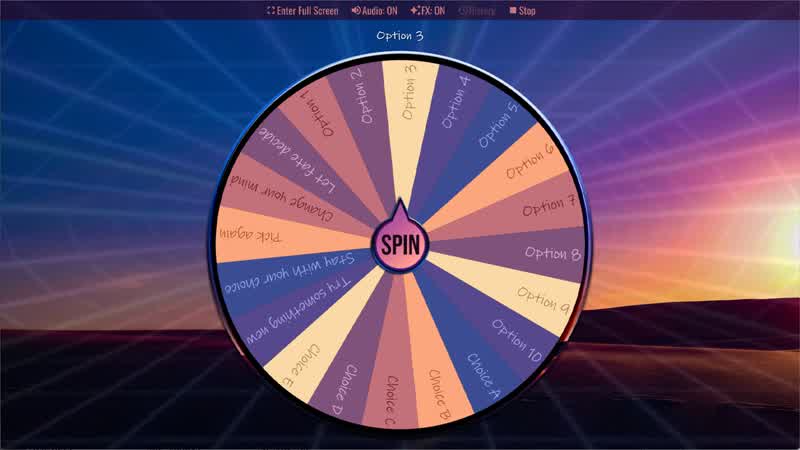
Random Choice Generator
Spin the Random Choice Generator wheel to randomly choose one option.
Yes No Maybe Wheel
Spin the Yes No Maybe Wheel to randomly choose yes, no, or maybe.
Positive Affirmation Wheel
Spin the wheel to receive a random daily affirmation and boost your confidence.
Download the Spin The Wheel App
The app is also available to download for a faster, offline-capable experience on all your devices — available on Windows, Mac, iOS, Android, and Steam.