Virtual Meeting Icebreaker Wheel – Spin to Pick a Random Virtual Meeting Icebreaker

Start a remote meeting with a friendly random icebreaker question.
The Virtual Meeting Icebreaker Wheel helps remote teams, online classes, distributed groups, and workshop hosts begin conversations without awkward silence or repetitive introductions. Spin the wheel to select one of fifty friendly questions covering everyday preferences, goals, travel, food, entertainment, work habits, personal wins, and light imaginative topics. The prompts are intentionally easy to answer and broad enough for colleagues who may not know one another well. A random result also removes pressure from the host, prevents the same people from choosing every topic, and gives each participant a clear starting point for a short, human conversation before the formal agenda begins.
Use this virtual icebreaker question generator for Zoom meetings, Microsoft Teams calls, Google Meet sessions, webinars, remote onboarding, online classrooms, hybrid workshops, and community events. Spin once for a quick opening question, assign the result to breakout rooms, or let each participant spin and answer a different prompt. Facilitators can set a time limit, invite volunteers rather than forcing responses, and skip questions that do not suit the group’s culture or privacy expectations. The wheel is fully customizable, so organizers can replace prompts, add project-specific questions, or create separate versions for new hires, recurring team meetings, students, clients, and informal virtual social events.
How to Use Icebreakers in a Virtual Meeting
Share the wheel on screen, spin once, and give participants a moment to think before answering. For larger groups, send the same prompt to breakout rooms or invite brief responses in chat.
Remote Team Questions That Feel Natural
The wheel combines easy preference questions with positive reflection, light imagination, and work-friendly conversation topics, helping participants contribute without preparing a formal introduction.
Make Online Meetings More Inclusive
Offer a pass option, avoid pressuring anyone to reveal personal information, and provide chat or reaction-based alternatives for people who prefer not to speak.
Customize Questions for Your Group
Duplicate the wheel to add company culture prompts, classroom topics, project retrospectives, event themes, or questions appropriate for your audience and meeting purpose.
Frequently Asked Questions
What is a Virtual Meeting Icebreaker Wheel?
How many questions are included?
Can I use it in Zoom or Microsoft Teams?
Are these questions appropriate for work?
Can I add my own virtual icebreakers?
How to Spin and Customize This Wheel
- Click Spin This Wheel Now to spin the wheel and pick a random result.
- Use the Duplicate option to copy this wheel into your account.
- Edit the slices, change colors, add sounds, or adjust slice weights.
- Save your customized wheel and share it with others.
Related Wheels
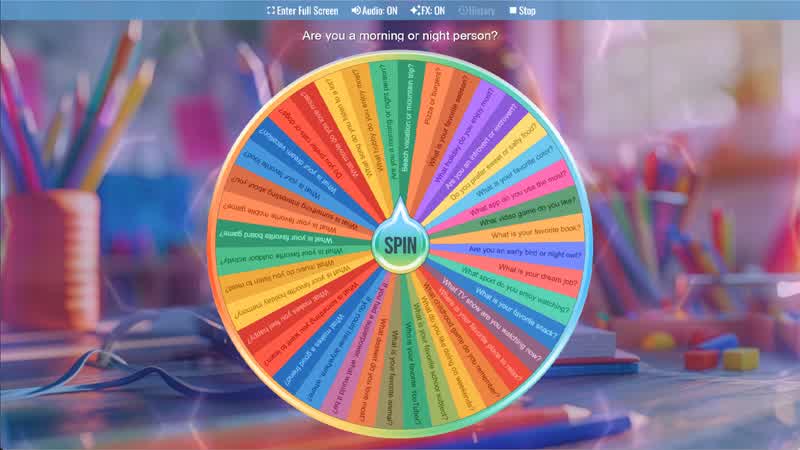
Random Question Generator
Spin the Random Question Generator Wheel to instantly get a fun question for conversations, games, or classroom activities.
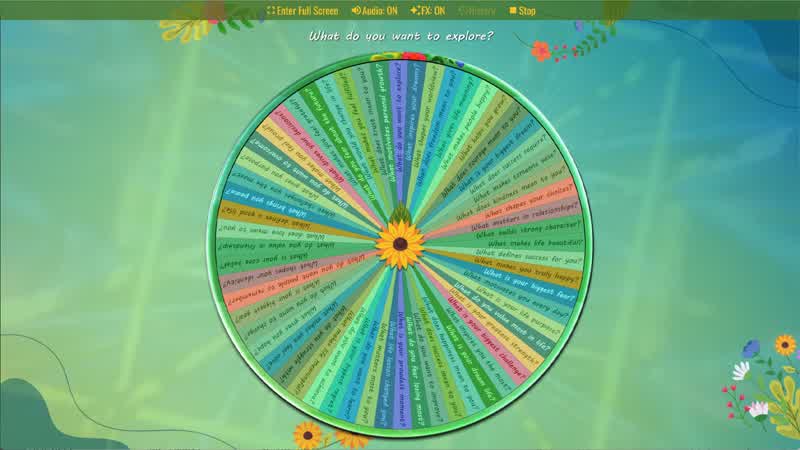
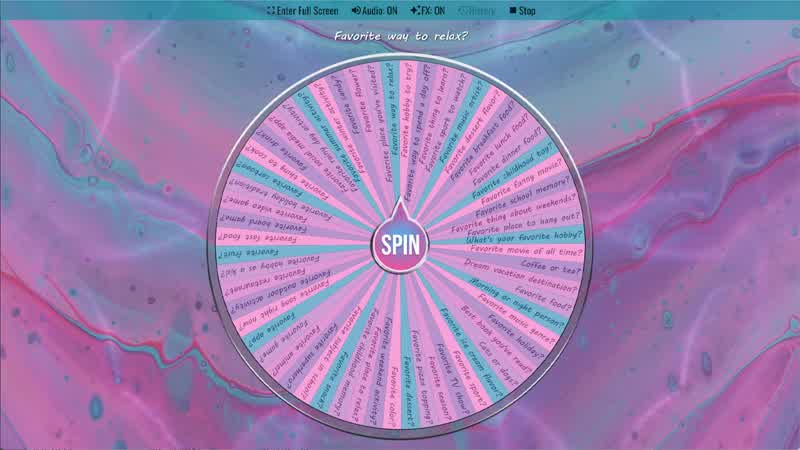
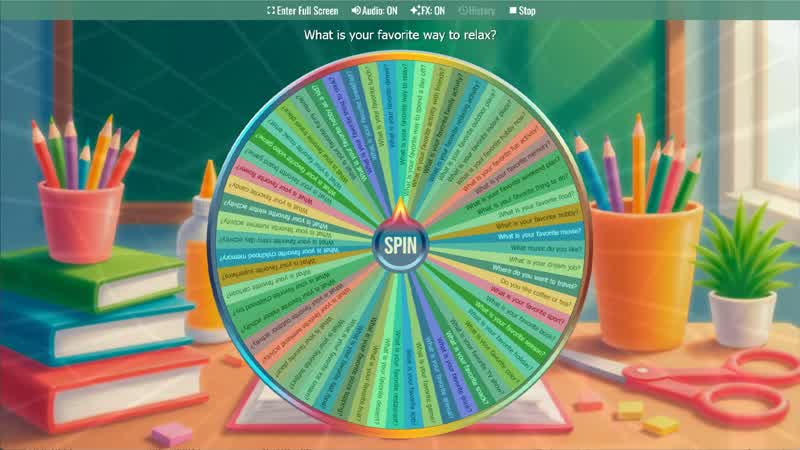
Conversation Starter Wheel
Spin the wheel to get random conversation starter questions.
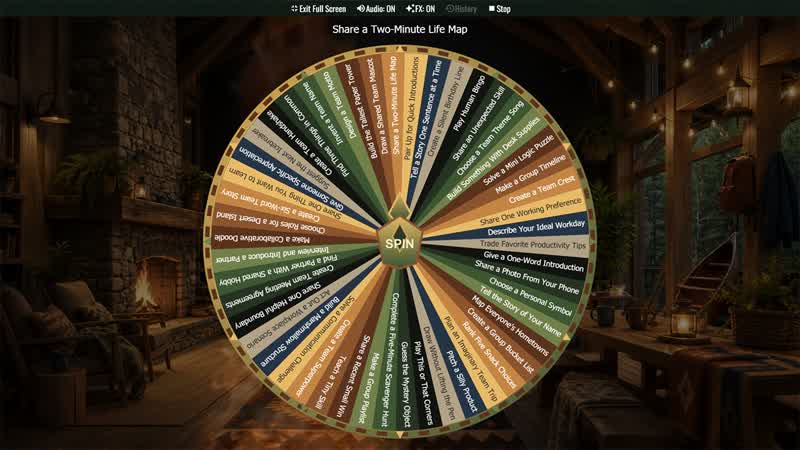
New Team Icebreaker Activity Wheel
Randomly choose an inclusive activity for new teams, onboarding groups, retreats, workshops, classes, and project kickoffs.

Speed Friending Question Wheel
Choose a quick conversation question for mixers, community events, student groups, clubs, meetups, orientations, and friendship rounds.
Download the Spin The Wheel App
The app is also available to download for a faster, offline-capable experience on all your devices — available on Windows, Mac, iOS, Android, and Steam.